Unit 5: Troubleshooting
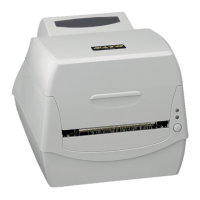
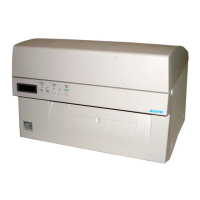
S8400 Series Operator Manual
5-3 PN: 9001160 (C)
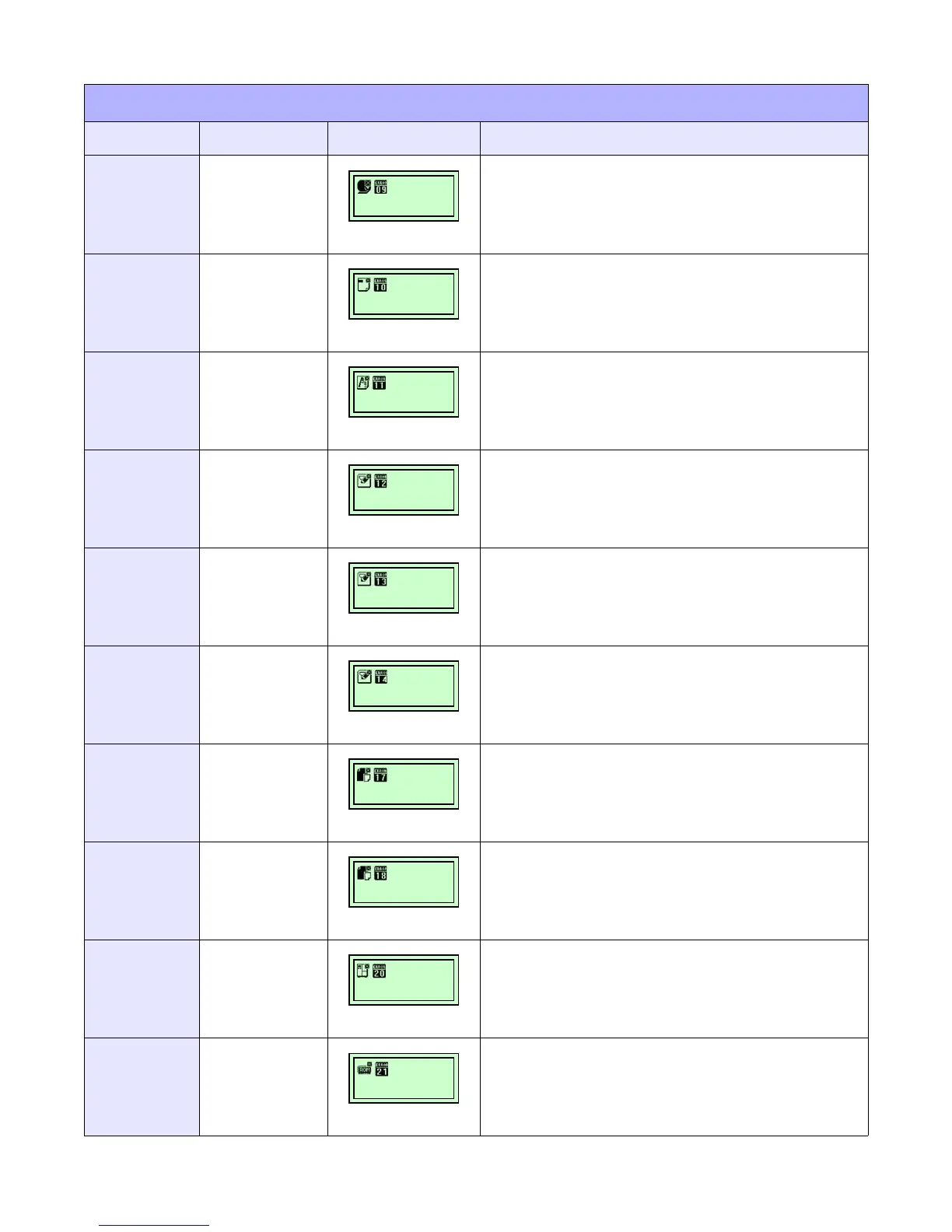
10
Ribbon
End
Error
POWER:
ONLINE:
LABEL:
RIBBON:
On
Off
Off
On
1. Ensure ribbon stock is properly loaded.
2. Ensure ribbon has not been damaged.
3. Ensure proper printer configuration.
11
Sensor
Error
POWER:
ONLINE:
LABEL:
RIBBON:
On
Off
Off
Off
1. Ensure media is properly loaded.
2. Clean sensor transmit/receive surfaces.
3. Ensure correct sensor configuration.
4. Replace sensor as necessary.
12
Head
Related
Error
POWER:
ONLINE:
LABEL:
RIBBON:
On
Blink
Off
Off
1. Clean the print head’s contact surface.
2. Replace the print head.
13
Memory
Reading
Error
POWER:
ONLINE:
LABEL:
RIBBON:
On
Off
Off
Off
1. Ensure CF Card is properly installed.
2. Format CF Card.
14
Memory
Full
Error
POWER:
ONLINE:
LABEL:
RIBBON:
On
Off
Off
Off
1. Delete unnecessary data from flash card.
2. Ensure proper download data size.
15
Download
Data
Error
POWER:
ONLINE:
LABEL:
RIBBON:
On
Off
Off
Off
1. Ensure proper download data size.
16
BCC
Check
Error
POWER:
ONLINE:
LABEL:
RIBBON:
On
Blink
Off
Off
1. Ensure correct send data and communication settings.
17
Item Number
Error
POWER:
ONLINE:
LABEL:
RIBBON:
On
Blink
Off
Off
1. Ensure correct send data and communication settings.
18
Head
Mismatch
Error
POWER:
ONLINE:
LABEL:
RIBBON:
On
Off
Off
Off
1. Ensure correct print head installation.
2. Ensure correct printer configuration for print head.
19
Kanji ROM
Error
POWER:
ONLINE:
LABEL:
RIBBON:
On
Off
Off
Off
1. Ensure correct Kanji ROM installation.
2. Replace the board as necessary.
ERROR DISPLAYS
ERROR LED DISPLAY
LCD DISPLAY
DESCRIPTION


 To Next Page