Savant IP Video with Audio Processing Deployment Guide
Copyright © 2018 Savant System, LLC
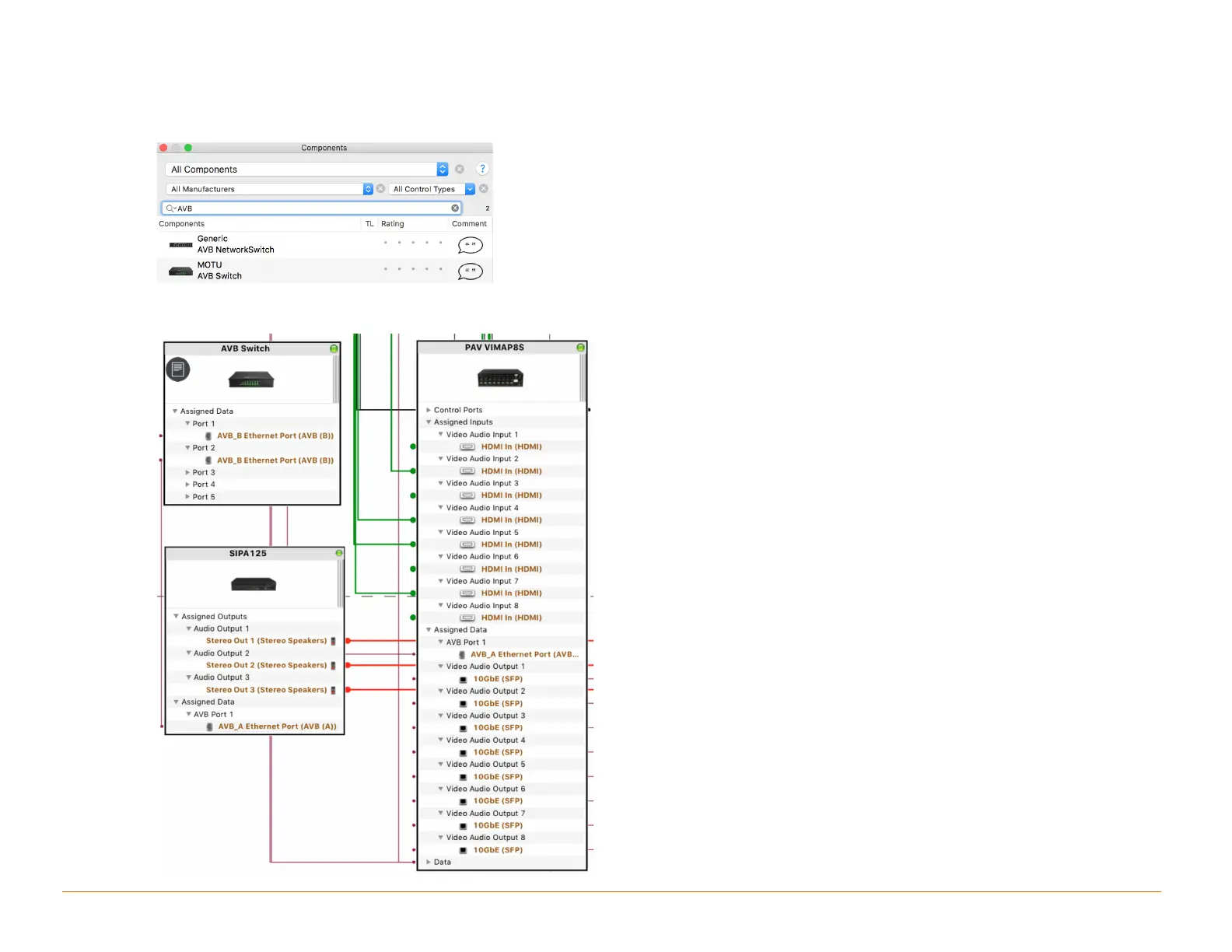
6.5 Adding an AVB/TSN Switch
An AVB/TSN switch is only needed if more than one IP Audio device is being used.
1. From Blueprint Click Show Library
2. Search for AVB.
3. Drag into a Shared Equipment zone.
4. Name the Device.
5. Place the AVB/TSN switch in the layout window and make AVB connections.



 To Next Page