Savant Low Voltage Keypad Deployment Guide 20 of 22
Copyright © 2019 Savant Systems, LLC
009-1731-00 | 190401
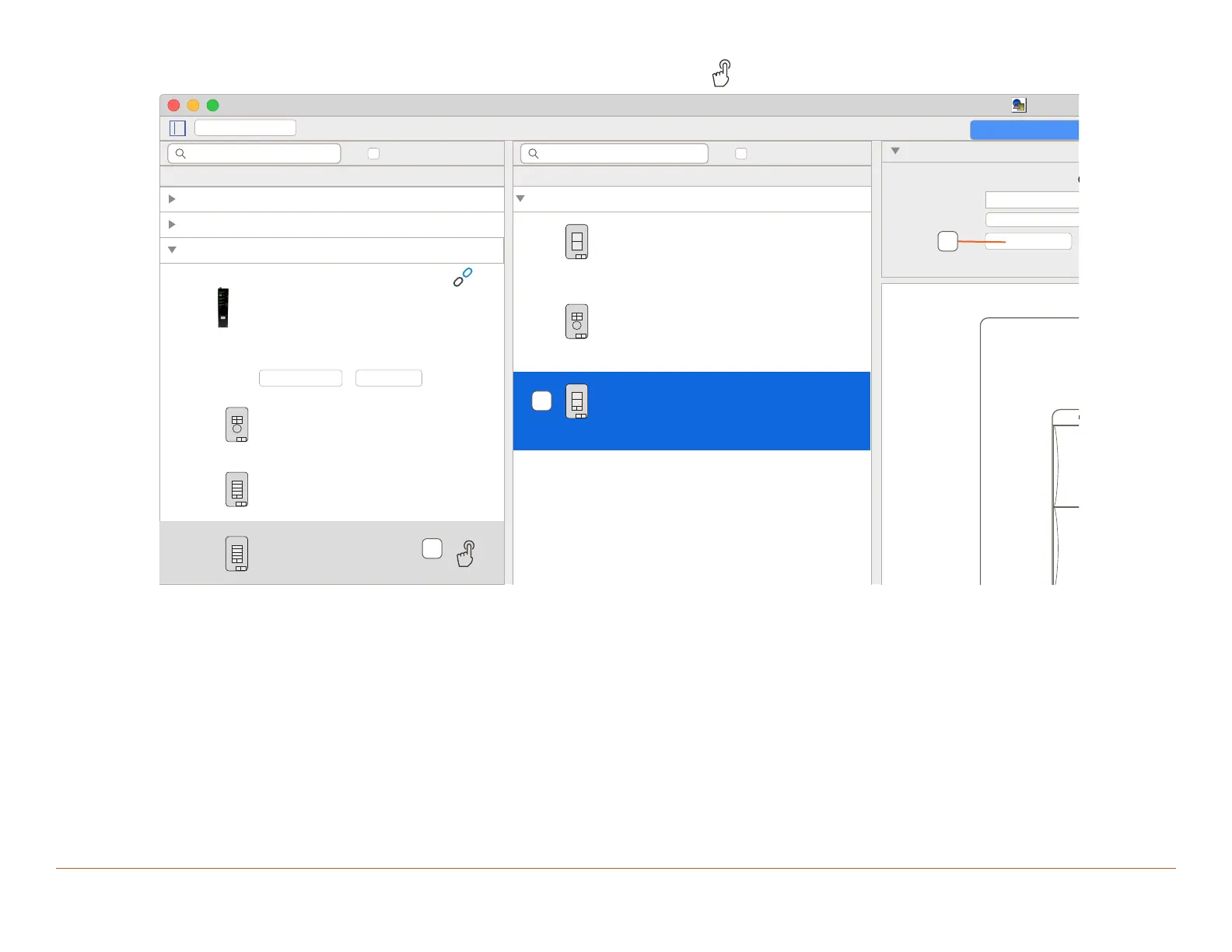
6. On the physical keypad that is to be bound press a button. In Lighting Manager icon will appear on the keypad.
Overview
ECHO Wired 2 Large Button + 2 Small Buttons Keypad
Name:
Layout:
4 Button Keypad
Bind
Location: Dinning Room
Type: ECL02
Dinning Table lights
Address: 002
Location: Living Room
Type: ECL04K
Living Room keypad
Address: 001
Location: Master Bedroom
Type: ECL04D
Master Bedroom keypad
Address: 003
Show bound devices
Devices: 7
Discovered
Low Voltage Keypad Controllers
001AAE0000000086
10.0.100.164
1.0.108
3
UID:
IP:
Firmware:
Keypads:
Address: 0326
Keypad
Address: 0421
Keypad
Address: 043D
Keypad
Connect Scan
Low Voltage Keypad Controllers
1
Echo Wireless Keypads
6
DMX Controllers
1
PBC Controllers
1
Lighting/Keypad Manager for Dersden Residence
Keypads and Controllers
Stop Discover
Hide bound devices
Configured
Devices: 3
Echo Wired Low Voltage Keypads
0 discovered of 3
6
7
8
7. Select the Keypad in the Configured window.
8. Click Bind.
Once bound the keypad will move to the top of the window and have a Green LED icon to show its bound and discovered.
9. Repeat for all keypads in the system.
10. Click Stop Discovering.


 To Next Page
 Loading...