24
© 2021 Scan Electronics Ltd.
Standalone usage
·
To return to the higher level with or without
changes select [Enter] or [Esc] item
respectively;
·
confirm your choice by long pressing the round
button.
To return to the Settings or quit the menu set
focus on the [<Back] or [<< Menu quit] item
respectively and confirm your choice by short
pressing the round button.
3.8.5 Screen
You can customize the screen parameters to suit your needs.
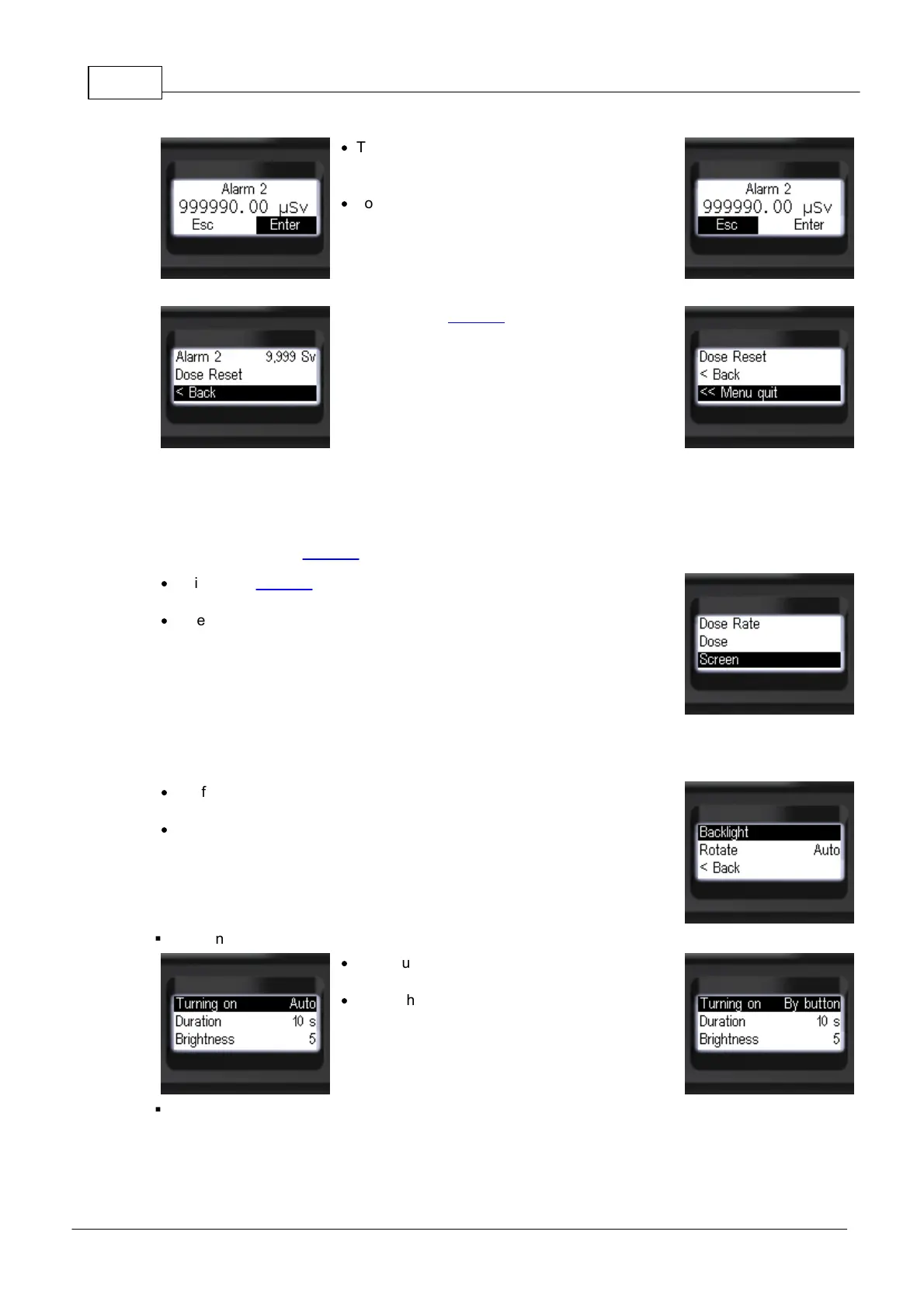
Use [Screen] item of Settings to customize the display parameters:
·
while in the Settings, set focus on the [Screen] item by short pressing
the "up" and "down" swing buttons;
·
enter the submenu by short pressing the round button.
If you need to change the backlight parameters of display, take the following steps (while in the
[Screen]):
·
set focus on the [Backlight] item by short pressing the "up" and "down"
swing buttons;
·
enter the submenu by short pressing the round button.
§
To change the backlight turning-on mode (while in the [Backlight]):
·
set focus on the [Turning on] item by short
pressing the swing buttons;
·
select the backlight turning-on mode by short
pressing the round button, there are 3 variants:
[Auto] (default), [Never], [By button].
§
To change the backlight duration (while in the [Backlight]):


 To Next Page