12 General Description
2.1 USE OF THE VEGA
The
VEGA is very ergonomic and modern designed and very user friendly. It can
be connected to your POS or Host system trough a RS-232 cable, USB cable or
with Bluetooth..
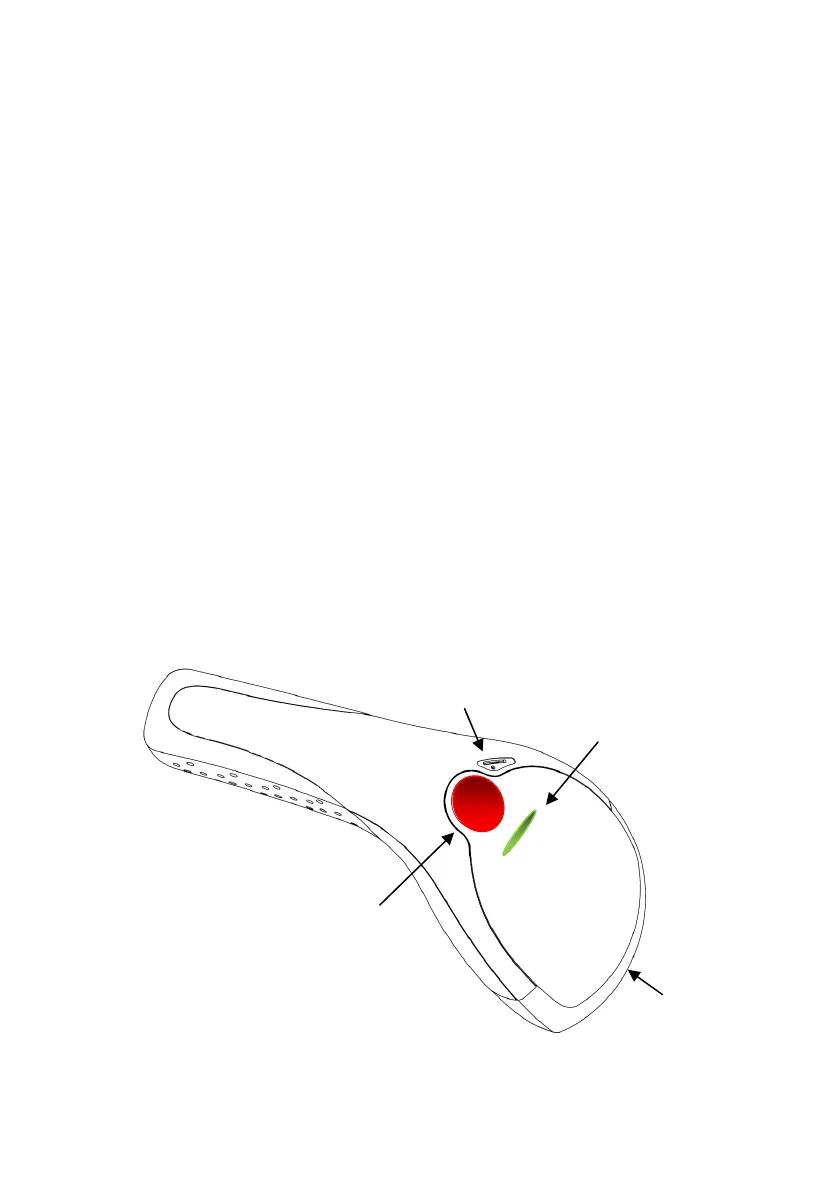
To read or bar code, you simply press the red trigger button and aim the beam to
the bar code or image. If you us the Area Imager version of the VEGA, it allows
you to position the hand held scanner beam in any direction, regardless of the
orientation of the bar code, and perform a good read on 1D and 2D bar codes.
You will hear one beep and the green LED indicator will lights on after scan
successfully.
The VEGA can also function as a camera by capturing images or image portions
of labels and other items. To control this function you can use VEGA Utility tool
The programming of the VEGA is very easy, you can set-up the VEGA by scan all
necessary programming codes one time that meet applications, the settings are
directly saved permanently, and all settings can be disabled after scan reset
factory default. Thanks to the powerful decoding processor, the VEGA can
decode all major 1D and 2D codes, 2D matrix symbols and postal codes.
Trigger button
Beeper
Scan window


 To Next Page