Scantech-ID VEGA Area Imager 15
3.2 MOUNTING
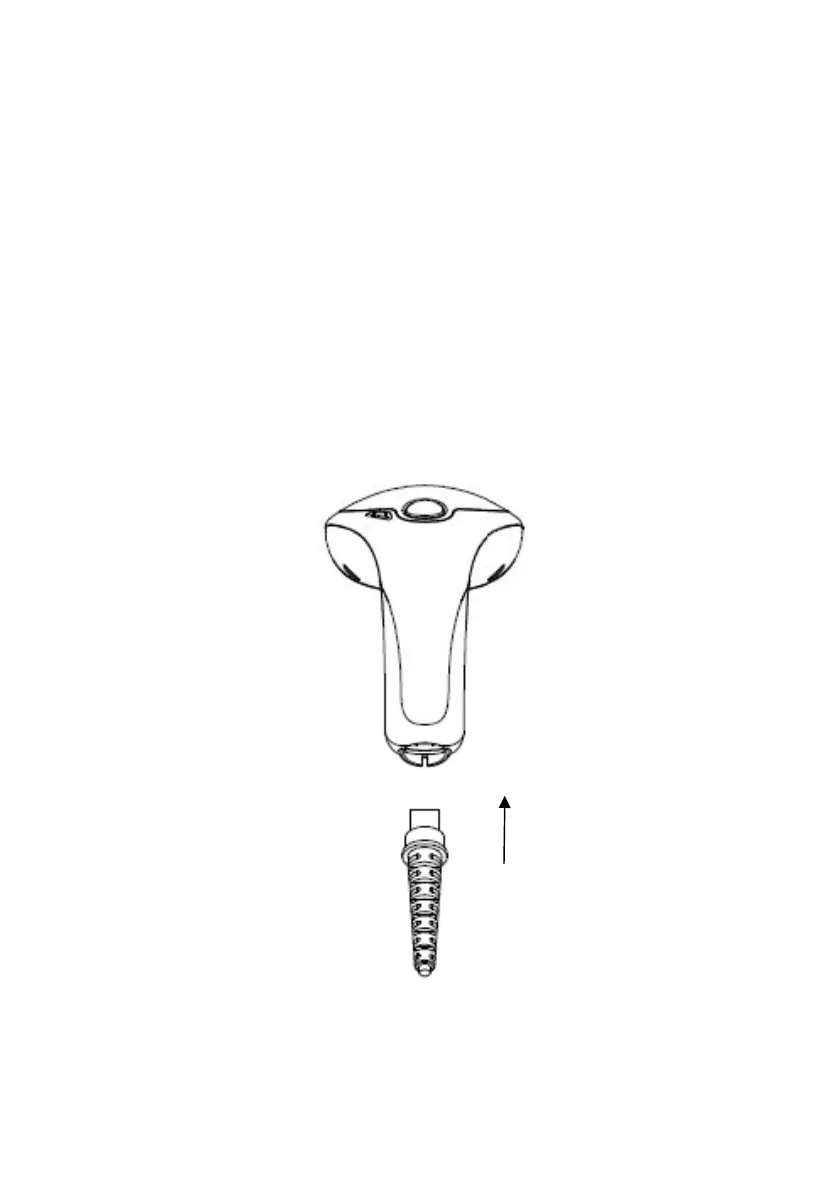
Once you have unpacked all components, you can start installing the
VEGA.
Installing the VEGA is divided in different steps:
1. Connect the VEGA to the supplied communication cable (RJ45 side).
2. Connect the VEGA communication cable to the POS or HOST system.
3. Connect the Power supply (if needed) to Power cable inlet.
4. Plug the power supply into the AC outlet.
RJ 45 10 pin
Connector



 To Next Page