72 Programming Codes
7.17 OPERATING SETTINGS
7.17.1 Imager mode
You can set the best reading performance of your VEGA by adjusting certain
imager parameters. To choose the best reading performance, depends on the
environment, your used application and type of bar codes.
• Area mode for decode 1D and 2D bar codes.
• Linear mode for decode 1D Bar codes.
Area mode allows you to set the position of the VEGA in any direction regardless
of the orientation of the bar code, and perform a good read on 1D and 2D bar
codes.
Linear mode allows you to increase your decoding speed while scanning 1D bar
codes. But, you need to position the beam so that it falls across all bars in the 1D
bar code.
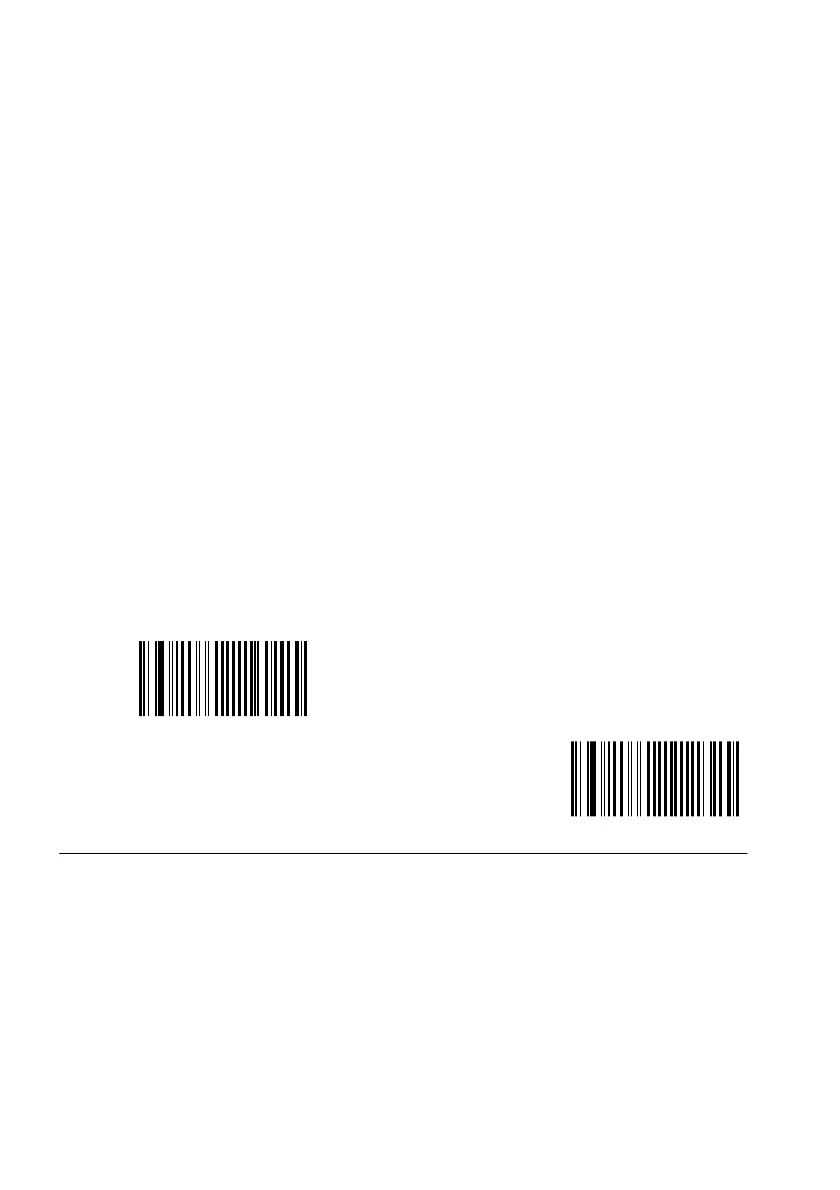
<Area mode>
Linear mode


 To Next Page