Scantech-ID VEGA Area Imager
7.16.2
Postamble
The scanner can be programmed to output Bar code data According the following
format: [BAR CODE DATA] [POSTAMBLE STRING]
Example:
To send a <ETX> after
of the Bar code, scan only programming code
As a result, the scanner will give the following bar code data output:
[BAR CODE DATA] [<ETX>]
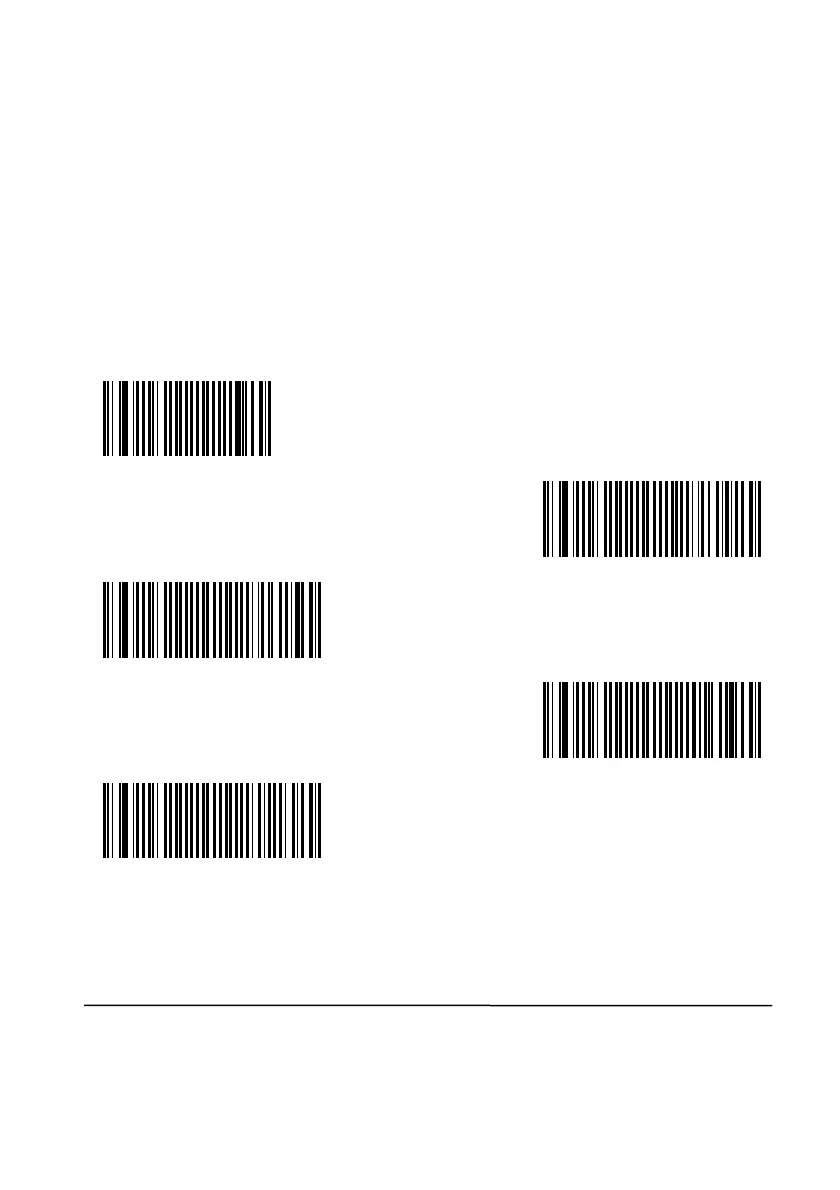
Postamble None
CR
LF
<ETX>
It could be possible that you need other Postambles
Tool or contact Scantech-ID Technical Support Department.
71
The scanner can be programmed to output Bar code data According the following
of the Bar code, scan only programming code
<ETX>.
As a result, the scanner will give the following bar code data output:
use VEGA utility


 To Next Page