- 23 -
www.SCEPTRE.com
E22 Series FHD Display User Manual
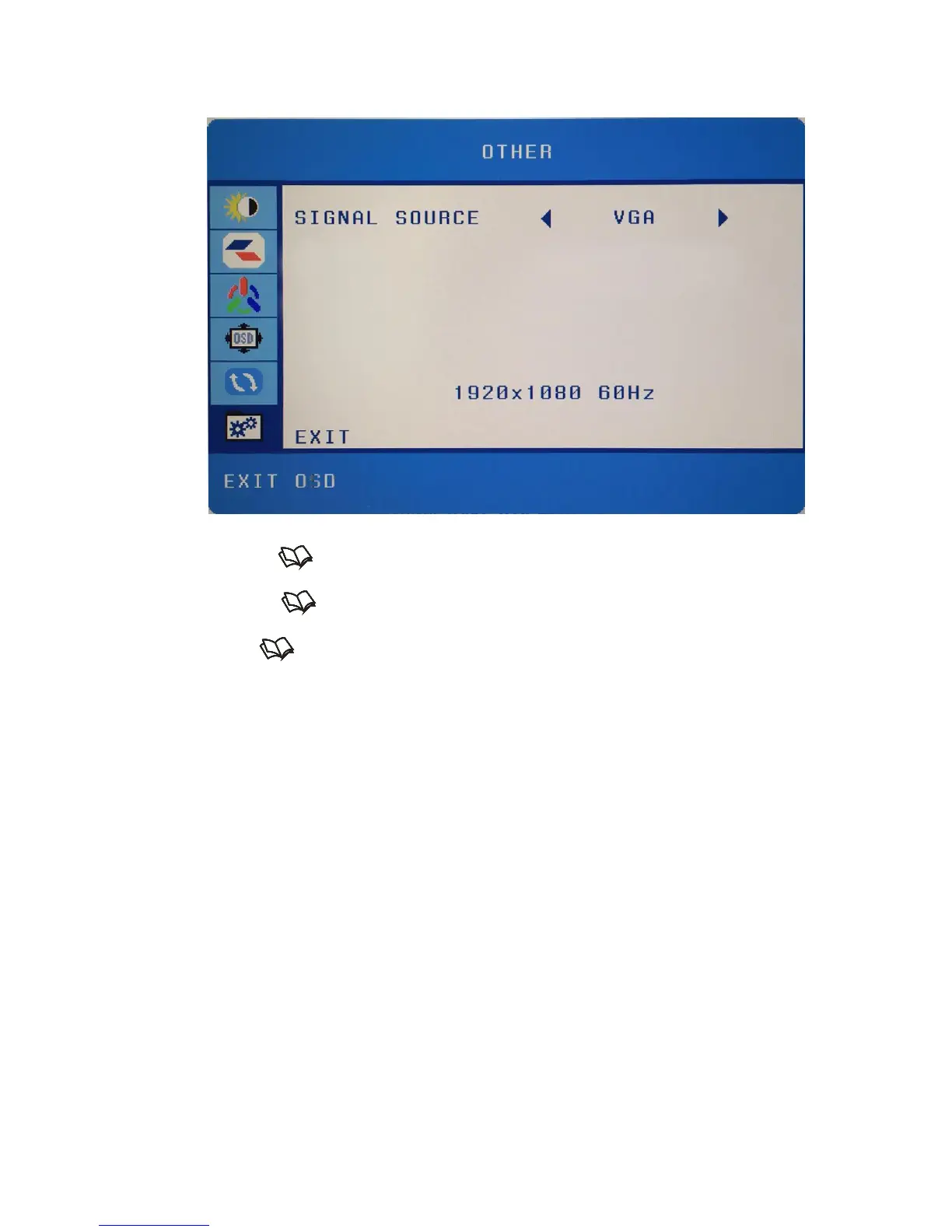
OTHER
This function changes various miscellaneous options.
1. Press to open the OSD then highlight OTHER by pressing the ▲ or ▼
buttons.
2. Press to enter the function.
3. Press the ▲ or ▼ buttons to select the option you want to change to and press
the button to begin adjusting the option
a. SIGNAL SOURCE – This option lets users change the source of their
video.


 To Next Page