P746/EN MR/A11 Measurements and Recording
(MR) 8-
16
MiCOM P746
MR
1.4 Measurements
The relay produces a variety of both directly measured and calculated system quantities.
These measurement values are updated on a per second basis and can be viewed in the
“Measurements” columns (up to three) of the relay or via MiCOM S1 Measurement viewer.
The P746 relay is able to measure and display the following quantities as summarized.
1.4.1 Check Zone Phase Currents
There are also measured values from the protection functions, which are also displayed
under the measurement columns of the menu; these are described in the section on the
relevant protection function.
The P746 relays is able to measure and display the following quantities as summarized.
− Phase Currents
There are also measured values from the protection functions, which are also displayed
under the measurement columns of the menu; these are described in the section on the
relevant protection function.
1.4.2 Measured currents
The P746 relay produces current values. They are produced directly from the DFT (Discrete
Fourier Transform) used by the relay protection functions and present both magnitude and
phase angle measurement.
1.4.3 Sequence voltages and currents
Sequence quantities are produced by the P746 relay from the measured Fourier values;
these are displayed as magnitude and phase angle values.
1.4.4 Settings
The following settings under the heading measurement set-up can be used to configure the
relay measurement function.
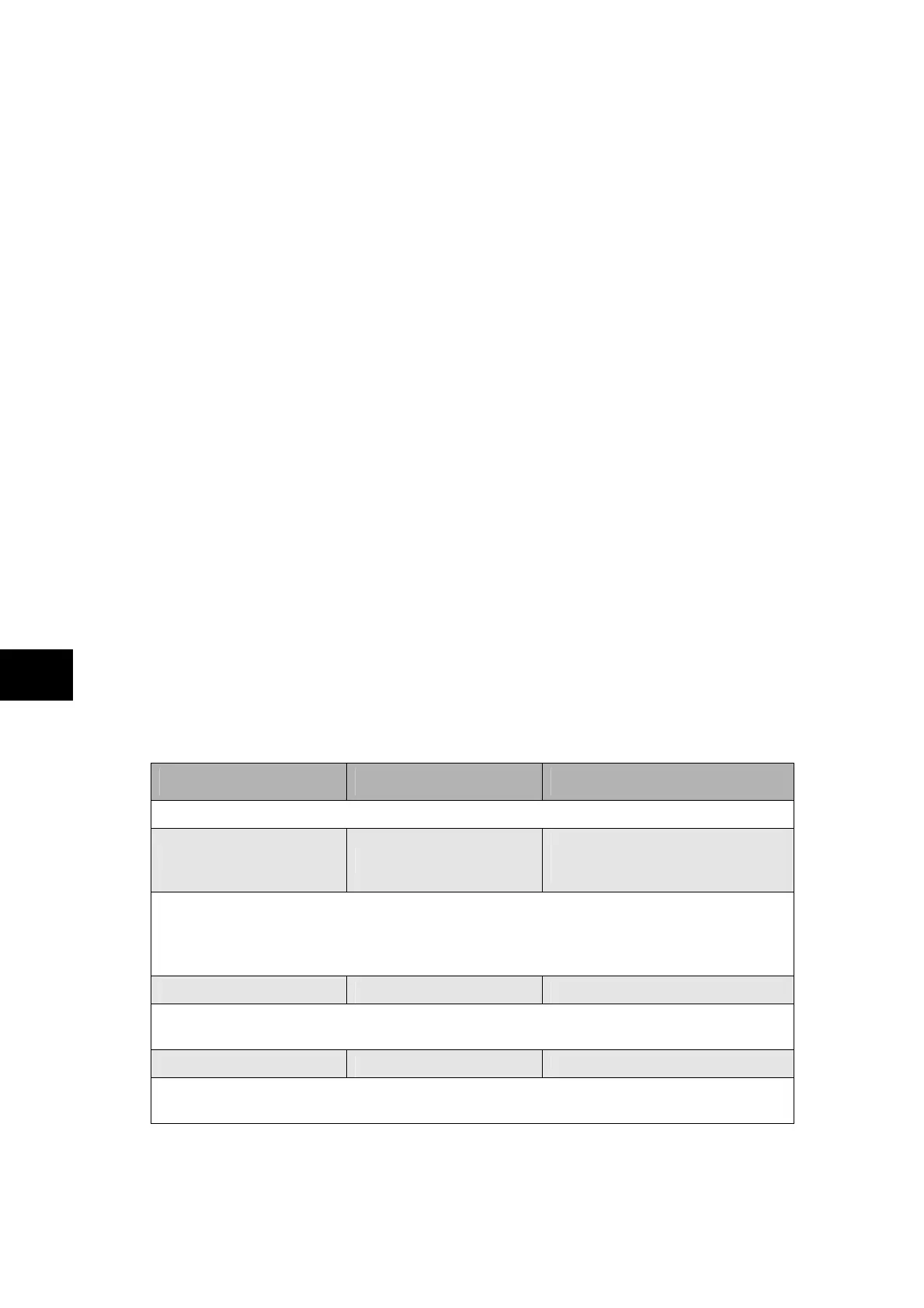
Menu Text Default Settings Available settings
MEASUREMENT SETUP
Default Display Description
Description / Phase Voltage /
Date and Time / Plant reference /
Frequency / Access Level
This setting can be used to select the default display from a range of options, note that it is
also possible to view the other default displays whilst at the default level using the and
keys. However once the 15 minute timeout elapses the default display will revert to that
selected by this setting.
Local Values Primary Primary/Secondary
This setting controls whether measured values via the front panel user interface and the
front courier port are displayed as primary or secondary quantities.
Remote Values Primary Primary/Secondary
This setting controls whether measured values via the rear communication port are
displayed as primary or secondary quantities.


 To Next Page