Installation and commissioning DATAEAGLE 4XXX Compact 5-2
Chapter 5 – Extension and exchange
5.1.3. Microsoft Internet Explorer
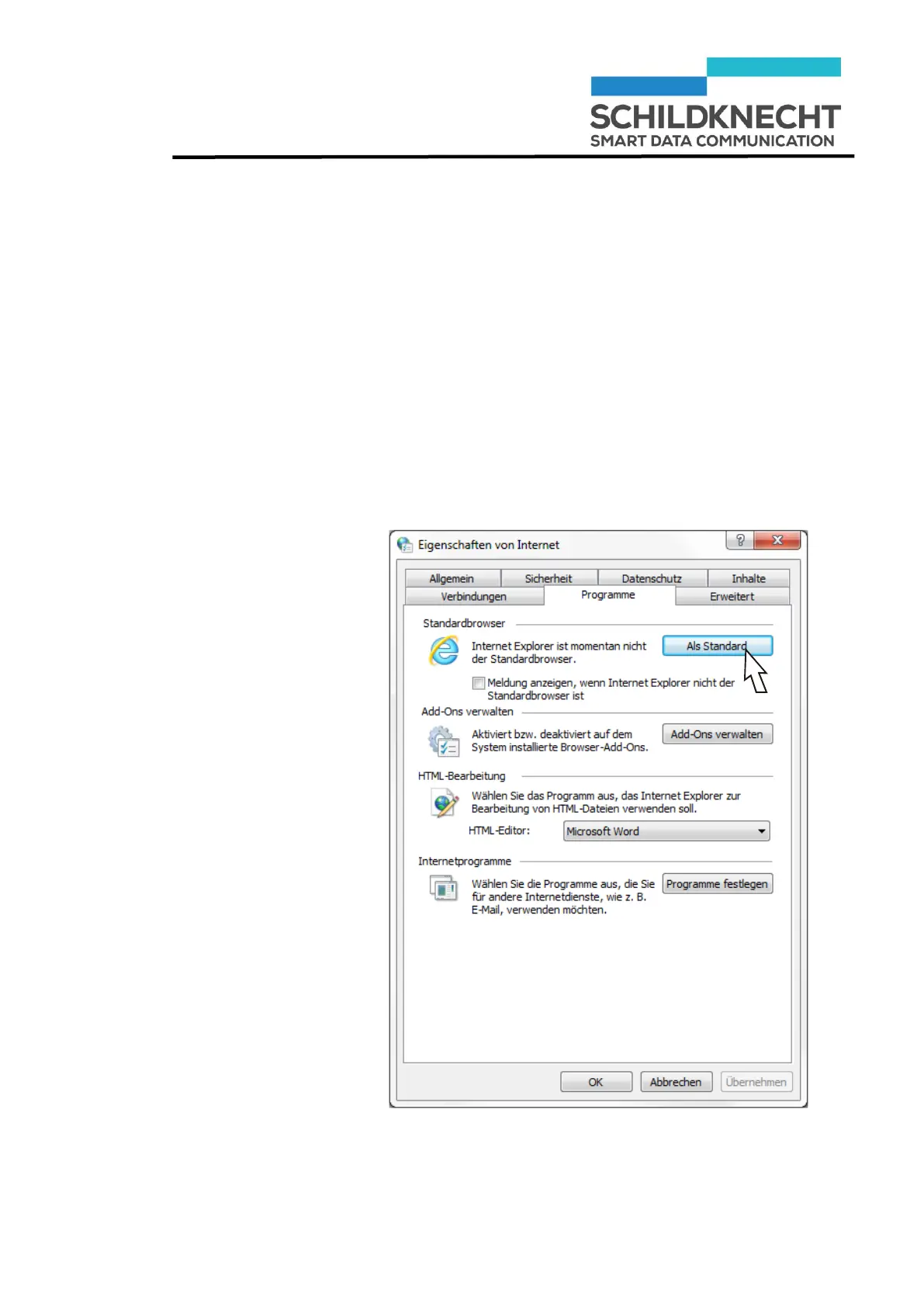
To ensure a safe function it is important that you define Mi-
crosoft Windows Explorer as standard browser before you in-
sert the CD ROM into the drive.
Only when Microsoft Internet Explorer is not the stand-
ard browser:
Call the internet options via control panel.
Define the Internet Explorer as standard browser.


 To Next Page