Installation and commissioning DATAEAGLE 4XXX Compact 5-21
Chapter 5 – Extension and exchange
5.3.4. Start Dataeagle Wizard
No configuration with the Dataeagle Wizard is necessary
when an I/O module has been exchanged.
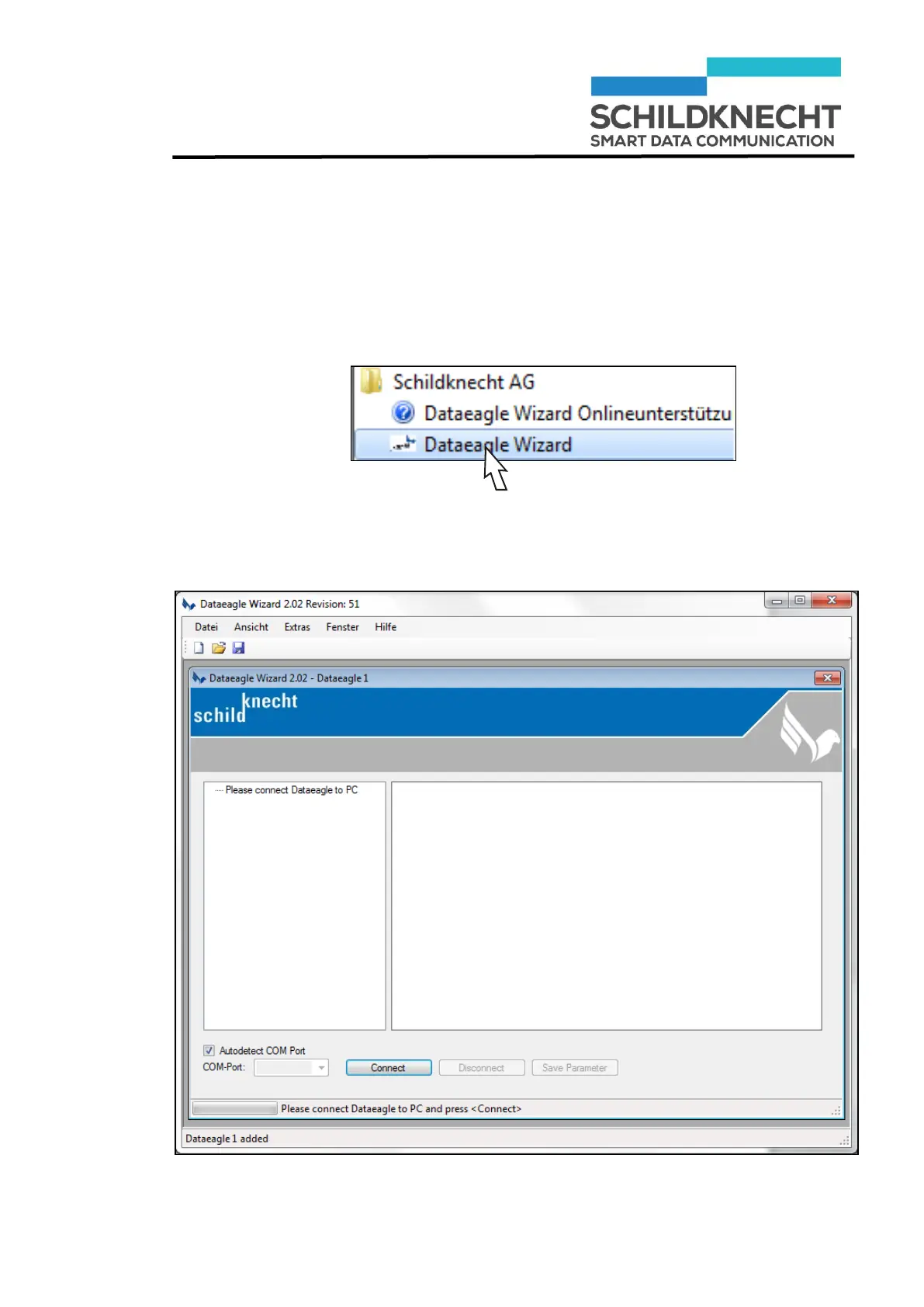
Start the Dataeagle Wizard.
The Dataeagle Wizard is stored in the folder „Schildknecht
AG“ during installation.
The start screen appears:


 To Next Page