Installation and commissioning DATAEAGLE 4XXX Compact 5-6
Chapter 5 – Extension and exchange
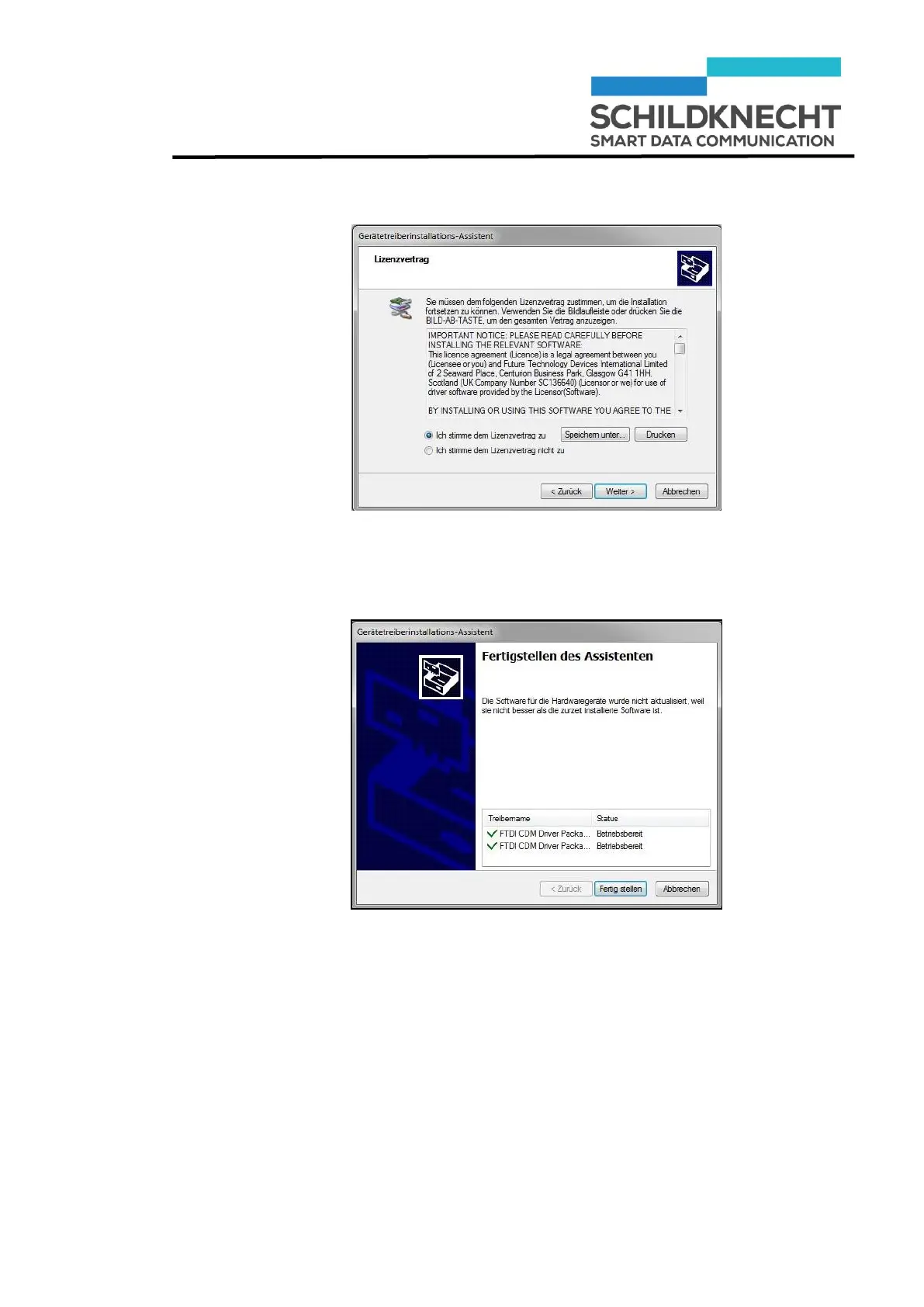
Click on „Weiter“.
The USB drivers are loaded.
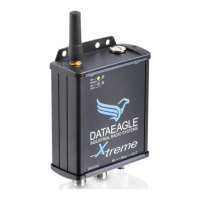
Click on „Fertig stellen“.
The USB drivers are now installed. Use the "Auto-detect
COM-Port" function of the Dataeagle Wizard to establish a
USB connection to the radio module.


 To Next Page