Installation and commissioning DATAEAGLE 4XXX Compact 5-13
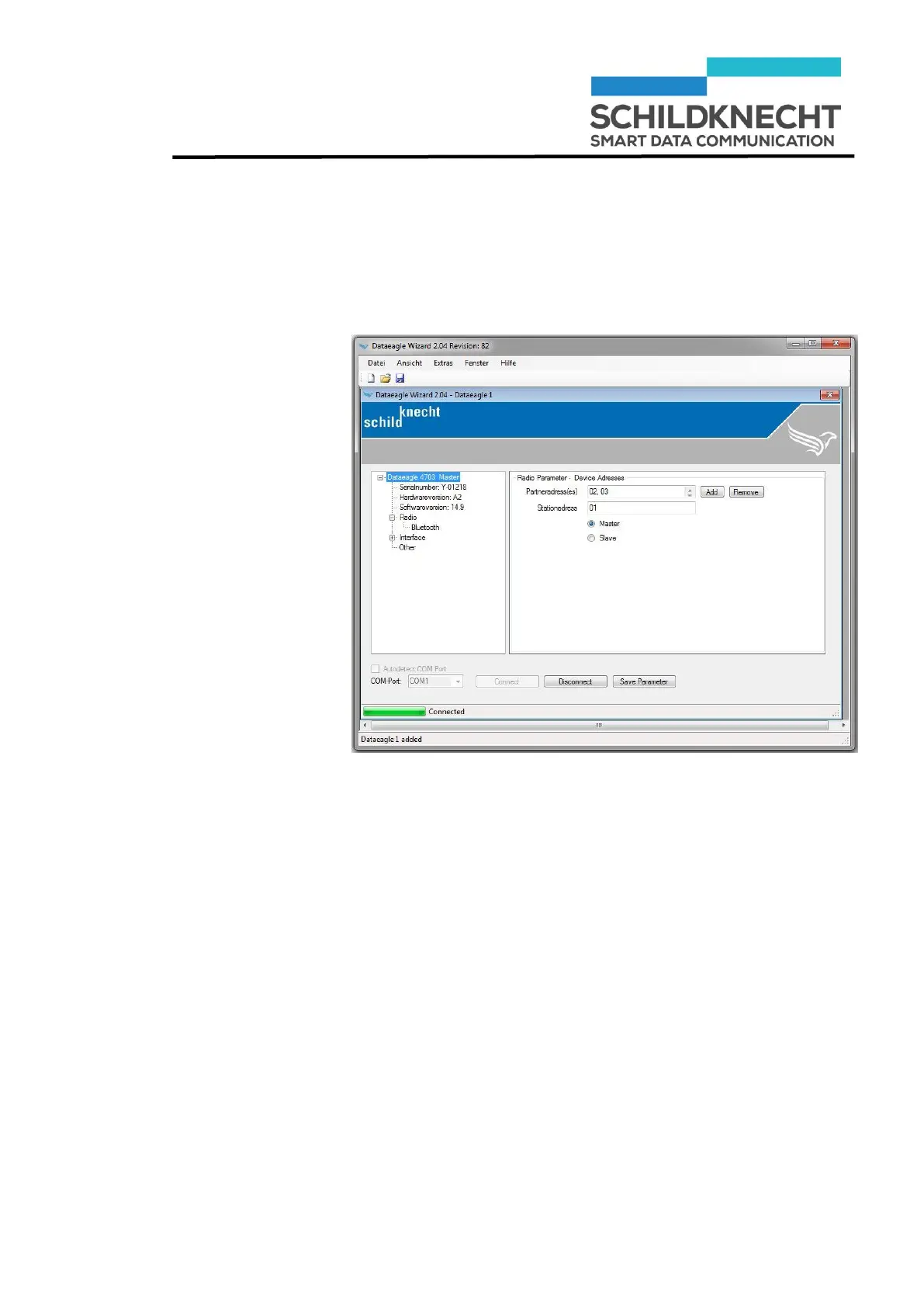
Display
addresses
Chapter 5 – Extension and exchange
Double-click on the device name, then double-click on
„Radio“.
The radio module addresses are shown:
In this example the radio system consists of one Radio Mas-
ter with address 01 and two Radio Slaves with the addresses
02 and 03.
The address of the newly added Radio Slave must now be
entered into the Radio Master.


 To Next Page