Pair and programme lock
5
IMPORTANT:
Note for installer
Administrator code set up
Once the lock is installed on the door, the lock
requires the default admin code to be changed.
Refer to manual lock operation on page 8 to
change the default admin code and set new
PIN code/s.
Once PIN code/s are set, the lock voice command
will no longer prompt for the lock to be paired to
a mobile device.
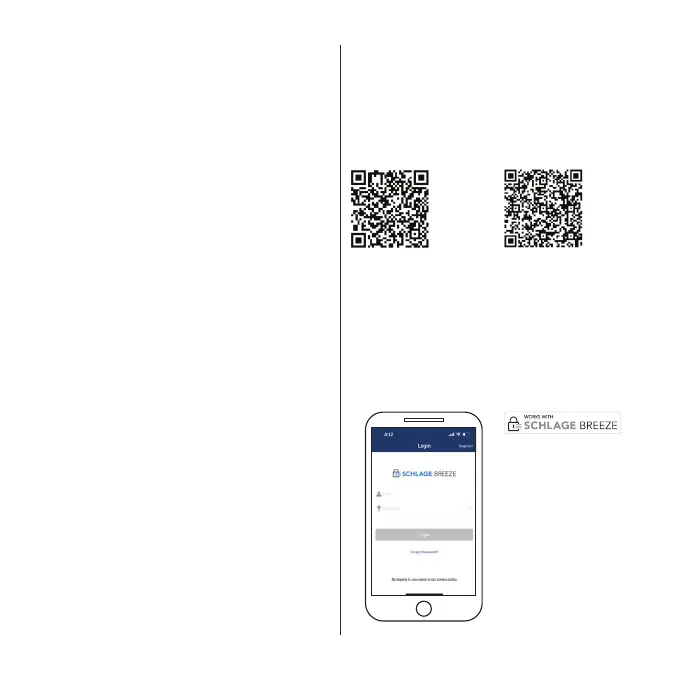
Get mobile access with
Schlage Breeze
For an enhanced experience and additional
functionality, we recommend you download the
Schlage Breeze mobile app from the Apple App
Store or the Google Play Store.
Apple App Store Google Play Store
1. Create a user account using your email address
(or login if you have an existing account).
2. Ensure Bluetooth is enabled on your phone, tap
the keypad of your Schlage Artus lock to activate it.
3. To pair the lock with the app, click on the + and
follow the instructions on the app.
IMPORTANT:
Note for homeowner
Manual factory reset
If your lock was installed by someone other than
yourself, we highly recommend you complete a
factory reset on the lock to ensure all previously
set PIN codes are successfully deleted.
1. Remove the battery cover and using a
pointed object, press the reset button for 4
seconds (refer to page 2 for the location of
the reset button).
2. The lock will prompt to enter a setup code.
At this point enter 000# on the keypad.
3. The lock will prompt that the reset procedure
is complete.
4. The lock is now available to be paired with a
mobile device using the Schlage Breeze app.






 To Next Page