6.5.5 Setting the protection (program password)
This function makes it possible to protect the current program with an individual
password. The transfer to the CPU module is then no longer possible.
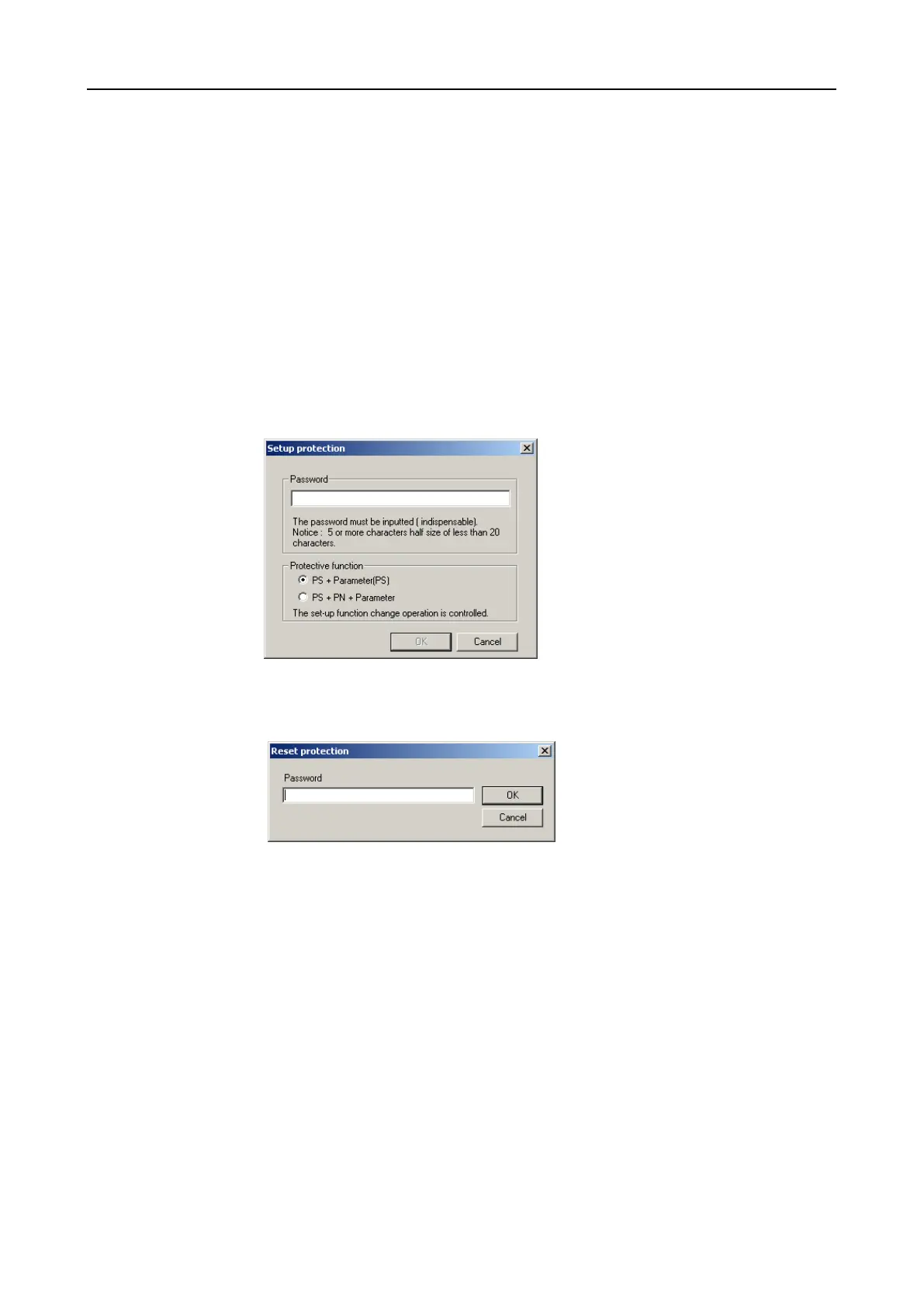
The password may have 5 to 20 characters. After entry of the password the protec-
tion is activated after having saved the program.
If the protection is active, a key symbol appeas in the project window to display the
status (see Figure 6-18). It is not possible to edit the marked areas.
In order to protect the program use the menu option [Option]–[Setup Protect pro-
tection].
Available options are the protection of
• “PS+Parameter(PS)” or
• “PS+PN+Parameter”.
It is possible to cancel the protection of a program by entering the password. Use
the menu option [Option]–[Reset protection] for this purpose.


 To Next Page