ProLab 2000 Operation
25
ba75577e03 11/2009
4.2.3 Navigation example 1: Setting the language
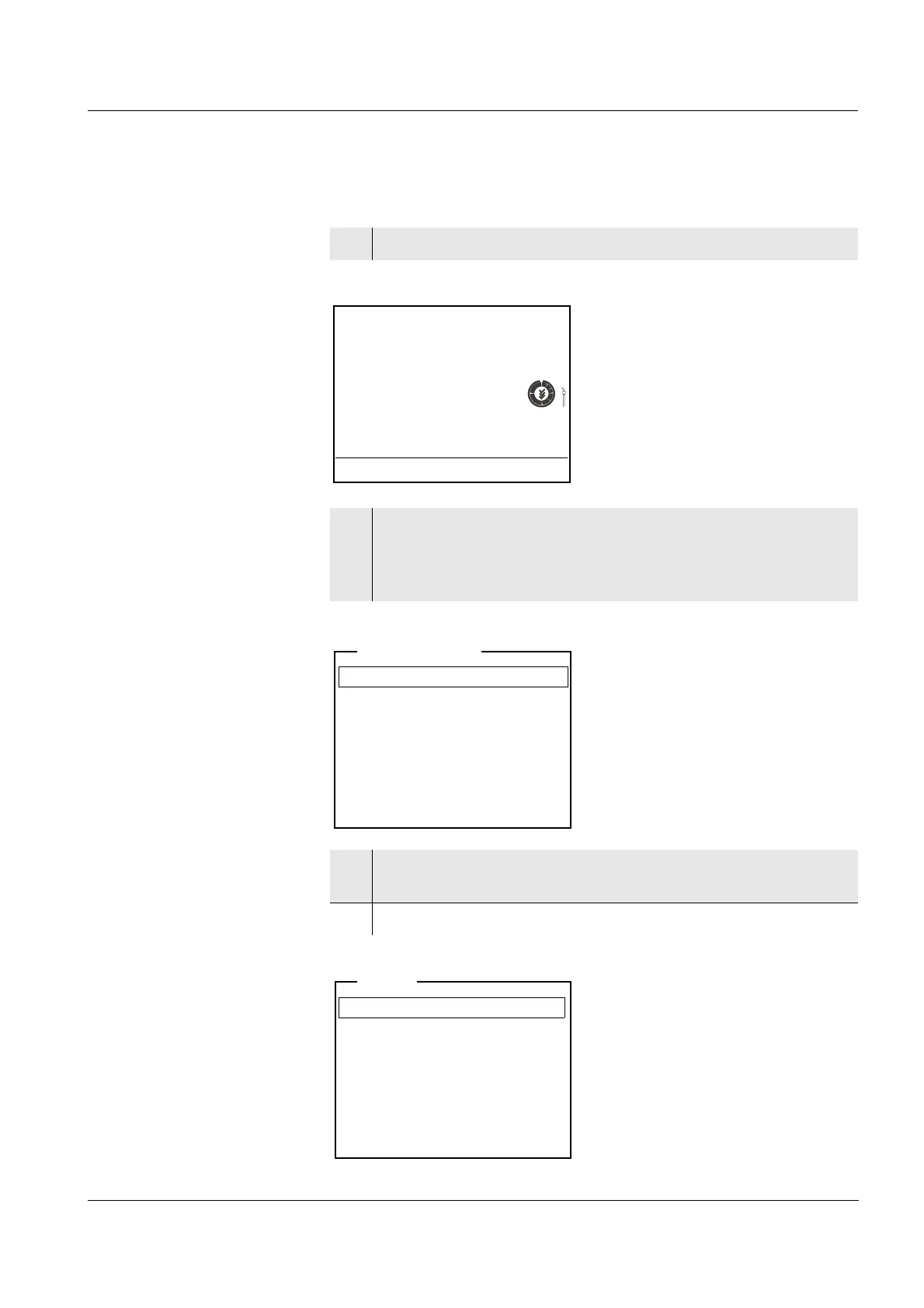
1 Switch on the meter (see page 21)
2 In the measured value display:
Open the system menu with <MENU/OK
_>
(press for approx. 2 s).
The meter is in the setting mode.
3 Select the System submenu with <▲><▼>.
The current selection is displayed in a frame.
4 Open the System submenu with <MENU/OK>.
pH
7.000
25.0 °C
26.04.06 10:37
Data storage
Display
System
Storage & config
General
Measurement
Interface
Clock function
Service information
Reset
System


 To Next Page