ProLab 2000 Operation
81
ba75577e03 11/2009
4.9.1 Manual storage
Proceed as follows to transmit to the data storage and simultaneously
download to the interface a measurement dataset:
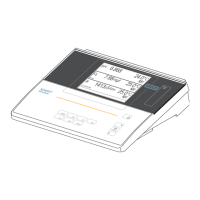
If the data storage is full The following window appears if all storage locations are occupied:
You have the following options:
z To erase the entire data storage, confirm Yes.
z To cancel the storage process and switch to the measured value
display, confirm No. Then you can e.g. transmit the stored data to a
PC (see page 84) and subsequently erase the storage (see
page 87).
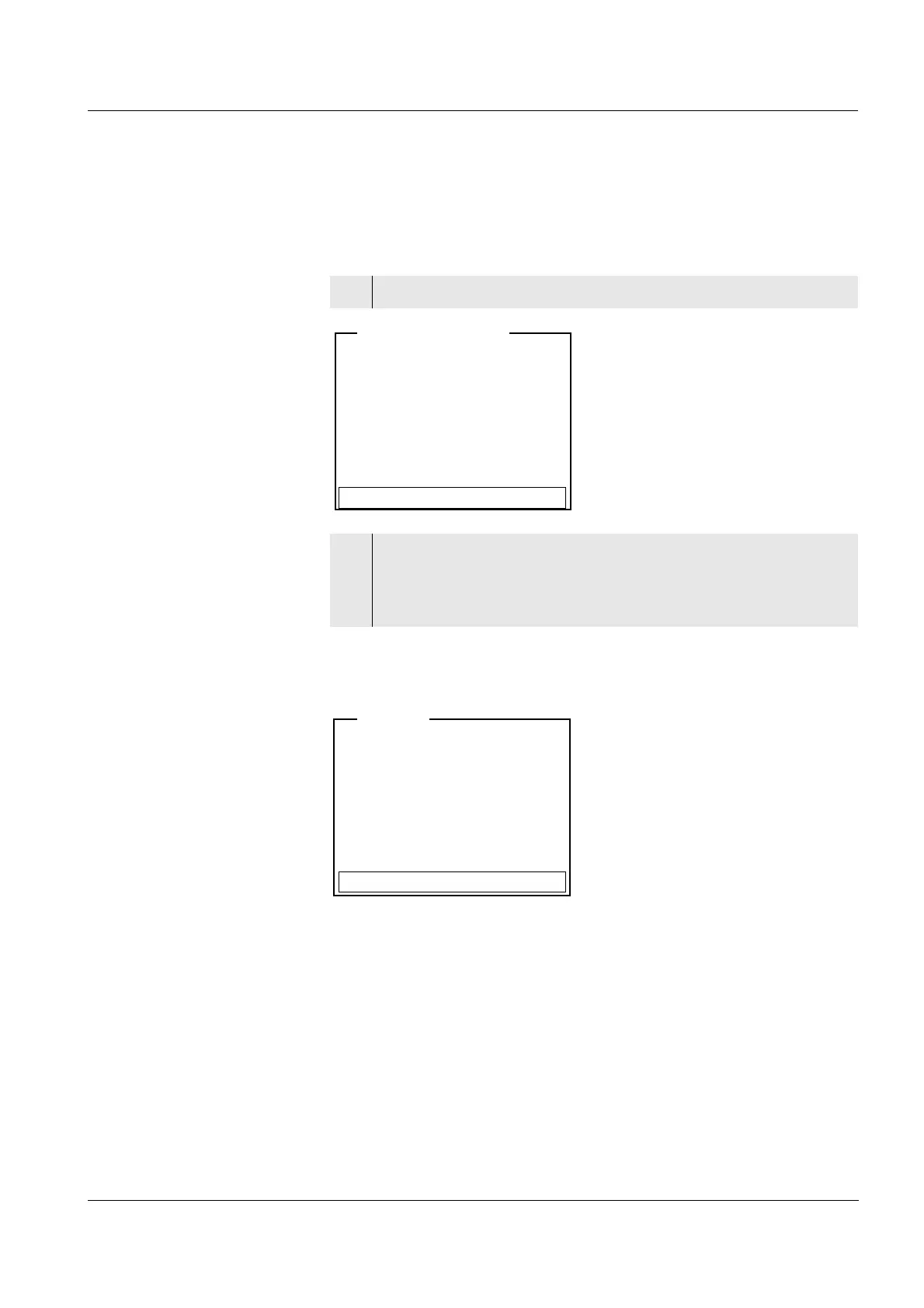
1 Open the menu for manual storage with <STO>.
2 If necessary, use <▲><▼> and <MENU/OK> to change and
confirm the SAMPLE ID (1 ... 999).
The dataset is stored. The meter switches to the measured
value display.
- 26.04.2006 11:24:16
- pH 7.000 24.8 °C SC
SAMPLE ID:1
Continue
<STO> 1 of 646
Data storage full. Erase?
Yes
No
Warning


 To Next Page