Operation ProLab 2000
74
ba75577e03 11/2009
4.8.3 Settings for D.O. sensors
Overview The following settings are possible for D.O. sensors:
z Salinity correction
z Salinity (salinity equivalent)
z Calibration interval
z Comparison measurement
Settings The settings are made in the measuring menu of the D.O.
measurement. To open the settings, activate the relevant measuring
window in the measured value display and press the <MENU/OK> key.
After completing the settings, switch to the measured value display with
<MODE>.
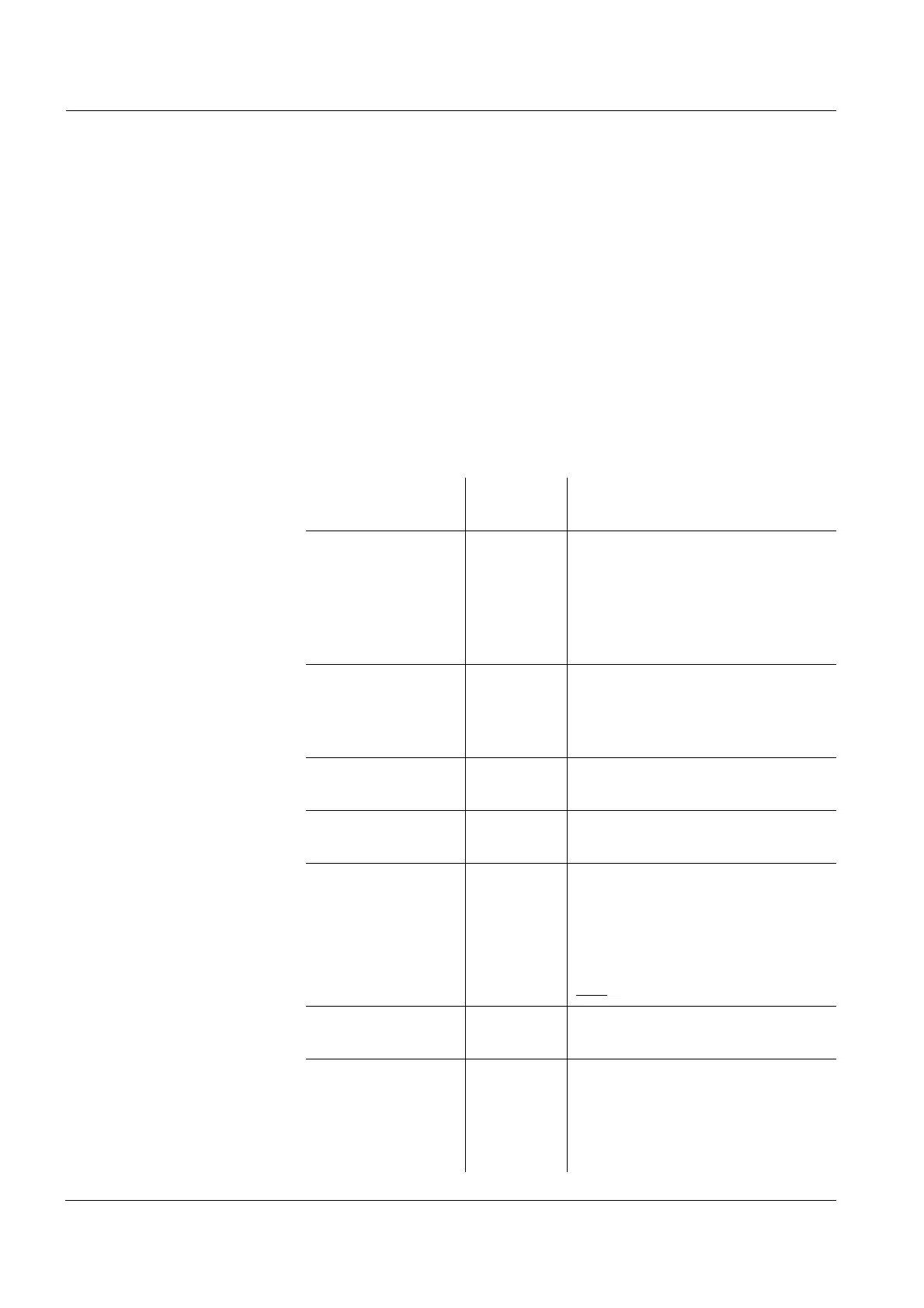
Menu item Possible
setting
Description
Calibration /
Calibration interval
1 ... 999 d Calibration interval for the D.O.
sensor (in days).
The meter reminds you to
calibrate regularly by the flashing
CalClock in the measuring
window.
Calibration /
Comparison meas.
On
Off
Enables to adjust the measured
value with the aid of a comparison
measurement, e.g. Winkler
titration. For details, see page 75.
Calibration /
Calibration record
- Displays the calibration record of
the last calibration.
Reset - Resets all sensor settings to the
delivery condition (see page 92).
Sal automatic On
Off
Automatic salt content correction
for concentration measurements.
Note:
This function is available with the
LFOx1400(-ID) double sensor
only
.
Sal correction On
Off
Manual salt content correction for
concentration measurements.
Salinity 0.0 ... 70.0 Salinity or salinity equivalent for
the salt content correction.
This function is only available if
the manual salt content
correction is switched on.


 To Next Page