Operation ProLab 2000
30
ba75577e03 11/2009
Adding new USER IDs
Displaying registered
USER IDs
Erasing a registered
USER ID
Outputting a list of the
registered USER IDs
Switching to the
measuring mode
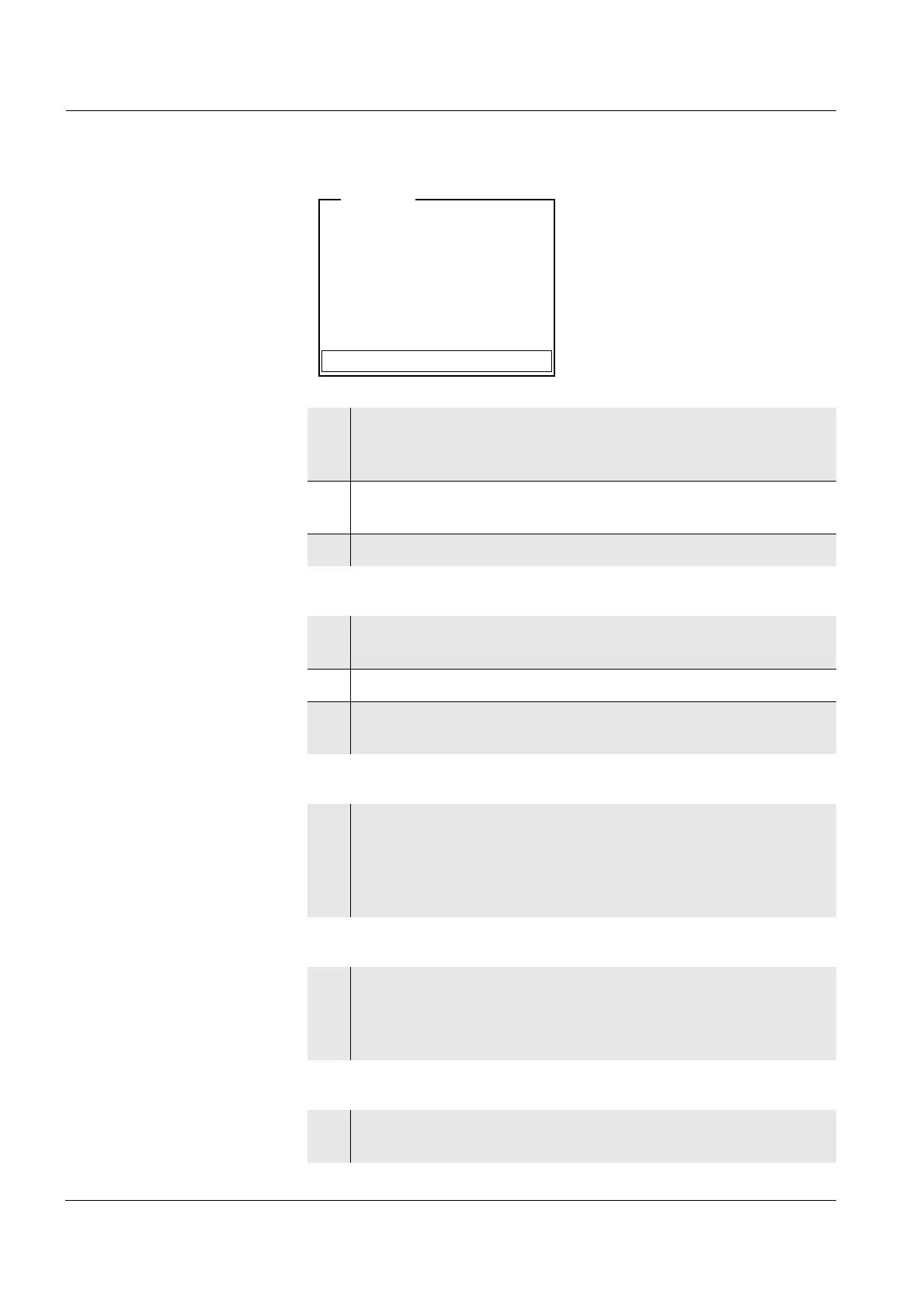
i Identification successfull
iUSER ID = 9876543210
Register USER ID
USER ID: 1234567890
Erase
Output to RS232/USB
Continue
User
4 Using <▲><▼> and <MENU/OK>, select and confirm the
menu item, Register USER ID.
An info text for registration is displayed.
5 Place the electronic key on the reader field.
The USER ID is displayed and registered.
6 Use <MENU/OK> to complete the registration.
7 Using <▲><▼> and <MENU/OK>, select and confirm the
USER ID menu item.
8Using <▲><▼>, display the registered USER IDs individually.
9 If necessary (e.g. for deleting), confirm a USER ID with
<MENU/OK>.
10 Using <▲><▼> and <MENU/OK>, select and confirm the
Erase menu item.
A safety query appears. After confirming the erasure, the ac-
cess authorization for the currently displayed key number is
erased.
11 Using <▲><▼> and <MENU/OK>, select and confirm the
menu item, Output to RS232/USB.
The list of all key numbers with access authorization is
downloaded to the interface.
12 Confirm the data with <MENU/OK>.
The meter switches to the measuring mode.


 To Next Page