ProLab 2000 Operation
57
ba75577e03 11/2009
Preparatory activities Perform the following preparatory activities when you want to calibrate:
Carrying out an
ISE calibration
Proceed as follows to calibrate the meter:
Display Calibration
record
Magnitude of the slope [mV]
+++ 50.0 ... 70.0 or 25.0 ... 35.0
Error Error
< 50 or > 70
or
< 25 or > 35
Eliminate the error according to
chapter 6 W
HAT TO DO IF...
(page 97)
1 Connect the ISE combination electrode to the meter.
The pH/mV/ISE measuring window is displayed.
2 Keep the standard solutions ready.
3 Measure the temperature of the standard solutions using a
thermometer.
1 In the measured value display, select the ISE measuring
window with <▲><▼> and <MODE>.
2 Start the calibration with <CAL>.
The calibration display appears.
3 Thoroughly rinse the electrode with distilled water.
4 Immerse the electrode in standard solution 1.
5 Using <▲><▼>, select the Set standard setting and press
<MENU/OK> .
6 Set the concentration of the standard solution with <▲ ><▼>
and press <MENU/OK>.
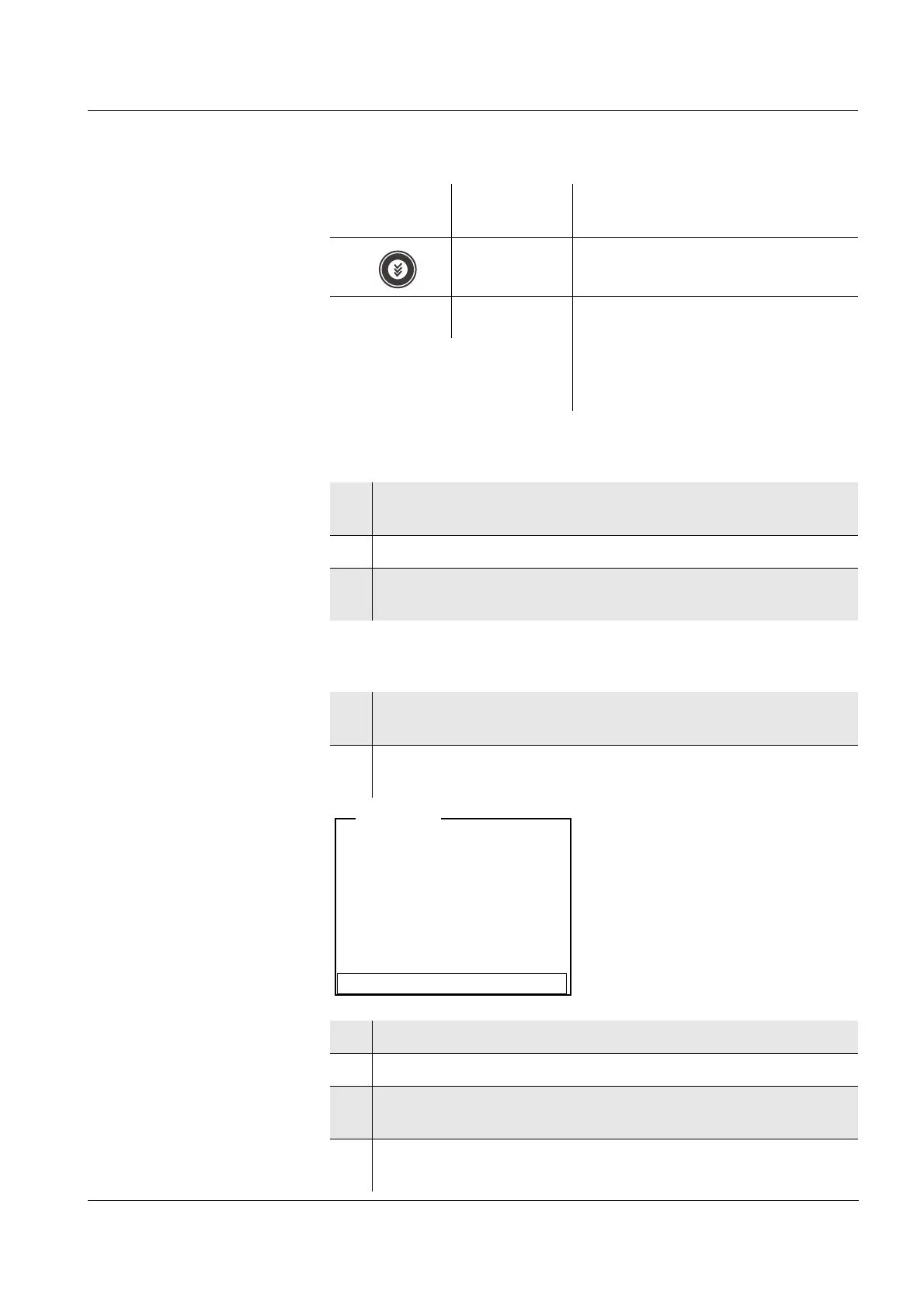
i Immerse sensor in std. 1
Set temperature: 24 °C
Continue
Set standard: 0.010 mg/l
ISE <CAL>


 To Next Page