Operation
VIEW MODE
1. From the POWER UP MODE screen press the ADVANTAGE
button.
2. Press the(+/-)to scroll to a USER.
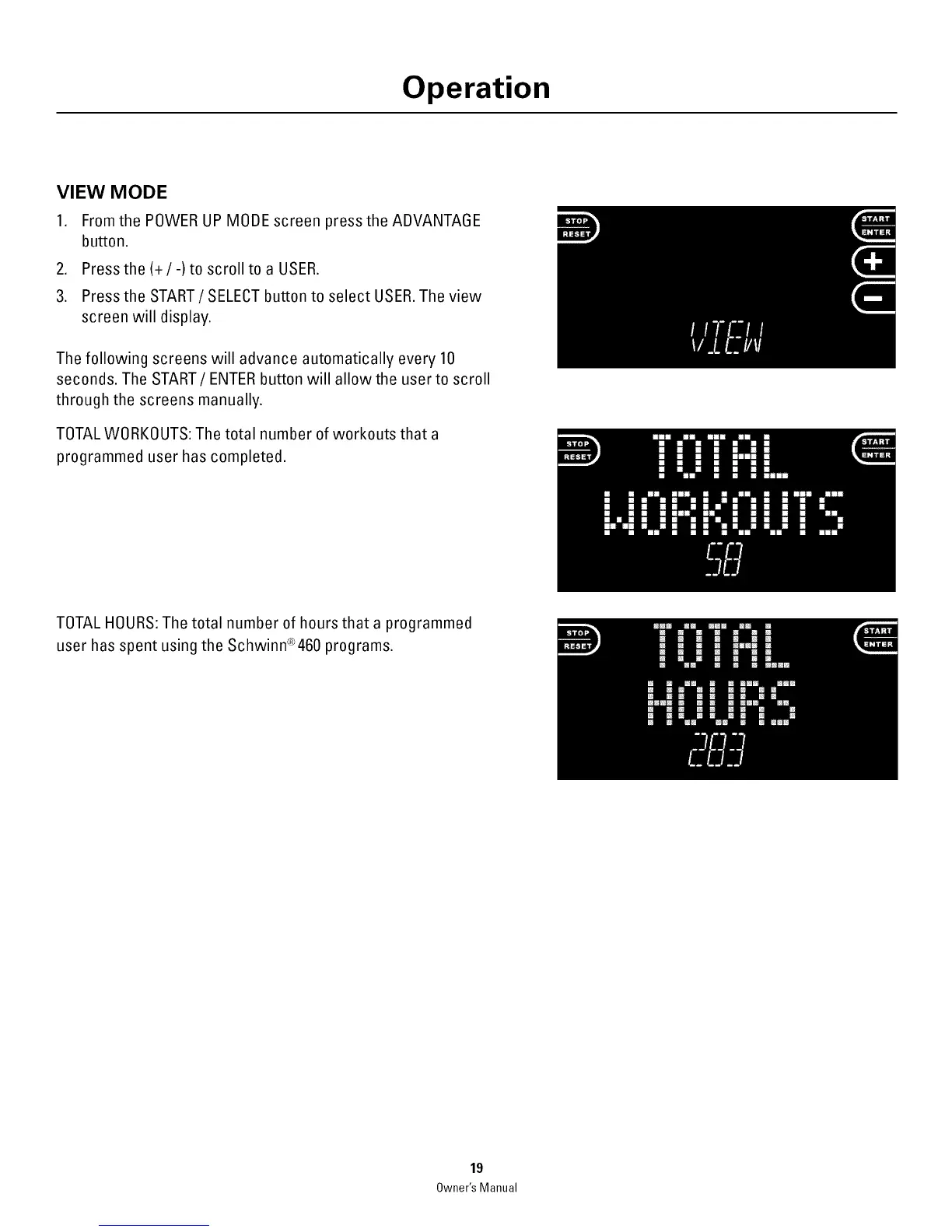
3. Press the START / SELECT button to select USER. The view
screen will display.
The following screens will advance automatically every 10
seconds. The START/ENTER button will allow the user to scroll
through the screens manually.
TOTALWORKOUTS: The total number of workouts that a
programmed user has completed.
TOTAL HOURS: The total number of hours that a programmed
user has spent using the Schwinn®460 programs.
19
Owner'sManual



 To Next Page