Operation
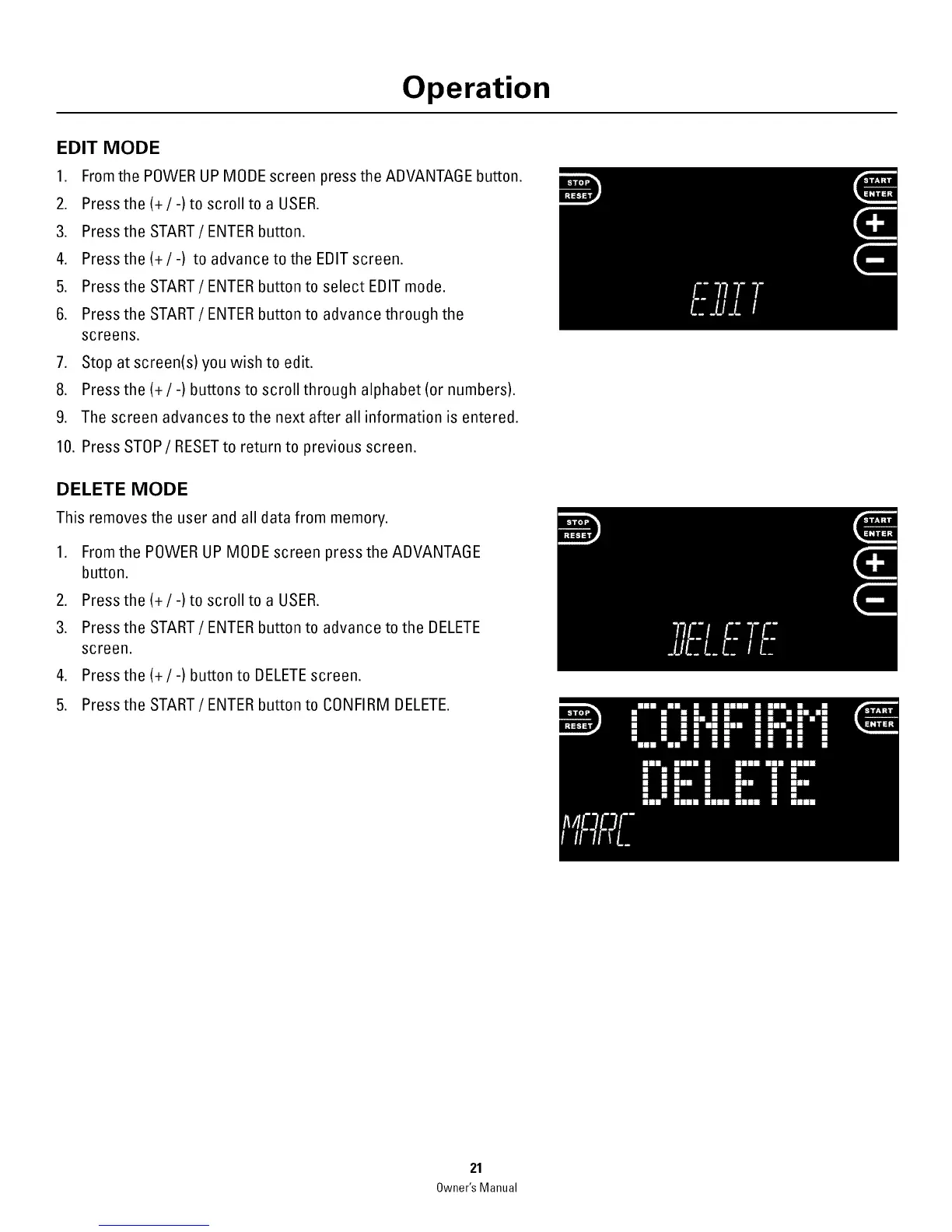
EDIT MODE
1. Fromthe POWER UP MODE screen press the ADVANTAGE button.
2. Press the(+/-)to scroll to a USER.
3. Press the START / ENTER button.
4. Press the (+ / -) to advance to the EDIT screen.
5. Press the START / ENTER button to select EDIT mode.
6. Press the START / ENTER button to advance through the
screens.
7. Stop at screen(s) you wish to edit.
8. Press the (+/-) buttons to scroll through alphabet (or numbers).
9. The screen advances to the next after all information is entered.
10. Press STOP/RESETto return to previous screen.
DELETE MODE
This removesthe user and all datafrom memory.
1. From the POWER UP MOBEscreen press the ADVANTAGE
button.
2. Press the(+/-)to scroll to a USER.
3. Press the START / ENTER button to advance to the DELETE
screen.
4. Press the(+/-)button to DELETEscreen.
5. Press the START/ENTER button to CONFIRM DELETE.
21
Owner'sManual



 To Next Page