Backlight
This function allows adjusting the backlighting
intensity.
●
From the Interactive Menu, use (1) and
(2) to select the item menu" and press
ENTER (3).
●
Select the “Display” item and press ENTER (3).
●
Select the “Brightness” item and press ENTER
(3).
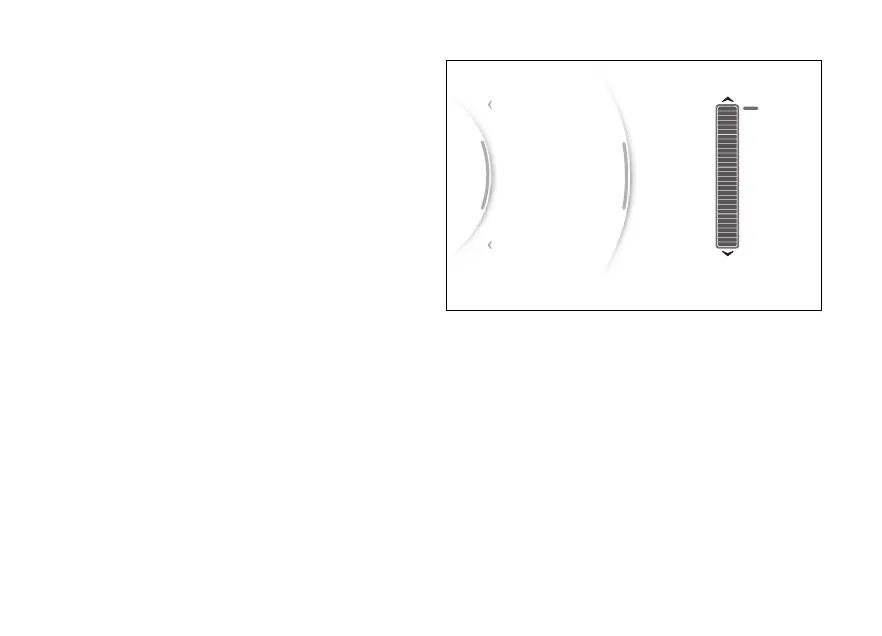
A bar graph with the currently set intensity is
displayed.
The brightness is automatically adjusted according
to the ambient light detected by the instrument
panel. The backlighting intensity adjustment is
calculated in relation to what is detected by the
instrument panel.
Use (1) and (2) to select backlighting
intensity. Press ENTER (3) to validate, then select
"Back", and press ENTER (3) again to exit.
...
Back
Back
Focus mode
Min
Max
30
Brightness
Themes
Gear
N
Fig 114
142


 To Next Page