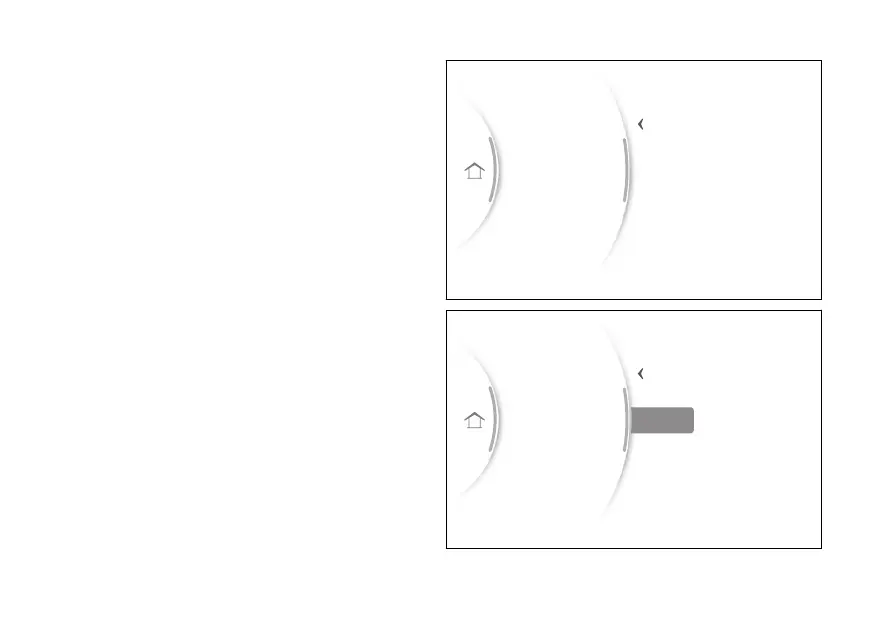
Once the last digit has been confirmed (Fig 120),
“Save?” is displayed (Fig 121).
Press ENTER (3) to confirm, “Saved” is then
displayed for a few seconds.
The instrument panel returns to the previous screen
displaying “Modify PIN” instead of “New PIN”.
Bluetooth
Date and time
PIN code
Display
DRL
New PIN
5
4
6
7
8
543
Back
Gear
N
Fig 120
Bluetooth
Date and time
PIN code
Display
DRL
Save 6543
Back
Gear
N
Fig 121
146


 To Next Page