2. GETTING STARTED
2.1 Powering on the X4
There two ways to power on the device. If you’d like to flash your vehicle, you will need to use the Vehicle instructions below.
If you are looking to update or load custom tunes onto your device, you will use the Computer instructions below.
x Using the Vehicle
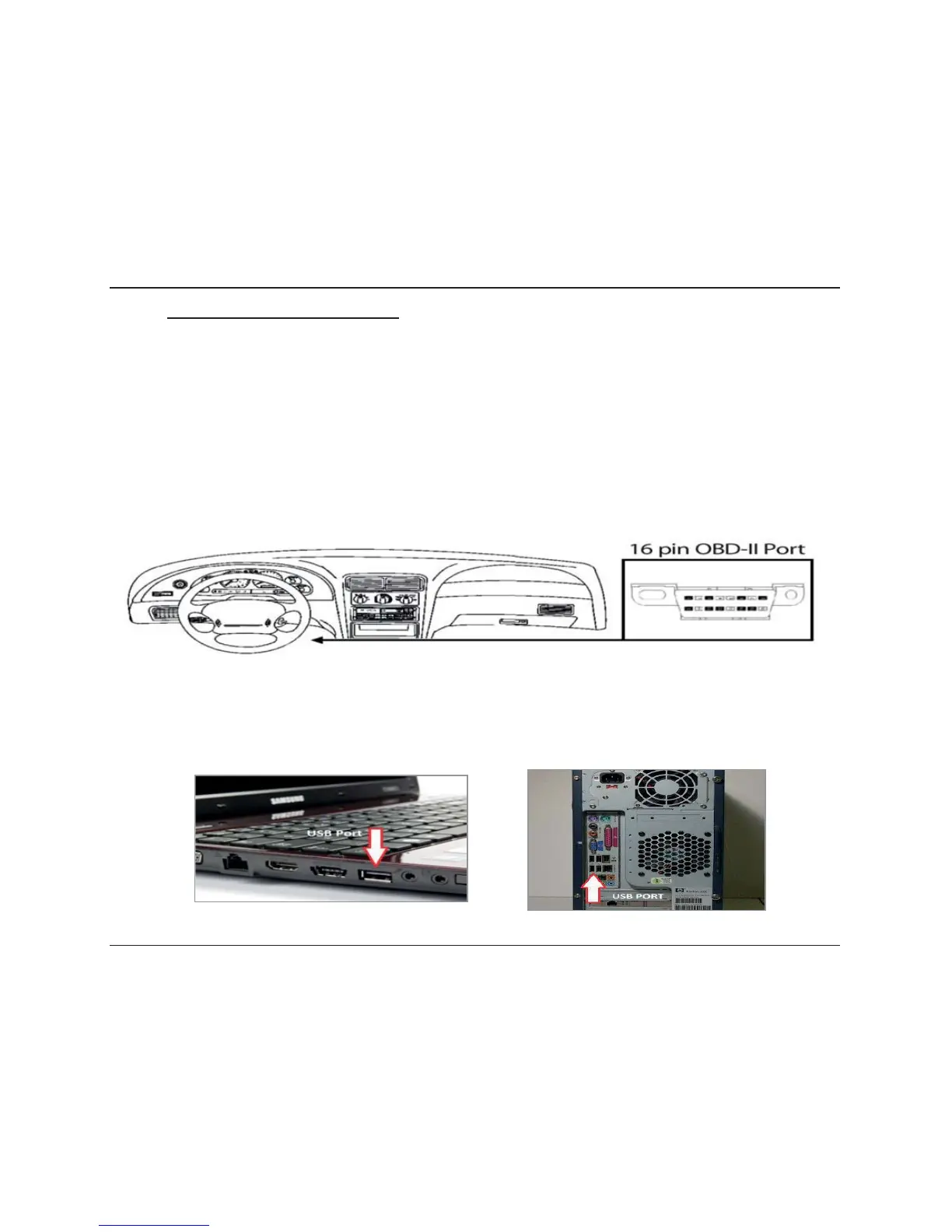
Locate the vehicle’s OBDII Diagnostic port. This connector is usually located under the vehicle’s dash board on the
driver’s side. The port may be covered with a cap or compartment door labeled “OBDII Diagnostic Port”.
If the connector pins are covered or the port is located behind a compartment door,
remove the cap or open the compartment door.
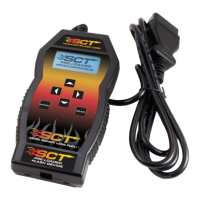
Connect the OBDII connector from the X4 to the vehicle’s OBDII Diagnostic port.
x Using the Computer
Install SCT Device Updater before connecting your unit via USB (Updater Download)
Locate the computer’s USB port. This port can be found on the front or the back of the
computer. If using a laptop, the ports will usually be on either side of the laptop.
Using the micro USB cable provided, connect the USB end of the cable to the PC and the
other to the top of the X4



 To Next Page