SECTION 5:
READING VEHICLE VIN &
STRATEGY/OS PART#’S
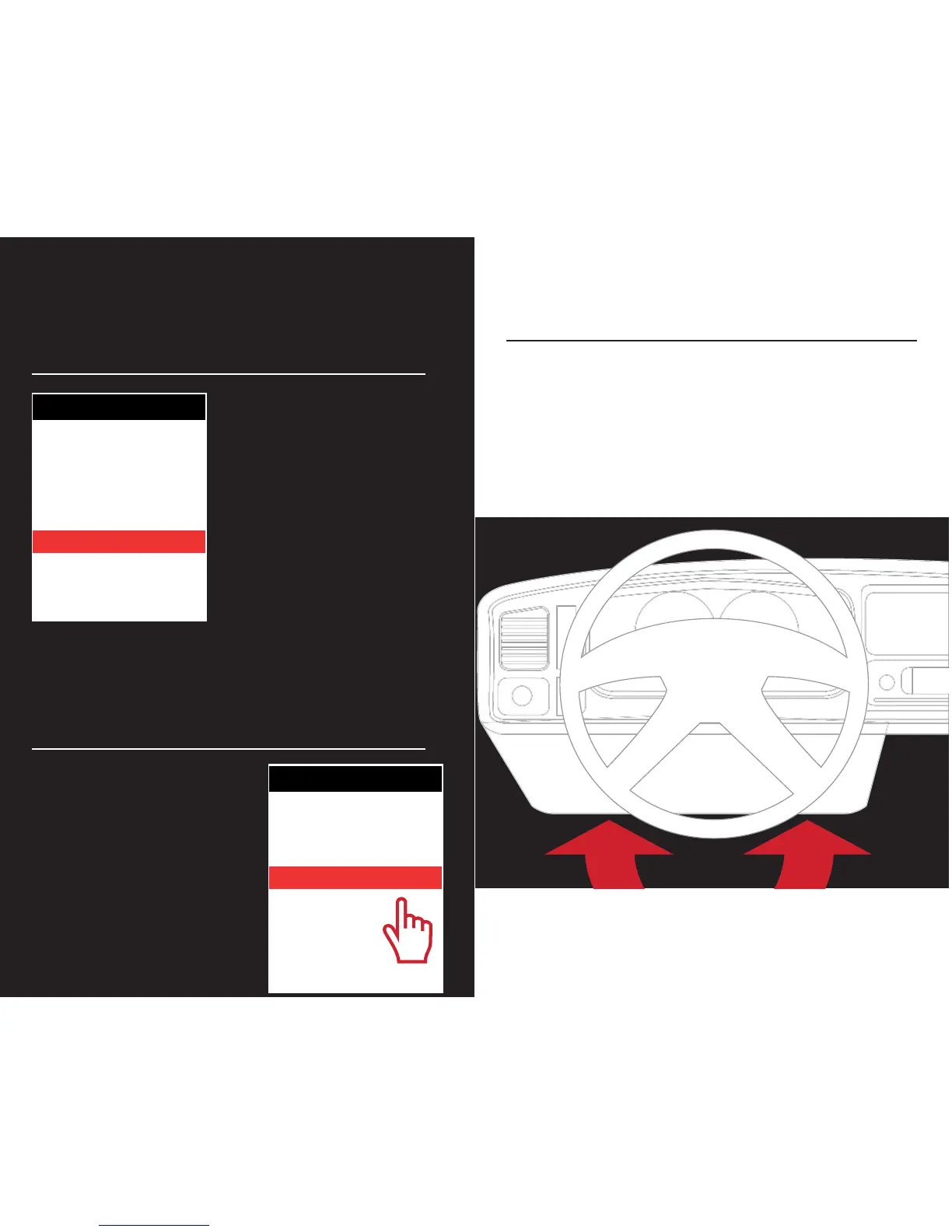
)URPWKHMain Menu,
VHOHFWVehicle Info.
You’ll be asked to turn the key
on. The VIN and if a Ford vehi-
cle/device, it will give you the
Strategy. If using a GM vehicle/
device, it will give you the OS
Part Numbers.
SECTION 6:
CHECKING/CLEARING
VEHICLE TROUBLE CODES
)URPWKH Main
MenuVHOHFWVehicle
Diagnostics.
Within this menu, you will be
given the option to read or clear
DTC codes. Make your selec-
tion and follow the on-screen
prompts.
MAIN MENU
PROGRAM VEHICLE
GAUGES / DATALOG
VEHICLE DIAGNOSTICS
VEHICLE INFO
DEVICE INFO
DEVICE SETTINGS
MAIN MENU
PROGRAM VEHICLE
GAUGES / DATALOG
VEHICLE DIAGNOSTICS
VEHICLE INFO
DEVICE INFO
DEVICE SETTINGS
SECTION 7:
PROGRAMMING THE VEHICLE
POWERING ON THE X4
To power up your device, using the provided HDMI to
OBDII cable, connect to the vehicle’s OBDII port. The OBDII
port is most commonly found within 24” of the steering
column under the driver’s side dash.


 To Next Page