SECTION 2:
PRE-INSTALL CHECKLIST
BUSINESS HOURS
If you need to contact Tech Support, please be sure to
have your device with you before initiating contact.
INTERNET ACCESS
In the unlikely event that technical support is needed,
Internet access may be required to troubleshoot. Our
Technical Support team may also need to remotely connect
[V`V\YJVTW\[LY[VÄ_HU`PZZ\LZ`V\TH`ILOH]PUN
ALLOW TIME FOR INITIAL SETUP
Make sure you have at least an hour to complete the initial
setup, update, and installation process.
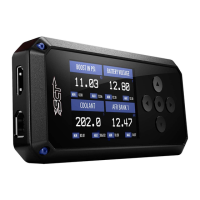
READ X4 USER MANUAL
SCT highly recommends taking a moment to read
through your X4 User’s Manual found on our website
before installation. There is a lot of in depth but useful
information inside the manual that won’t be covered in
this Quick Start Guide.
This device is not legal for sale or use in California on
pollution controlled vehicles.
SECTION 3:
IMPORTANT ON-DEVICE INFO.
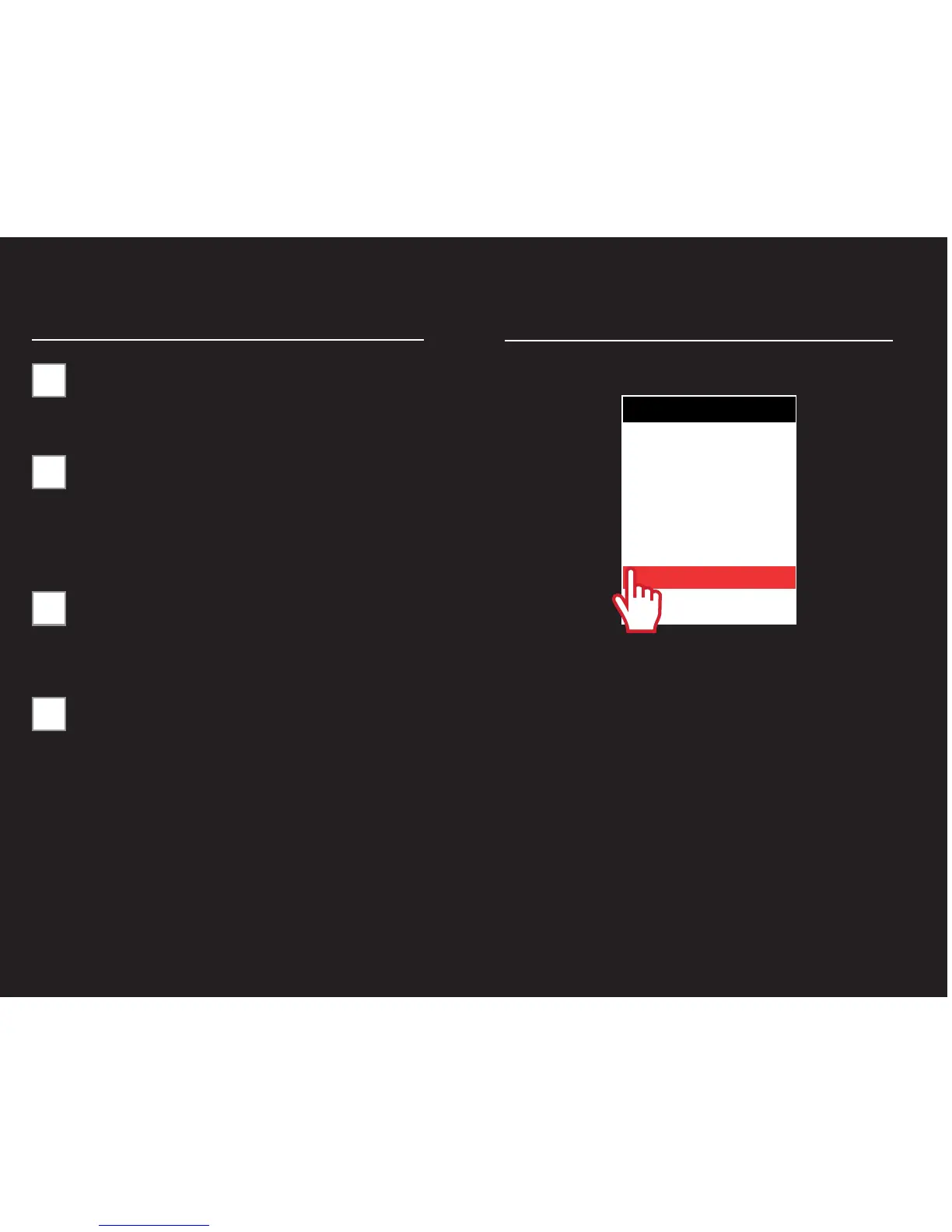
)URPWKHMain MenuVHOHFW Device Info.
Within Device Info`V\^PSSÄUK!
SERIAL NUMBER:
Needed for dealers to create custom tunes for your vehicle
and device.
FIRMWARE VERSION:
This is essentially your device’s operating system.
TUNE REVISION
The version number of your preloaded tunes.
UNLOCKS LEFT:
Number of unlocks remaining. An unlock is used when the
[\ULK]LOPJSLPZYL[\YULK[VZ[VJRHUKHKPɈLYLU[]LOPJSLPZ
programmed.
MARRIED STATUS:
Unmarried = Unlocked and ready for vehicle pairing.
Married = Locked to a vehicle.
MAIN MENU
PROGRAM VEHICLE
GAUGES / DATALOG
VEHICLE DIAGNOSTICS
VEHICLE INFO
DEVICE INFO
DEVICE SETTINGS



 To Next Page