DC.R340TT.MAN.001—01—User Manual SDT340TANKTEST EN
13/44
▪ TTB2(Ht-32k): with the black sensor, in airborne phase
o Test: Vacuum measurements
▪ TTR2(RW-32k): with the red sensor, in liquid phase
▪ TTB2(Ht-32k): with the black sensor, in airborne phase
The example below, applied to the "Tank1" memory location, describes the tree structure mode
readback options.
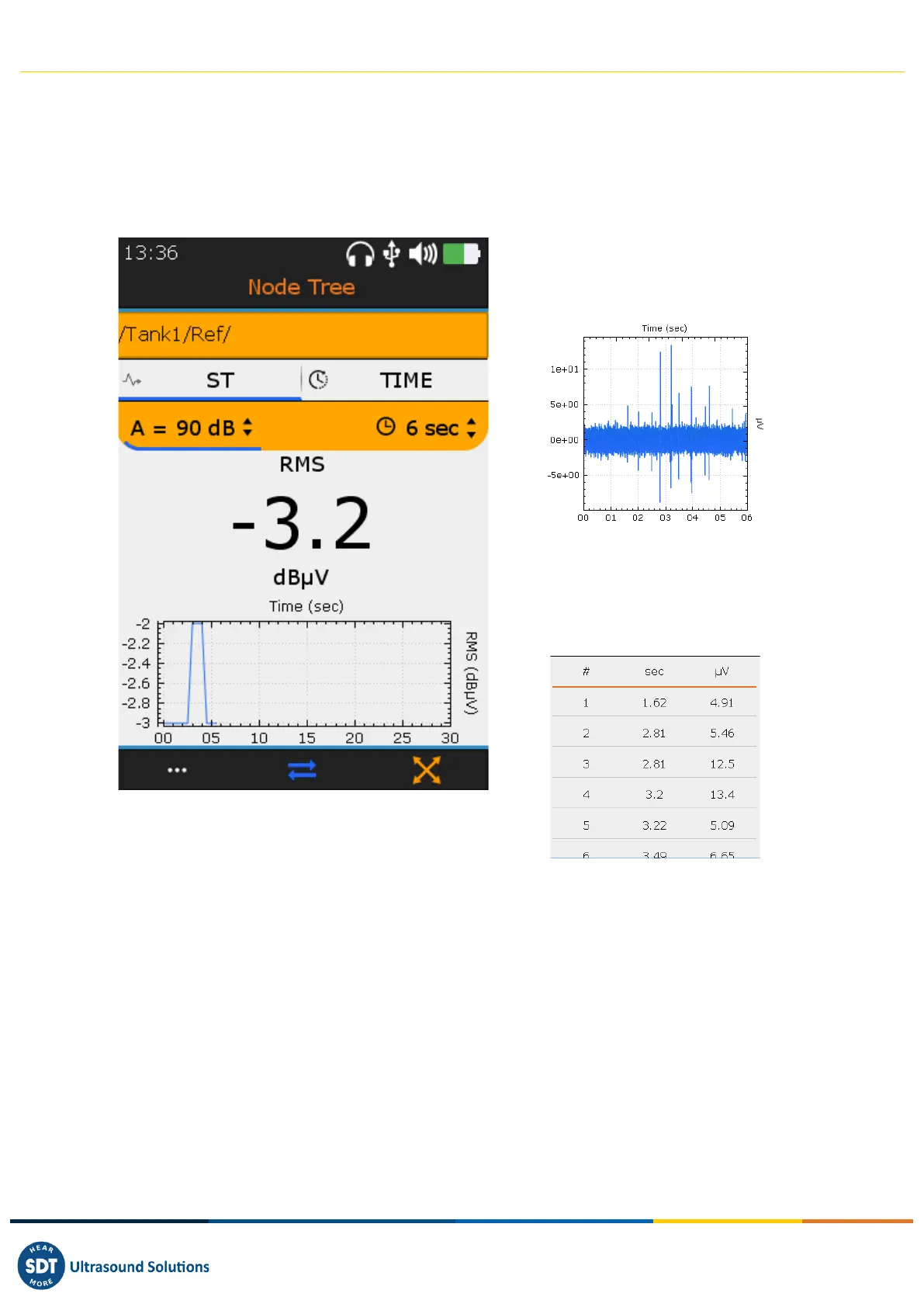
❶ Access to reference measurements
❷ View Toggle screens with F2 key
(ST(RMS) view, TIME (signal) view)
In TIME view, the operator can listen to the
audible signal again with the F4 key or
check the 10 most important samples with
the F1 key.
❸ Reminder of the sensor configuration
The user is not allowed to modify the measurement parameters or to create a new measurement
within the tree structure.
The user must refer to the TankTest reporter software manual to manage his data and generate
reports.
11. Guided TankTest mode
The guided mode breaks down the acoustic tightness test into several mandatory steps. The operator
is invited to interact with the instrument, taking note of the different screens.



 To Next Page