DC.R340TT.MAN.001—01—User Manual SDT340TANKTEST EN
41/44
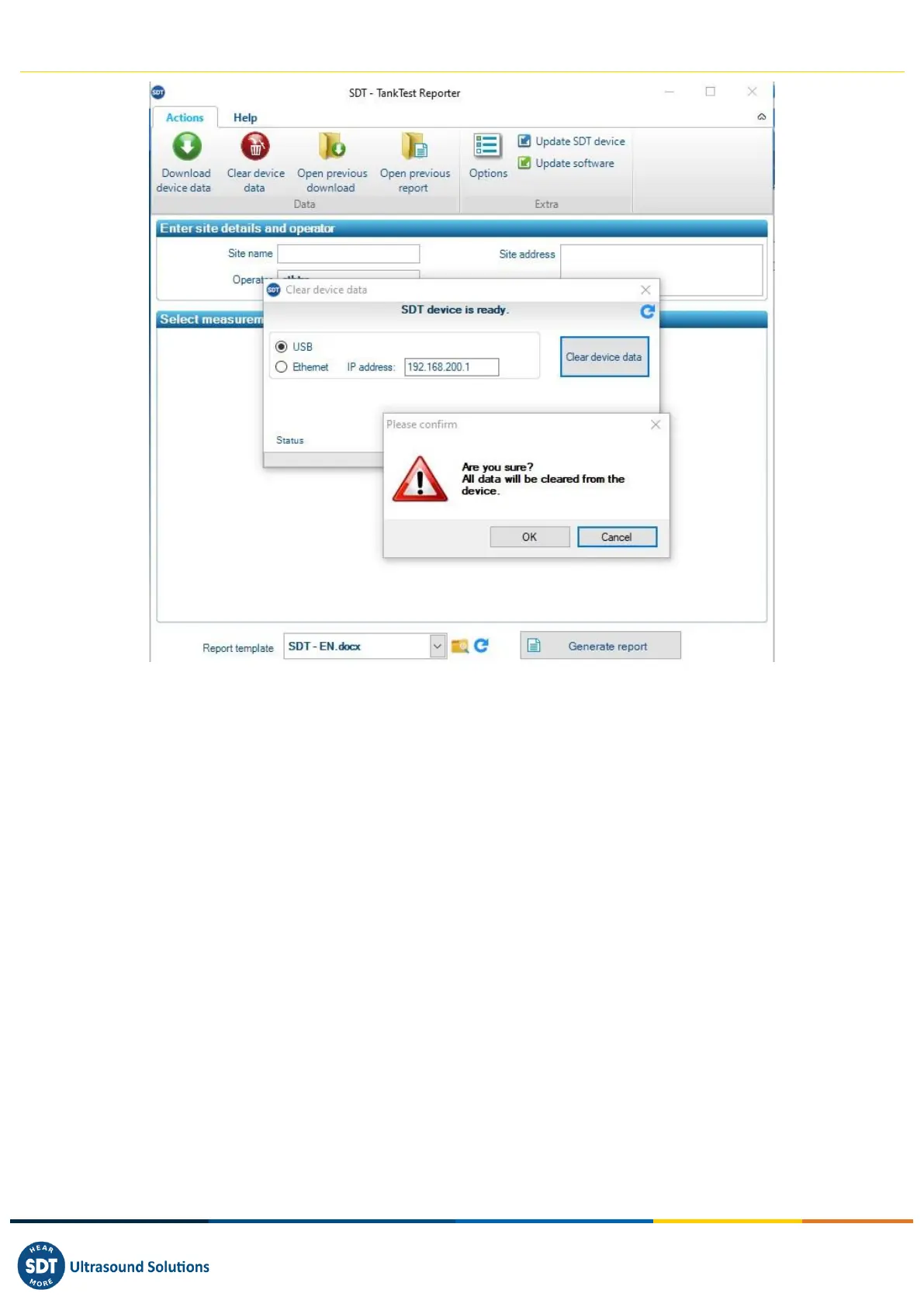
After a few moments, the memory of the SDT340 device is completely restored. The data contained in
the device has been permanently deleted. The tree structure mode now contains only empty memory
locations.
14.3. Updates
From the main screen, use the "Update SDT device" option to ensure you are using the latest firmware
version.
This operation requires your computer to be connected to the internet.



 To Next Page