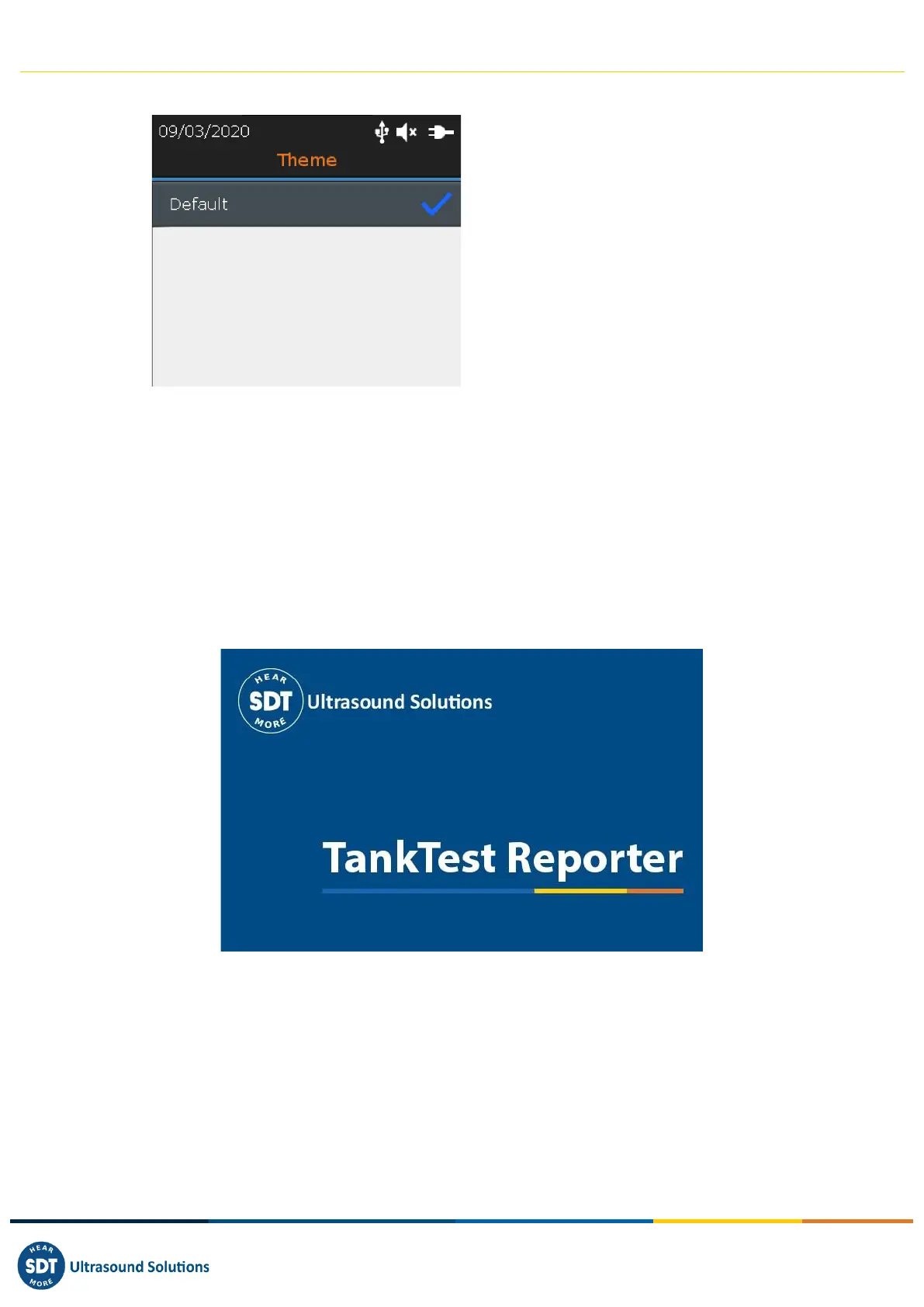
You can use this feature to change the appearance of your screen. With the Up and Down navigation
keys highlight the theme you want and confirm with Enter.
14. Using the TankTest Reporter software
Connect the SDT340 to a computer on which SDT TankTest Reporter is installed, using the USB cable
provided.
Start the software, supposedly up to date, with an activated license and an internet connection.
Refer to the software manual for instructions on how to do this.
14.1. Exporting your data
Once the software has started and the connection between the SDT340 and your computer has been
established, go to the main screen and select "Download device data".



 To Next Page