DC.R340TT.MAN.001—01—User Manual SDT340TANKTEST EN
30/44
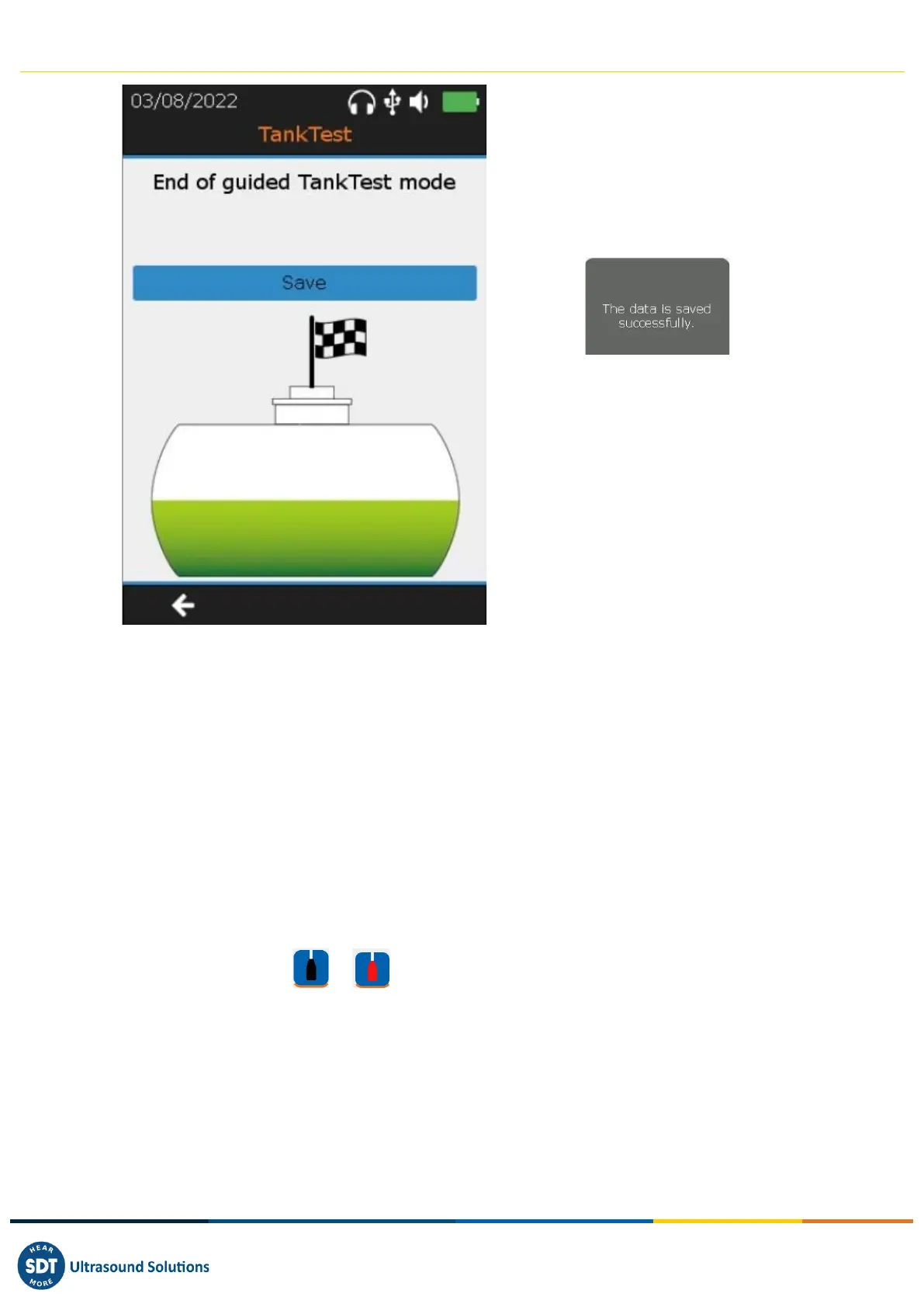
❶ Final screen of the guided mode
Press Enter to store the entire tightness
test.
A message will confirm the saving. The
operator can then revisit his
measurements from the "tree structure"
mode.
❷ Return to the previous screen with the
F1 key
If the guided mode is abandoned, before the final confirmation of the data
recording, the measurements carried out beforehand will not be saved in the
device.
Once saved, the operator can consult these different measurements, from the tree
structure mode, in the memory location chosen at the beginning of the guided
mode.
12. Measurement in Free mode tab
From the home screen, it is possible to use the TankTest sensors in free mode, independently in order
to ensure their respective operation.
Select the desired sensor ( or ) and press Enter.
The real time measurement screen appears:
The following parameters can be modified, using the directional arrows on the device and the F2 key:
- Acquisition time
- Amplification
- Audio volume



 To Next Page