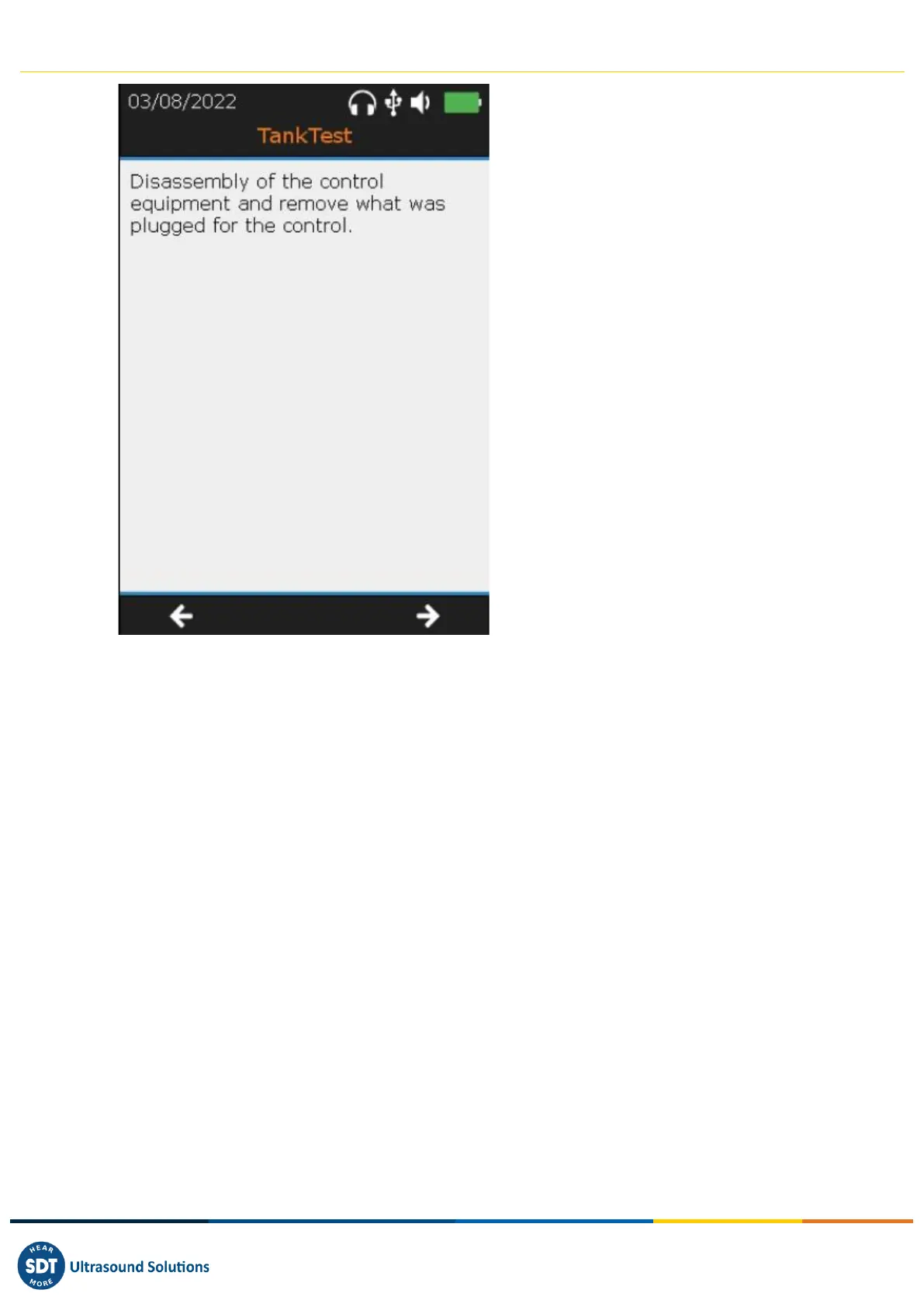
❶ Instructions for the end of the test
❷ Return to the previous screen
❸ Go to the next screen with the F3 key
For all purposes, the operator is asked to measure and then fill in the following information:
- Diameter of the tank
- Height of the liquid
- Height of water
Once this data has been validated with the F3 key, the operator successively reads the following
summary screens, using the F1 and F3 keys:
- Summary of the guided mode
- Reminder of recorded signals (1 screen per sensor)
Finally, the final screen asks the operator to save the entire test performed.



 To Next Page