12JDL V1.0 8 2022
COIL ADJUSTMENT
If you are required by a locaon to vend a product that does not t into the standard coil installed, you may
need to order a dierent coil and install it. To replace a coil:
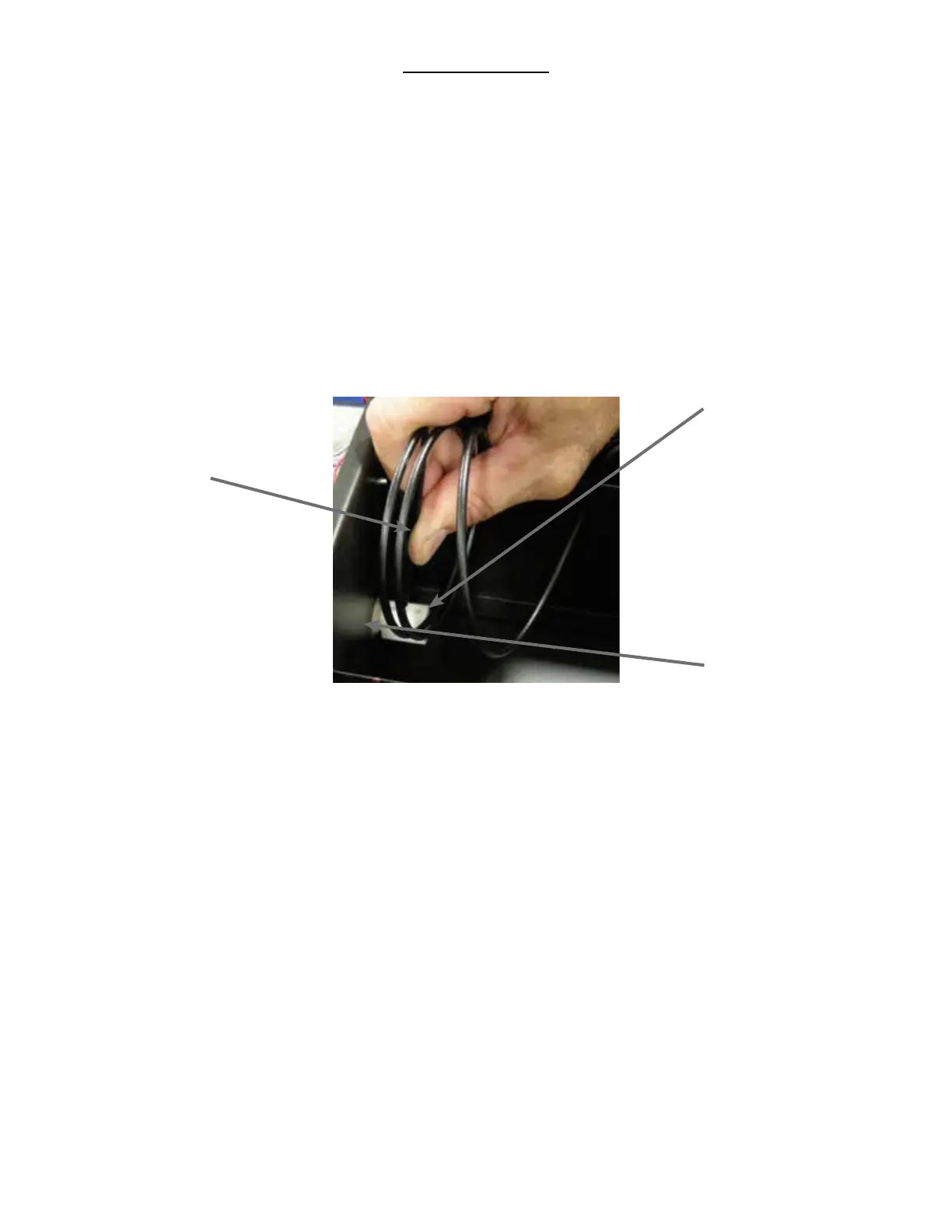
1. Remove the Coil from the Coil Driver by liing the back of the coil up o the coil driver. You will need to
move the boom of the coil clear of the coil driver to completely remove the coil.
2. Align the new coil end with the front of the tray, which gives the coil beer contact with the product.
The posion of the coil in the coil driver is adjustable to assist you in aligning the new coil at the
front of the tray. See Figure 9.
Figure 9 – Removing and Aligning a Coil
Apply pressure to
the straight part
of the coil that is
inserted into the
Coil Driver. Li
up on the Coil to
remove.
Coil Driver
with three (3)
adjustment opons
Back of Product
Tray, Snack or
Entree
If you are experiencing vending issues with certain products, you may need to adjust the coil rotaon to beer
provide the momentum to push the snack o the tray and into the delivery area.
To adjust the coil rotaon:
1.) Squeeze the two plasc tabs on the back of the coil driver and pull the coil driver and coil toward the
front of the tray to remove it.
2.) Turn the coil clockwise 1/8 of a rotaon.
3.) Reinsert the coil driver with coil aached back into the motor, through the back wall of the tray.
4.) Load the tray and perform at least 5 (ve) test vends to ensure a proper vend.
5.) If the item does not vend consistently, repeat another 1/8 of a rotaon unl you are condent of
consistent vend funcon.













 To Next Page