55JDL V1.0 8 2022
Service Mode by pressing the MENU buon and scroll through to QTY/TUBE (3), and load coins in through the
front coin slot, as if you were inserng money to purchase items. Once the coins start dropping into the coin
overow tray, that means that the coin tubes are full and the VMC has an inventory of coins stored and will
calculate transacons accordingly. This is also known as priming the changer.
Coin Retrieval
The Coin Overow Tray holds all accepted coins except for coins needed to maintain inventory in the Tubes.
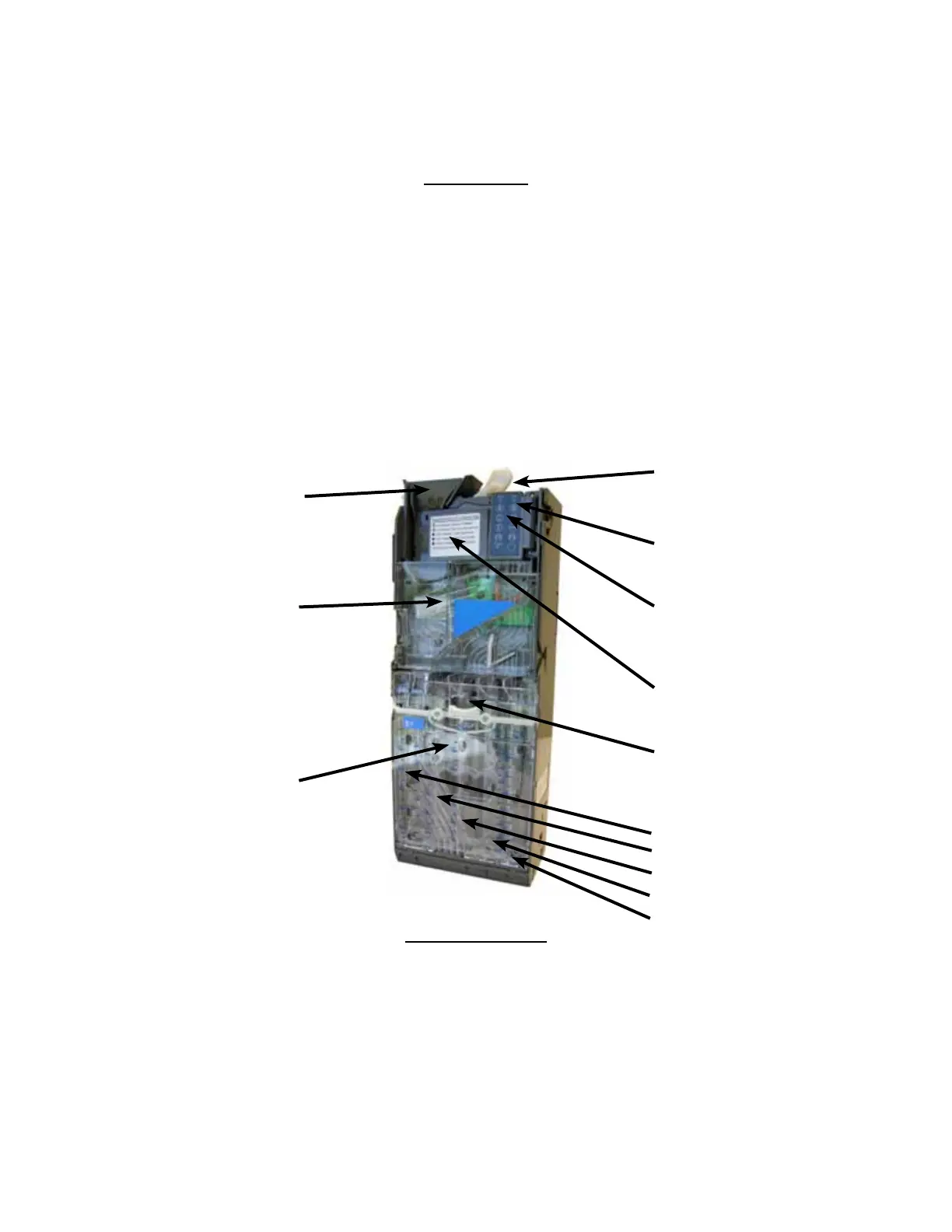
The User Interface Buons are located on the upper poron of the changer (Figure 24). When in Service
Mode, go to QTY/TUBE (3) and press a User Interface Buon on the changer to dispense the coins in that tube.
Note that the changer will empty that selecon of coins. To stop this mode, press the selecon’s User Interface
Buon again.
Note: You may also physically remove the Coin Cassee to load and unload coins. Note that doing so will not
maintain audit totals.
Figure 24 - Coin Changer
Coin Funnel
Coin Channel
Cover
Coin Cassee
Coin Return Lever
Diagnosc LED
User Interface Buons for
Tubes A, B, C, D, E
Acceptor Gate Assembly
Coin Tubes
A
B
C
D
E
Cassee Latch
Clearing Coin Jams
1. Unplug the machine from the power source
2. Unlock and open the Front Door
3. Open the Acceptor Gate Assembly by pulling forward on the Coin Funnel













 To Next Page