30
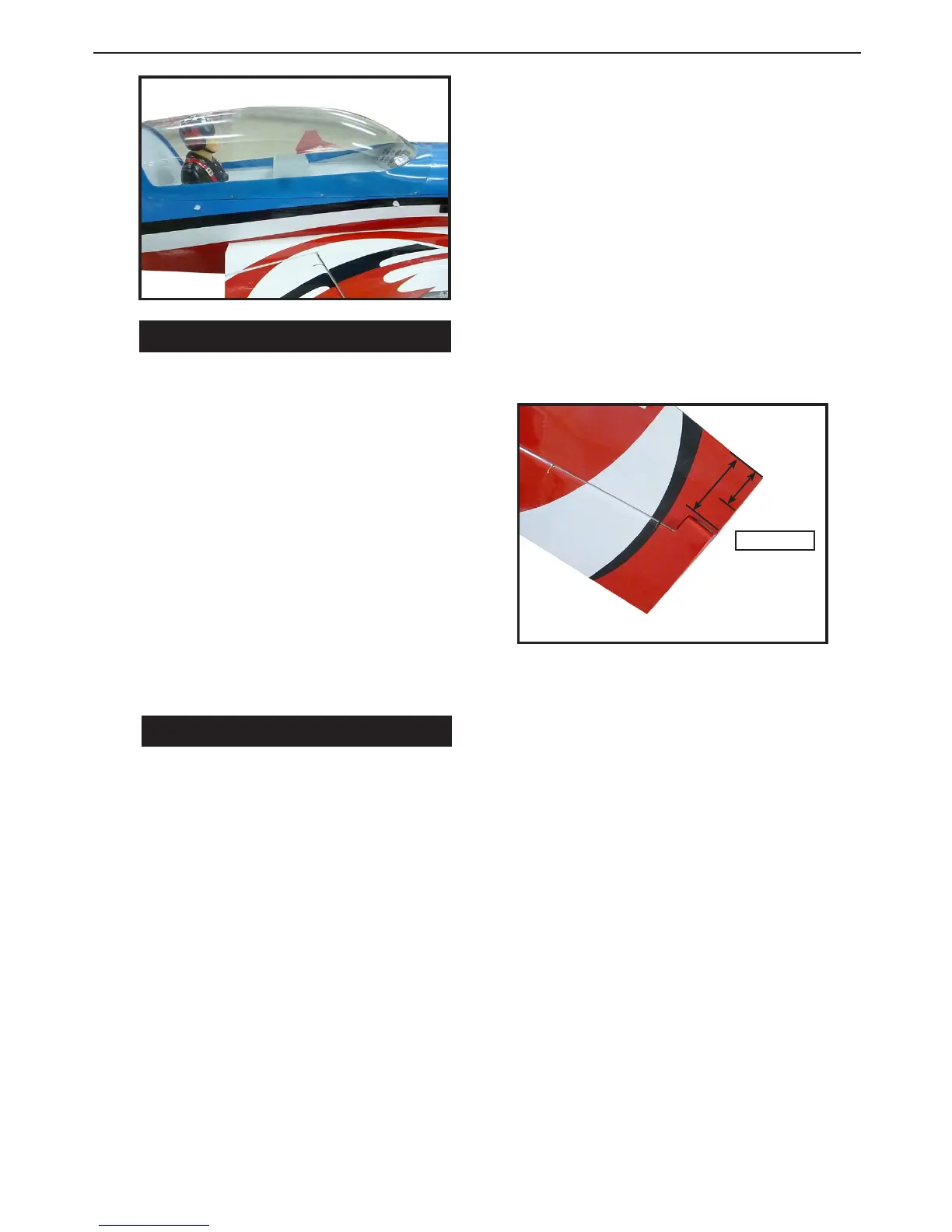
2) If all the decals are not precut, please
use scissors or a sharp hobby knife to cut
the decals from the sheet. Please be cer-
tain the model is clean and free from oily
ngerprints and dust. Position decal on
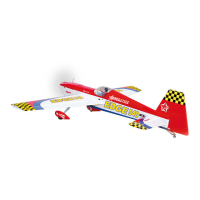
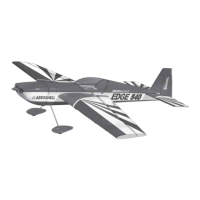
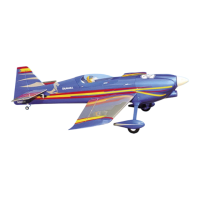
the model where desired, using the pho-
tos on the box and aid in their location.
1) If all the decals are precut and ready to
stick. Please be certain the model is clean
and free from oily ngerprints and dust.
Position decal on the model where de-
sired, using the photos on the box and
aid in their location.
APPLY THE DECALS.
BALANCING.
An important part of preparing the air-
cra for ght is properly balancing the
model.
1. Attach the wing panels to the fuselage.
Make sure to connect the leads from the
aileron to the appropriate leads from the
receiver. Make sure the leads are not ex-
posed outside the fuselage before tight-
ening the wing bolts. Your model should
be ght-ready before balancing.
2. e recommended Center of Grav-
ity (CG) location for your model is 90–
120mm back from the leading edge at the
wing as shown. Mark the location of the
CG on the top of the wing at the wing tip.
3. When balancing your model, make
sure it is assembled and ready for ght.
Using an assistant, li the model at the
locations marked in the previous step.
is is the correct balance point for your
model.
90-120mm



 To Next Page