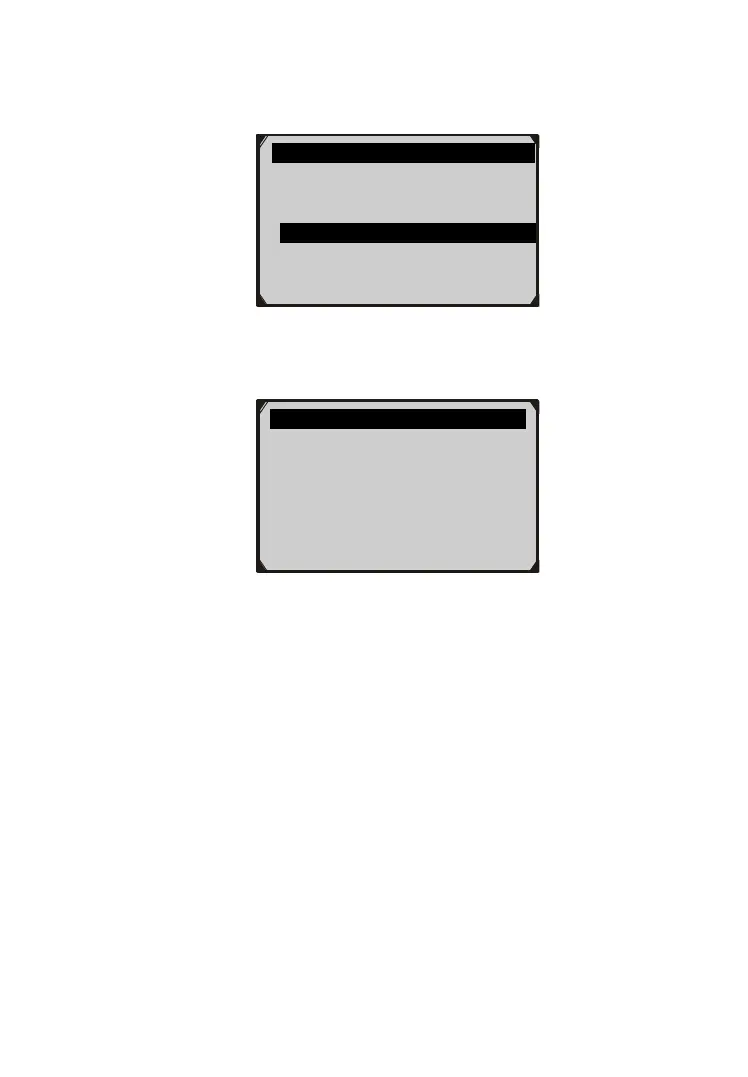
4) From Vehicle Info. Menu, use the UP/DOWN scroll button to
select an available item to view and press the OK button.
Figure 5.52
5) View retrieved vehicle information on screen.
Figure 5.53
6) Press the ESC button to return to previous menu.
5.10 Modules Present
The Modules Present function allows viewing of the module IDs
and communication protocols for EOBD modules in the vehicle.
1) Use the UP/DOWN scroll button to select Modules Present
from Diagnostic Menu and press OK button. (Figure 5.4)
2) View modules present with their IDs and communication
protocols.
Vehicle Info. 3/3
Vehicle ID Number
Calibration ID
Cal. Verf. Number ?
Cal. Verf. Number
CVN1: BB BA A0 78
?



 To Next Page