4. Review Data
The Review Data function allows viewing of data from last test
recorded by the scan tool.
1) Use the UP/DOWN scroll button and LEFT/RIGHT scroll
button to select Review Data from Main Screen, and press the
OK button. (Figure 3.1)
2) Use the UP/DOWN scroll button to select the desired item from
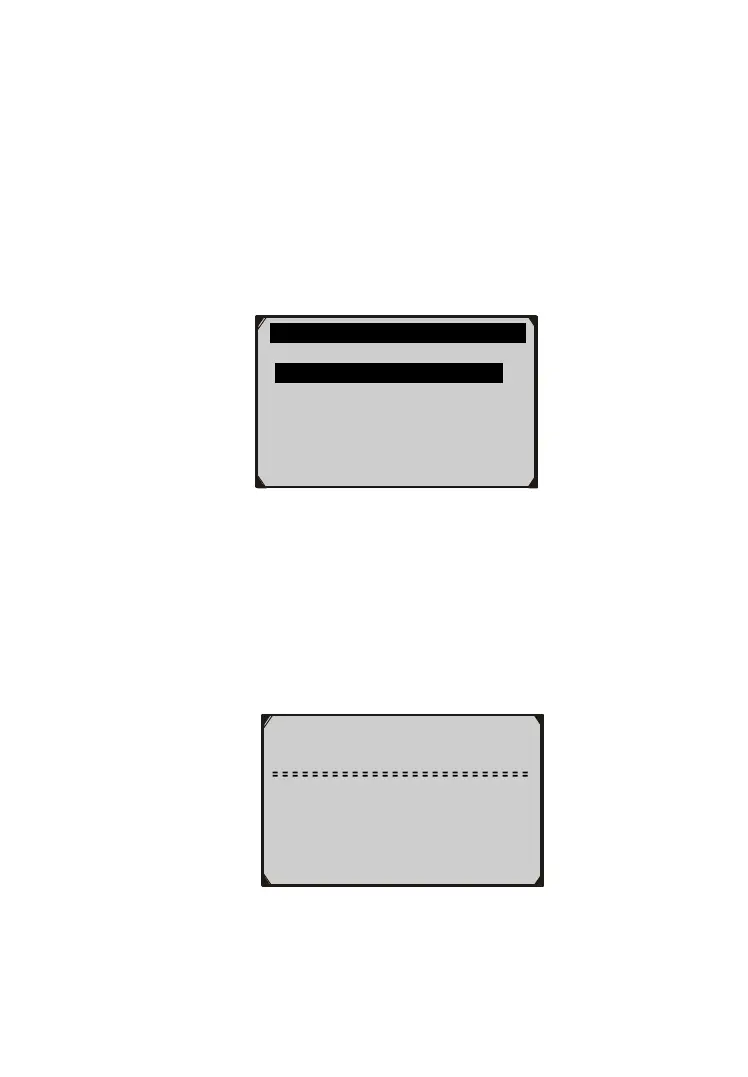
Review Data menu, and press the OK button. (Figure 4.1 )
Figure 4.1
If no data from previously tested vehicle is recorded, the scan
tool displays a message, “No data available!”.
Diagnostics results can be reviewed from this list only when
any trouble code is detected in previous tests.
3) Review selected data on screen. (Figure 4.2 )
Figure 4.2
NOTE: If there is no data stored for selected item, a “Not Supported
or Stored No Data!” message shows on the screen.
Review Data 1/6
Live Data
Pending Codes
View Freeze Frame ?
I/M Readiness
On-Board Mon. Test
Modules Present
1/1
C1201
Engine Control
System Malfunction



 To Next Page