9. Print Data
The Print Data function allows printing out diagnostic data
recorded by the scan tool or customised test reports.
● Toprintoutretrieveddata,youneedthefollowingtools:
TA500
A PC or laptop with USB ports
A USB cable
1) Install Maxi-Link II applications through the included CD,
or download the applications from our website:
www.sealey.co.uk
2) Connect the scanner to computer with the USB cable supplied.
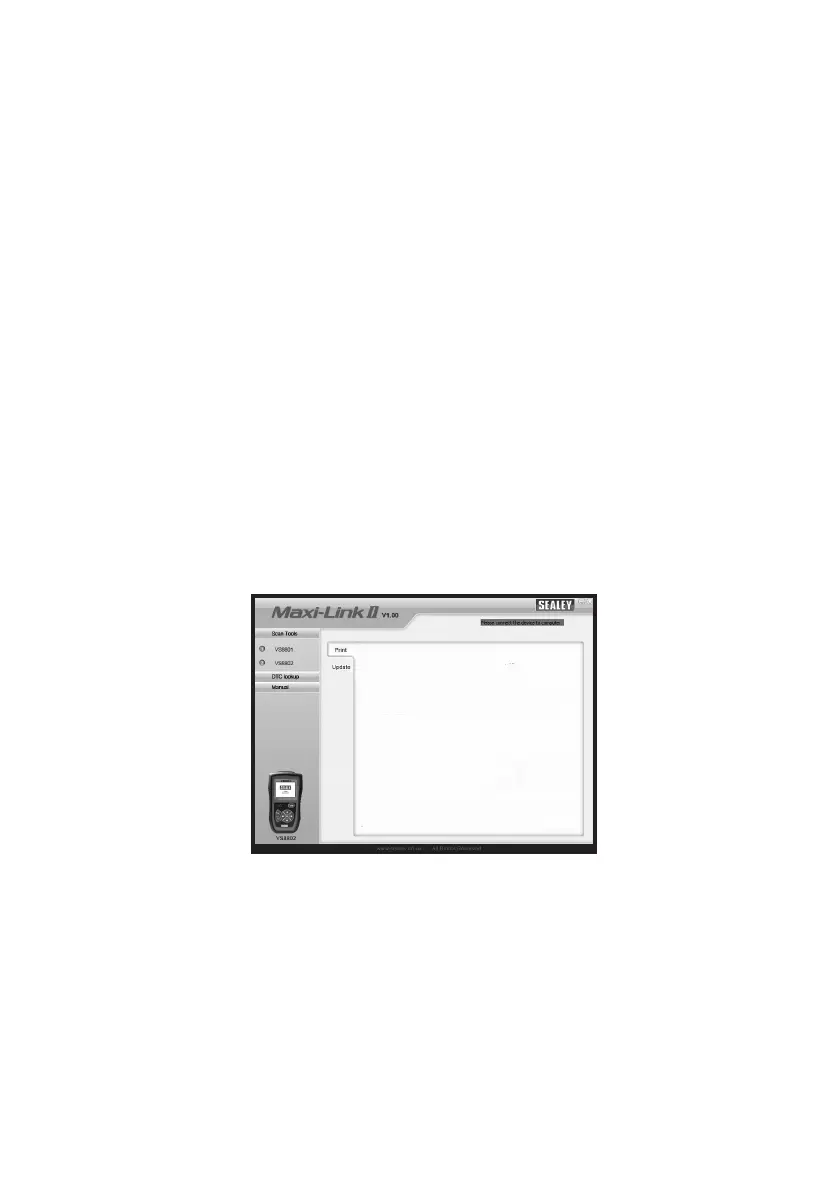
3) Run Maxi-Link II Tool Kit on your computer.
Figure 9.1.
4) Use the UP/DOWN scroll button to select Print Data from
Main Menu in the scan tool, and press the OK button.
(Figure 3.1)
5) Use the UP/DOWN scroll button to select the desired item to
print from Print Data menu.
85



 To Next Page