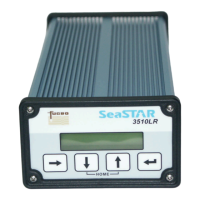
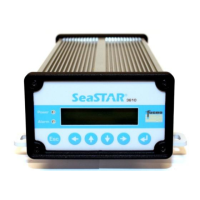
The receiver will indicate frequency searching by displaying "Init" on the signal status
page. When it has locked to the signal, “Sync” and finally "Lock" will be displayed.
Signal strength will also be indicated by a bar graph display and C/N ratio. Should the
“Lock” indicator fail to be displayed after 30 – 90 seconds, check through steps 1 to 4
above. Acquiring lock for the first time can take longer time if the broadcast station
and satellite list are updated between production date and initial setup.
5. Make sure you have a valid subscription. If you need any support on the
subscription, the contact info is:
SeaSTAR Customer Support and 24 Hour Help Line
FUGRO SEASTAR AS
Tel: +47 21 50 14 20
Fax: +47 21 50 14 01
E-Mail: seastarservice@fugro.no


 To Next Page