SeaSTAR 3610 USER MANUAL
Issue 2.3 02/11
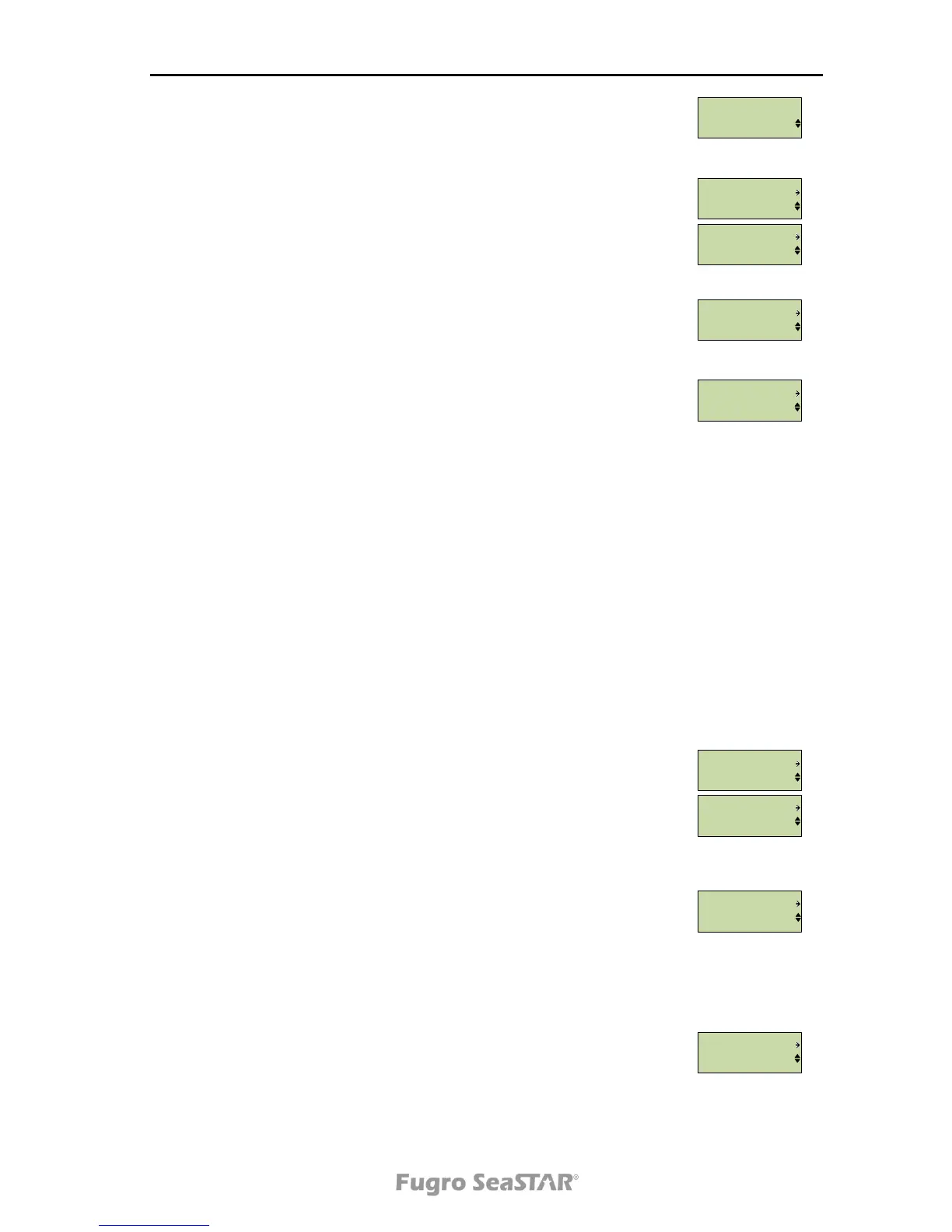
The Use Channel menu makes it possible to select which channel
to use, if both channel A and channel B are selected in the Ch.
Option menu.
From the Channel page it is possible to set the satellite service,
frequency and symbol rate. Note that the satellite service choice will
not be available before a satellite list is downloaded.
From the NTRIP page it is possible to set NTRIP enable/disable, IP-
address to server, user name and password.
From the Position page it is possible to manually set the latitude
and longitude. Press to enter selection mode. Press and to
move to correct digit and press and to change the numbers.
Press to save the change.
Position
N 11°11.1111’ E 22°22.2222’
is converted to
LAT 1111.1111N LON 2222.2222E
From the last sub-menu you can set the antenna power on/off.
When pressing the Enter or the button from the Port Cfg menu,
the serial, UDP, TCP and FTP port settings are displayed.
From the Serial Port A and Serial Port B pages you can access the
port baud rate, GPS enable/disable, VBS enable/disable, HP/XP/G2
enable/disable, GLO enable/disable, IONO enable/disable, RAW
(SCF) enable/disable and Debug enable/disable. If there is no
subscription to these services, "No Subsc" will be displayed.
From the UDP port A, UDP port B, UDP port C and UDP port D
menus the port mask, port number and the activation of the port is
selected. It is also possible to select GPS enable/disable, VBS
enable/disable, HP/XP/G2 enable/disable, GLO enable/disable,
IONO enable/disable, RAW (SCF) enable/disable and Debug
enable/disable. If there is no subscription to these services, "No
Subsc" will be displayed.
From the TCP/IP menu DHCP can be set to on/off. Under menu item
set static the IP address, IP netmask and IP gateway can be set.
The IP address and IP MAC address can also be displayed under
this menu.



 To Next Page