The Signal status page for the 3610 DGNSS receiver indicates
signal strength, which satellite the receiver is set to, the lock criteria
and available subscriptions.
After power on, the receiver will begin to search for a DGNSS
satellite. "Init" will be displayed at the bottom right of the screen
when the receiver is in search mode. When the receiver locks to a
signal, "Lock" will be displayed instead. If a signal is lost after being
locked, "Sync" will be displayed.
“Init” : No lock has been aquired since startup or
change of channel settings.
“Sync” : No lock has been aquired since last loss of
lock.
“Lock” : Lock is aquired and correct corrections are being
output on the port A and/or port B or the LAN port,
depending on the port configuration.
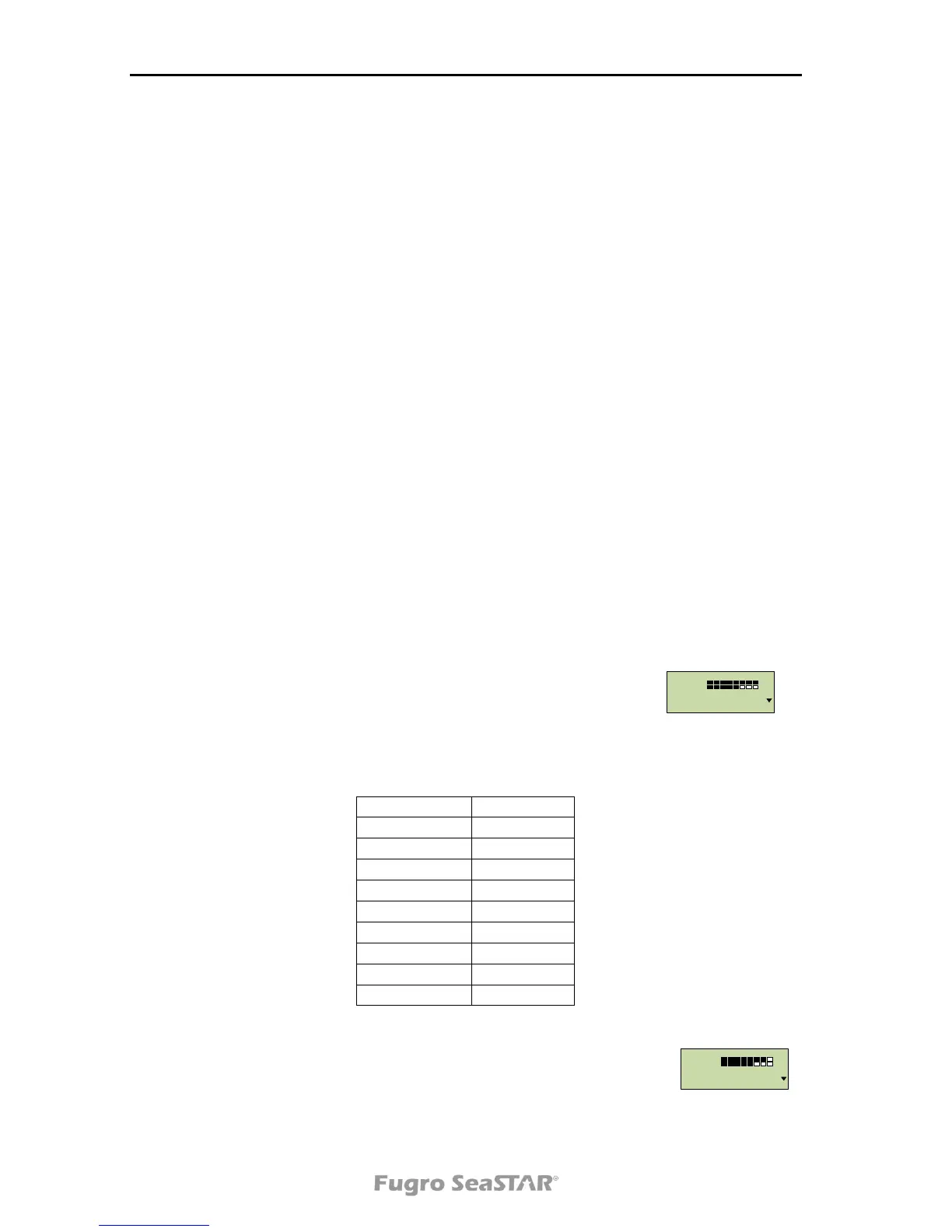
A signal strength number, C/N, will be shown in the top left of the
screen together with filled bars when the receiver locks.
The changing between "L" and “l” at the top right indicates that the
demodulator is locked to the L-band signal. The changing between
"N" and “n” at the top right indicates that the demodulator is locked
via NTRIP. Changing between “p” and “P” at the top right indicates
that a GGA message is applied.


 To Next Page