What to do if …? • 115
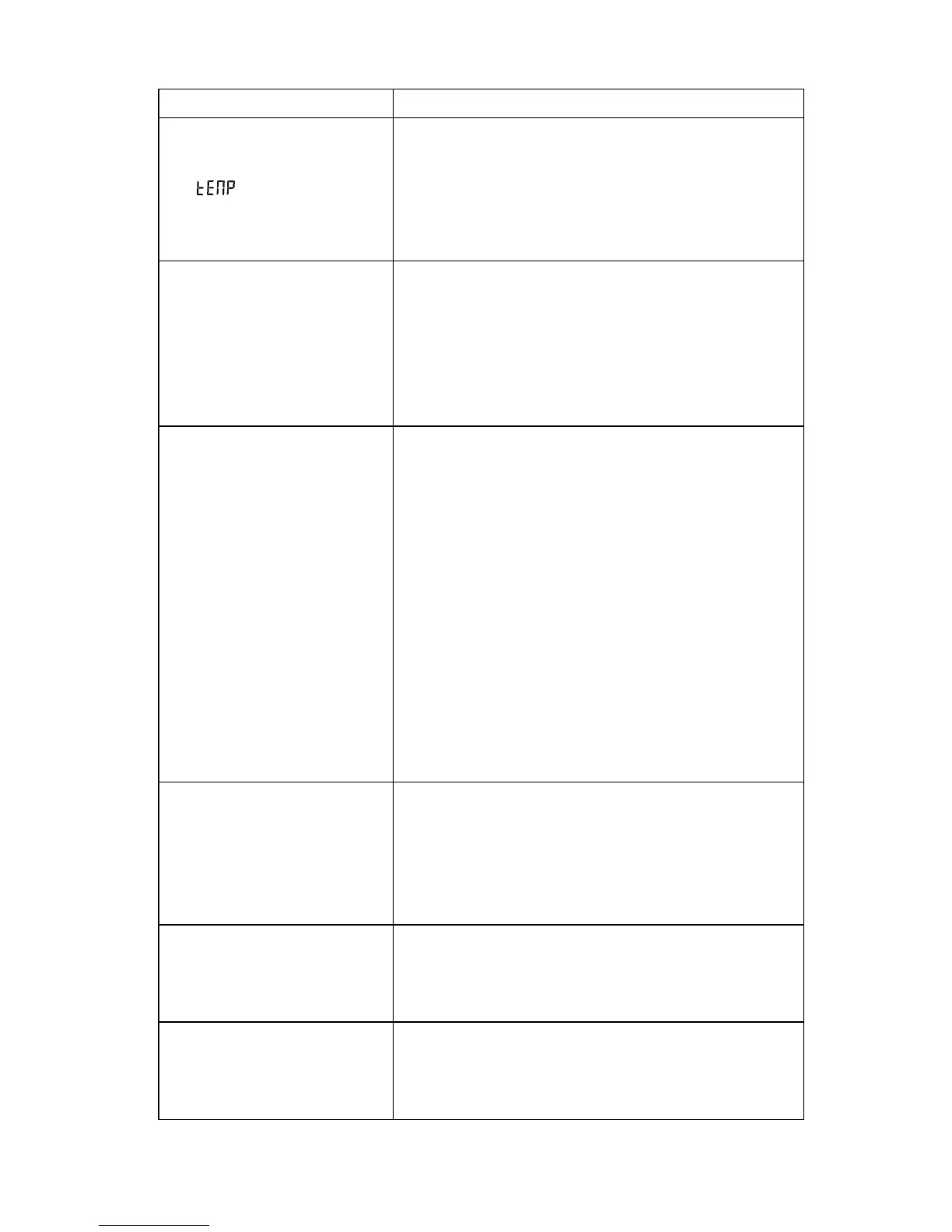
… is displayed?
The ambient temperature of the scales is too high
or too low.
-Set up scales in an ambient temperature
between +10 °C and +40 °C
-Wait approx. 15 minutes until scales have
adjusted to ambient temperature
... the multifunctional
display no longer
responds to the pressing
of keys/buttons?
•The device is in an undefined state following
implausible inputs
-Unplug the power supply unit from the socket
-Wait for approx. 1 minute
-Plug the power supply unit into the socket,
the scales and multifunctional display
automatically switch on
... if, after switching on,
measured results are
transmitted for the first
time and two acoustic
signals are heard?
•The device was unable to send measured
results to the wireless receiver (seca wireless
printer or PC with seca USB wireless module).
–Check that the device is integrated in the
wireless network
–Check that the receiver is switched on.
•Nearby RF equipment (e.g. mobile phones) are
interfering with reception.
-Make sure that RF equipment is kept at least
1 metre away from transmitters and receivers
in the seca wireless network.
Note:
If such interference is not eliminated, no
further acoustic warnings are given with
subsequent attempts at transmission.
...if no beeps can be
heard while the wireless
group is being set up,
although the device to be
integrated is switched
on?
•The device was not recognised
-Switch devices off and back on again (see
“Set up wireless group (Lrn)” on page 109)
... only the "SYS" item is
visible in the rf menu?
•The wireless module is disabled
-Activate wireless module (see “Activate/
Deactivate wireless module (system)” on
page 112).
... only the "SYS" and
"lrn" items are visible in
the rf menu?
•The wireless module is activated but no wireless
group set up
-Set up wireless group (see “Set up wireless
group (Lrn)” on page 109).
Malfunction Cause/Remedy



 To Next Page