SECULINE Co., Ltd.
ZIGVIEW
Digital Angle View Finder
14
AE Compensation
You can adjust measured exposure when the AE value of shooting subject is consistent or depending on
shooting circumstances so as to adjust brightness of the screen. Turn on the power switch and the LCD
screen appears.
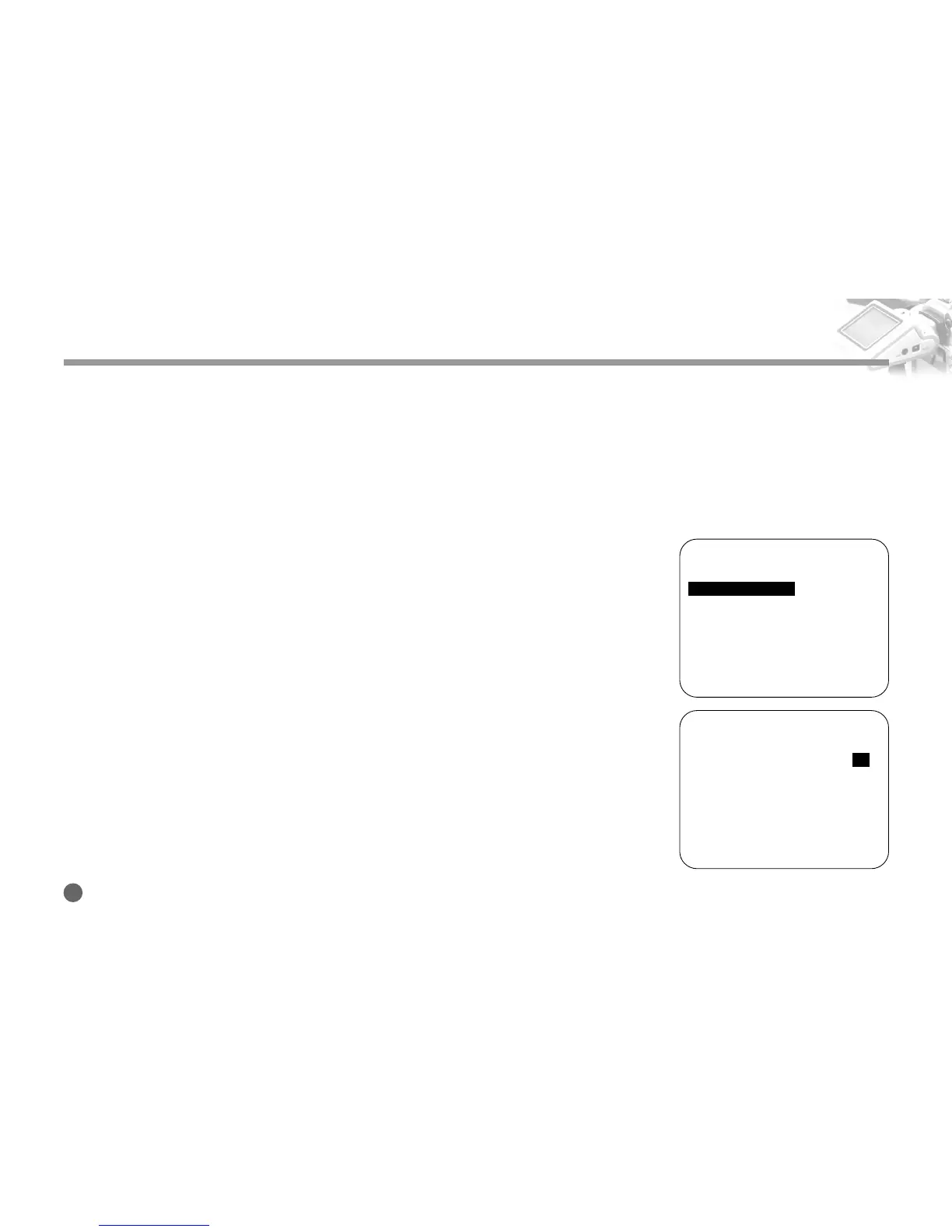
1. Push and hold the Navigation button to the right, and the Setup Menu appears.
2. Push the Navigation button up and down to move to the AE Compensation menu.
Then, push the Navigation button to the right.
3. Push the Navigation button up and down to set the appropriate AE value that
matches the image displayed on the screen.
If the subject is too bright or too dark, the displayed image may look strange.
4. Push the Navigation button to the left to exit the menu.
Screen Adjustment
========SETUP (v0.95)========
■
Size Adjust
➧
■
AE Mode
➧
AVG
■
AE Compensation +5
■
Negative Effect OFF
■
B/W Effect OFF
■
Back-Light Brightness 10
■
Extra Zoom out OFF
■
Display Battery Status ON
■
Display Zoom Status ON
■
Save and Load
➧
2
========SETUP (v0.95)========
■
Size Adjust
➧
■
AE Mode
➧
AVG
■
AE Compensation +5
■
Negative Effect OFF
■
B/W Effect OFF
■
Back-Light Brightness 10
■
Extra Zoom out OFF
■
Display Battery Status ON
■
Display Zoom Status ON
■
Save and Load
➧
3



 To Next Page