SECULINE Co., Ltd.
ZIGVIEW
Digital Angle View Finder
18
Still Image (Hold)
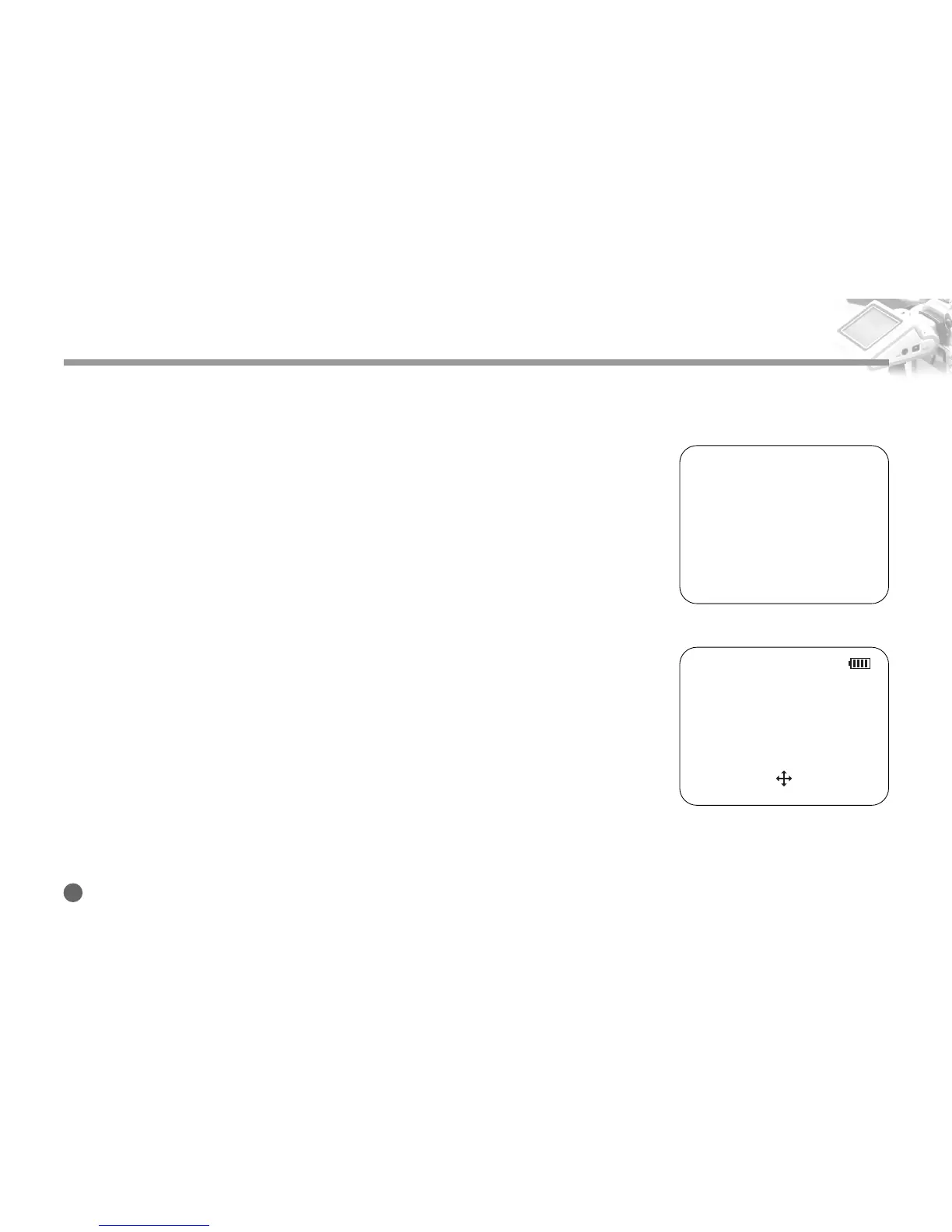
1. Push the Navigation button shortly towards right in normal or zoomed in/out
screen.
The screen is stopped and Hold is displayed at the top of the screen.
2. Pushing the Navigation button shortly towards right again will exit the Hold
mode.
Panning
1. Press the center of the Navigation button while the screen is zoomed in.
A cross-shaped icon will appear at the bottom center of the screen and the
device enters the panning mode.
2. Move the screen using 4 directional keys of the Navigation button.
3. Pressing the center of Navigation button will exit the panning mode.
Using ZIGVIEW
HOLD
205%
<Still Image>
<panning>



 To Next Page