SECULINE Co., Ltd.
ZIGVIEW
Digital Angle View Finder
21
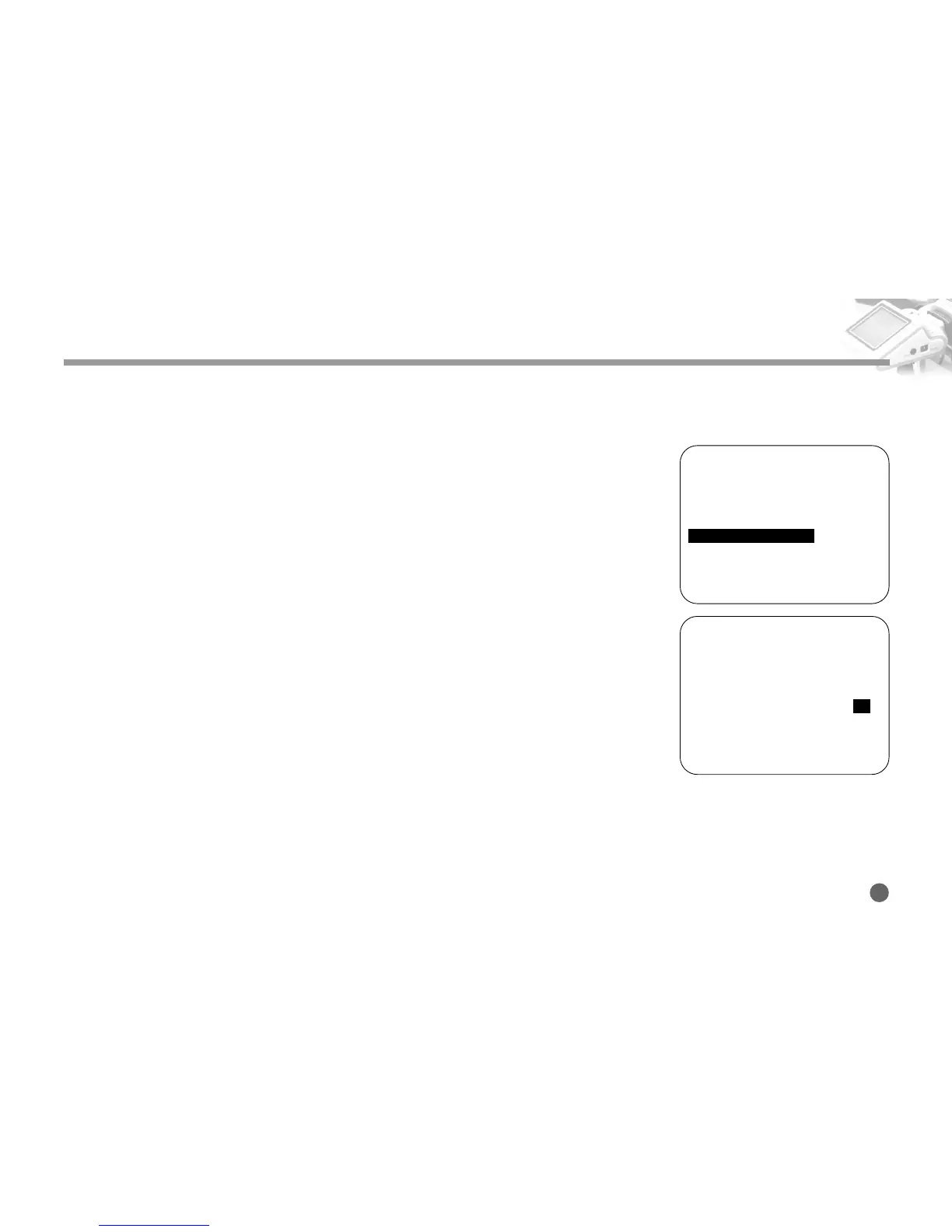
Adjusting the LCD Backlight Brightness
1. Push and hold the Navigation button to the right, and the Setup Menu appears.
2. Push the Navigation button up and down to move to the Back-light Brightness
menu.
Then, press the button to the right.
3. Push the Navigation button to select the desired value.
4. Available range is from 1 to 10, 1 is the darkest where 10 is the brightest.
Adjusting Backlight Brightness
========SETUP (v0.95)========
■
Size Adjust
➧
■
AE Mode
➧
AVG
■
AE Compensation +5
■
Negative Effect OFF
■
B/W Effect OFF
■
Back-Light Brightness 10
■
Extra Zoom out OFF
■
Display Battery Status ON
■
Display Zoom Status ON
■
Save and Load
➧
1
========SETUP (v0.95)========
■
Size Adjust
➧
■
AE Mode
➧
AVG
■
AE Compensation +5
■
Negative Effect OFF
■
B/W Effect OFF
■
Back-Light Brightness 10
■
Extra Zoom out OFF
■
Display Battery Status ON
■
Display Zoom Status ON
■
Save and Load
➧
2



 To Next Page