SECULINE Co., Ltd.
15
ZIGVIEW
Digital Angle View Finder
Screen Effect
You can select the Effect from the menu to give various effects to subjects on the display. Turn on the power
switch and the LCD screen appears.
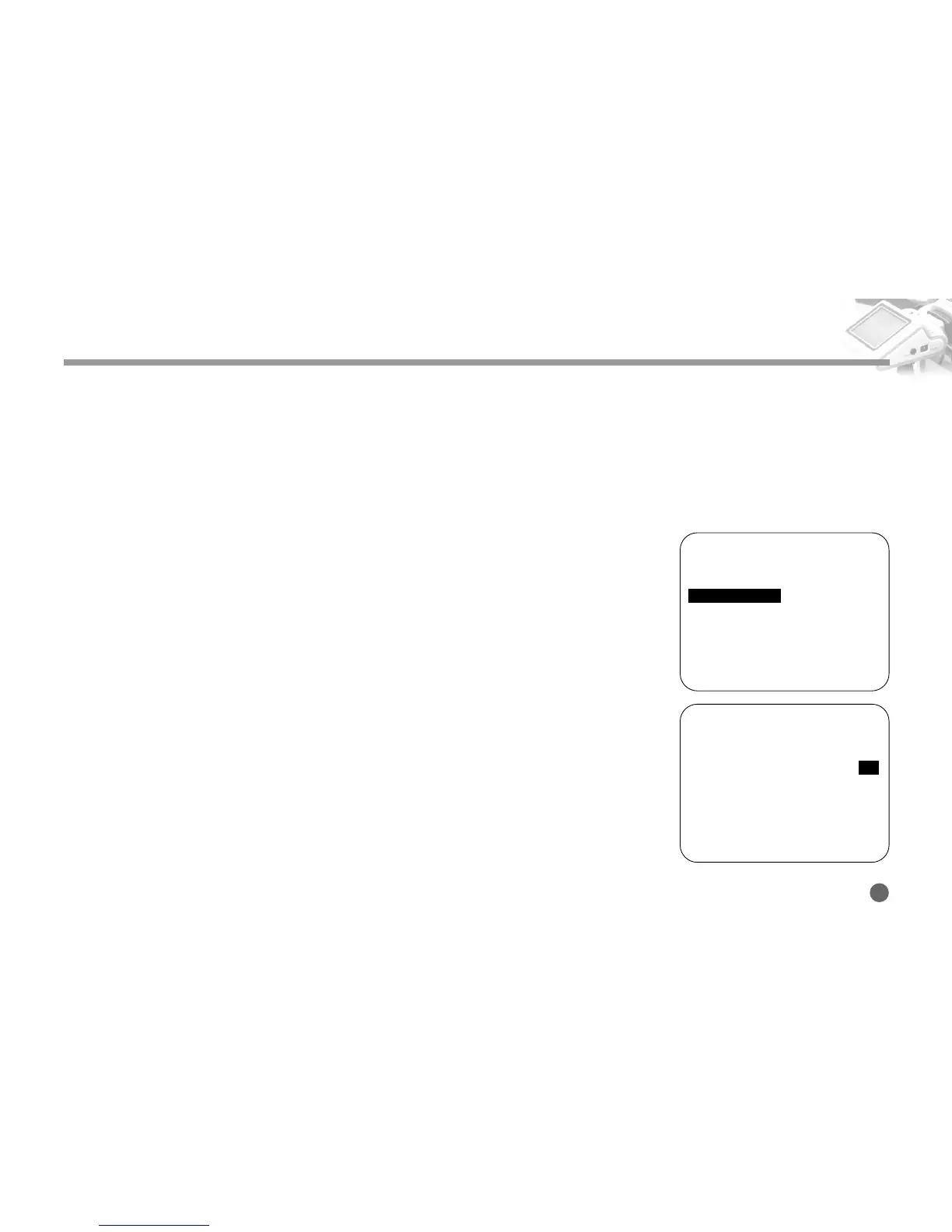
1. Push and hold the Navigation button to the right, and the Setup Menu appears.
2. Push the Navigation button up and down to move to the Negative Effect or the
B/W Effect menu. Then, push the Navigation button to the right.
Negative Effect: Color is reversed to the same form as negative film.
B/W Effect: Color screen is displayed in black and white.
3. Push the Navigation button up and down to select ON/OFF.
Using ZIGVIEW
========SETUP (v0.95)========
■
Size Adjust
➧
■
AE Mode
➧
AVG
■
AE Compensation +5
■
Negative Effect OFF
■
B/W Effect OFF
■
Back-Light Brightness 10
■
Extra Zoom out OFF
■
Display Battery Status ON
■
Display Zoom Status ON
■
Save and Load
➧
2
========SETUP (v0.95)========
■
Size Adjust
➧
■
AE Mode
➧
AVG
■
AE Compensation +5
■
Negative Effect ON
■
B/W Effect OFF
■
Back-Light Brightness 10
■
Extra Zoom out OFF
■
Display Battery Status ON
■
Display Zoom Status ON
■
Save and Load
➧
3



 To Next Page