114
Digital Messages
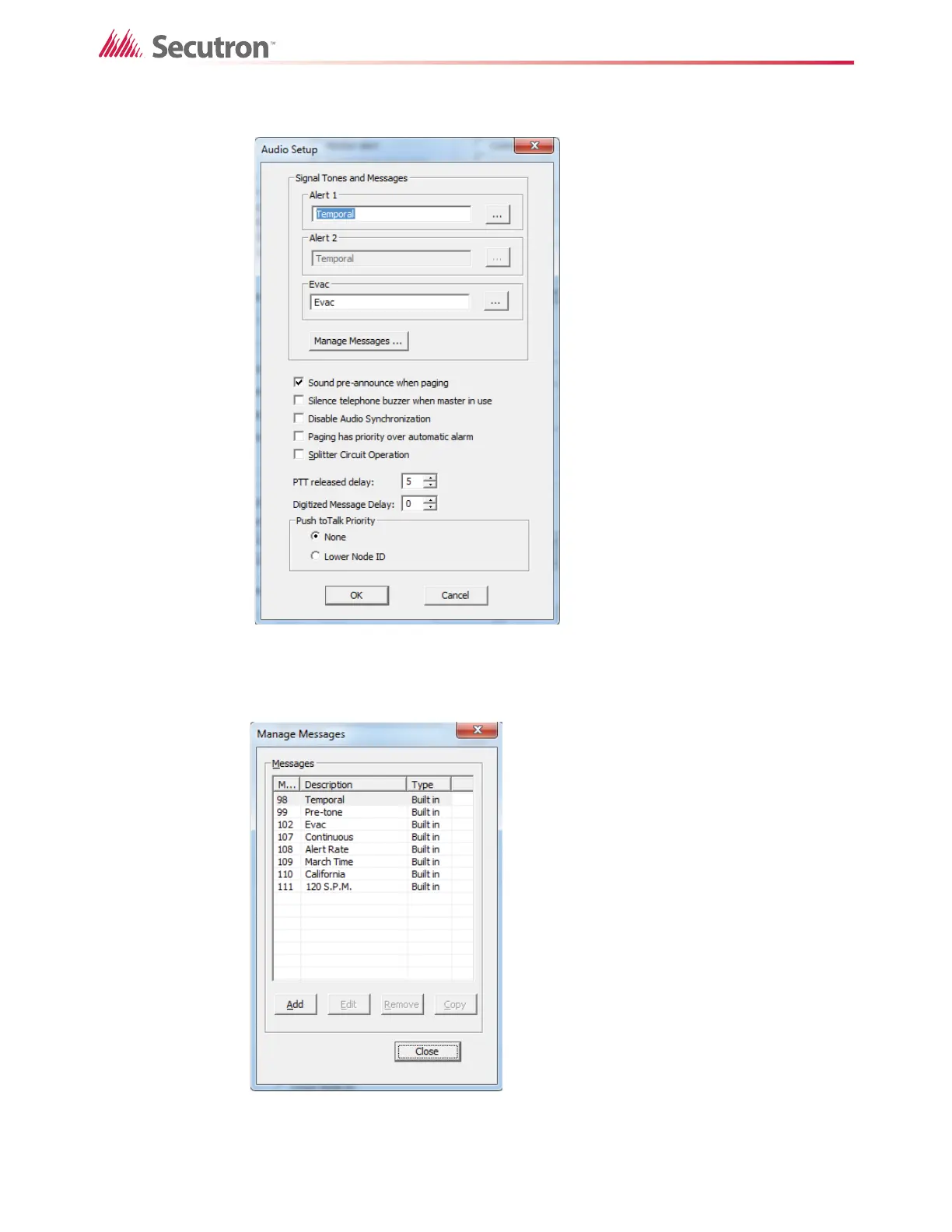
The Audio Setup window appears.
Figure 71 The Audio Setup window
2. Click the Manage Messages button.
The Manage Messages window appears.
Figure 72 The Manage Messages window
The Manage Messages window lists the compositions that are currently in the system.
You can add a new composition, or edit or remove an existing composition.



 To Next Page
 Loading...