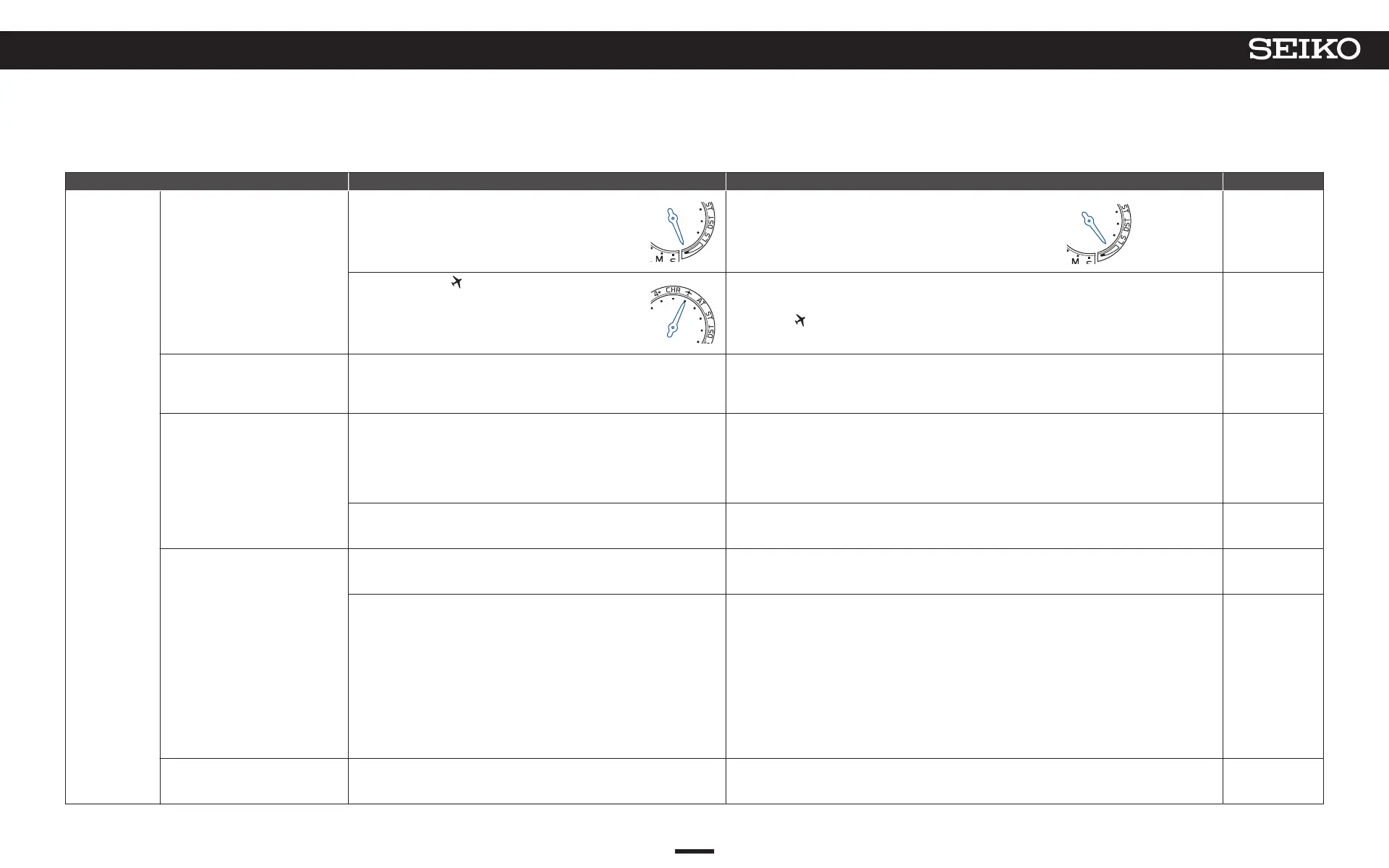
Troubleshooting Possible causes Solutions Reference pages
GPS signal
reception
Reception is not started even with
operation of time zone adjustment/
manual time adjustment.
The charging status display is “low”. (P. 12)
Charge the watch sufficiently until the multi-indicator hand returns to
the day of the week display from a charging status display of “low.”
middle
P. 14
The in-flight mode ( ) has been set. (P. 32)
After relocation from a place under restriction on use of GPS signals (in an airplane, etc.), reset the in-
flight mode (
).
P. 32
GPS signals cannot be received even
by carrying out GPS signal reception
(The reception result is displayed as
“N”.)
You are in a place where GPS signals cannot be received. (P. 18) Receive GPS signals in a place where GPS signals can be easily received. P. 18
Reception is possible (reception result
display becomes “Y”), but the time and
date are not accurate (when it is
understood as a reception result after
time adjustment).
The time zone that does not correspond to the region where you are has been
set.
Check the time zone setting.
If the time zone does not correspond to the region where you are, adjust the time zone.
• When you are in a place where GPS signals can be easily received → How to adjust the time
zone P. 22
• When you are in a place where GPS signals cannot be received → How to manually set the time
zone P. 25
P. 27
P. 22
P. 25
DST (Daylight Saving Time) setting does not correspond to the addition
conditions of DST (Daylight Saving Time).
Check DST (Daylight Saving Time) setting.
Do the time zone adjustment when you are in a place where it is easy to receive GPS signals.
→ How to adjust the time zone P. 22
P. 27
P. 22
Reception is possible (reception result
display becomes “Y”), but the time and
date are not accurate (when it is
understood as a reception result after
time zone adjustment).
DST (Daylight Saving Time) setting does not correspond to the addition
conditions of DST (Daylight Saving Time).
Check DST (Daylight Saving Time) setting.
Do the time zone adjustment when you are in a place where it is easy to receive GPS signals.
→ How to adjust the time zone P. 22
P. 27
P. 22
The positions of the hands are misaligned due to external influences.
The preliminary positions of the hands are incorrect.
→ Preliminary position P. 51
① <Hour/minute hand misalignment> The automatic hand position adjustment function is activated to
automatically adjust the positions. Please use the watch as it is. The automatic hand position
alignment function is activated once every 10 minutes for the seconds hand, once an hour for the
minute hand, and once every 12 hours for the hour hand.
<Date misalignment> Since the preliminary position is not automatically adjusted, manually adjust
the position.
② If the hand misalignments are not corrected, refer to “When the sub-dial, stopwatch 1/20-second
hand, multi-function indicator hand, date, or hour/minute/seconds hand position is misaligned” and
perform the operations.
③
When misalignment of the hand is not adjusted even with operation of
2
, consult the retailer from
whom the watch was purchased.
P. 51
P. 52
The reception result is displayed as
“Y”, but the time is gained or lost by
one to two seconds.
The automatic time adjustment function has not been activated for a few days. When energy is insufficient, the automatic time adjustment may operate only once every 3 days. P. 31
57
7
TROUBLESHOOTING
5X83 GPS SOLAR



 To Next Page