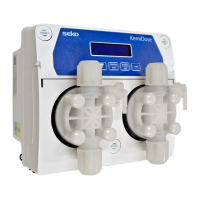
KemiDose | pH · ORP · Chlorine
0000139024 rev. 1.0 EN
5. SETTING PROGRAM
Program Setup – Press for 5 seconds
At the entry of each menu item, the parameter can be directly modified using the arrow keys ( and ).
Confirmation of the current setting and switching to the next item is done by pressing the button.
The menu has a circular structure: once you arrive at last item, the confirmation of the parameter set by
pressing , determines the return to the first menu item.
1 Language – It is possible to select between 5 available languages: EN, FR, IT, DE, ES
2 pH
§ Setpoint – 7.4pH (6-8pH)
§ Setpoint Type: – Acid (Acid/Alka)
§ Temperature: 25°C; set °C/°F and the manual value
§ OFA Alarm: Off, 1-60’ (minutes)
§ Prop. Band = 1.5pH (default: 1.5pH, range: 0.4-2.5 pH)
3 ORP
§ Setpoint – 700 mV (400-850mV)
§ Setpoint Type: Low (Low/High)
§ OFA Alarm: Off, 1-60’ (minutes)
§ Prop. Band = 250mV (default: 250mV, range: 100-350 mV)
§ Note: The ORP dosing, in the presence of Chlorine has no effect on the dosing pump,
but can handle the Aux2 Relay with ON/OFF activation with respect to the setpoint.
4 Chlorine
§ Setpoint – 1.2 ppm (0.3-3.0 ppm)
§ Setpoint Type: Low (Low/High)
§ OFA Alarm: Off, 1-60’ (minutes)
§ Prop. Band = 0.5 ppm (default: 0.5ppm, range: 0.3-1.2 ppm)
5 Advanced menu
§ Circulation pump – (Enabled/Disabled)
§ In Freq
• OFF/ON
• Pulse/Liter :1 or Liter/pulse: 1 – Set value
• Unit: L or m³
§ Calibration pH: 2 points, 1 point, Reference, Disable
§ Calibration ORP: 1 point, Reference, Disable
§ Calibration CL: 2 points, Disable
§ Calibration Temp: Reference, Disable
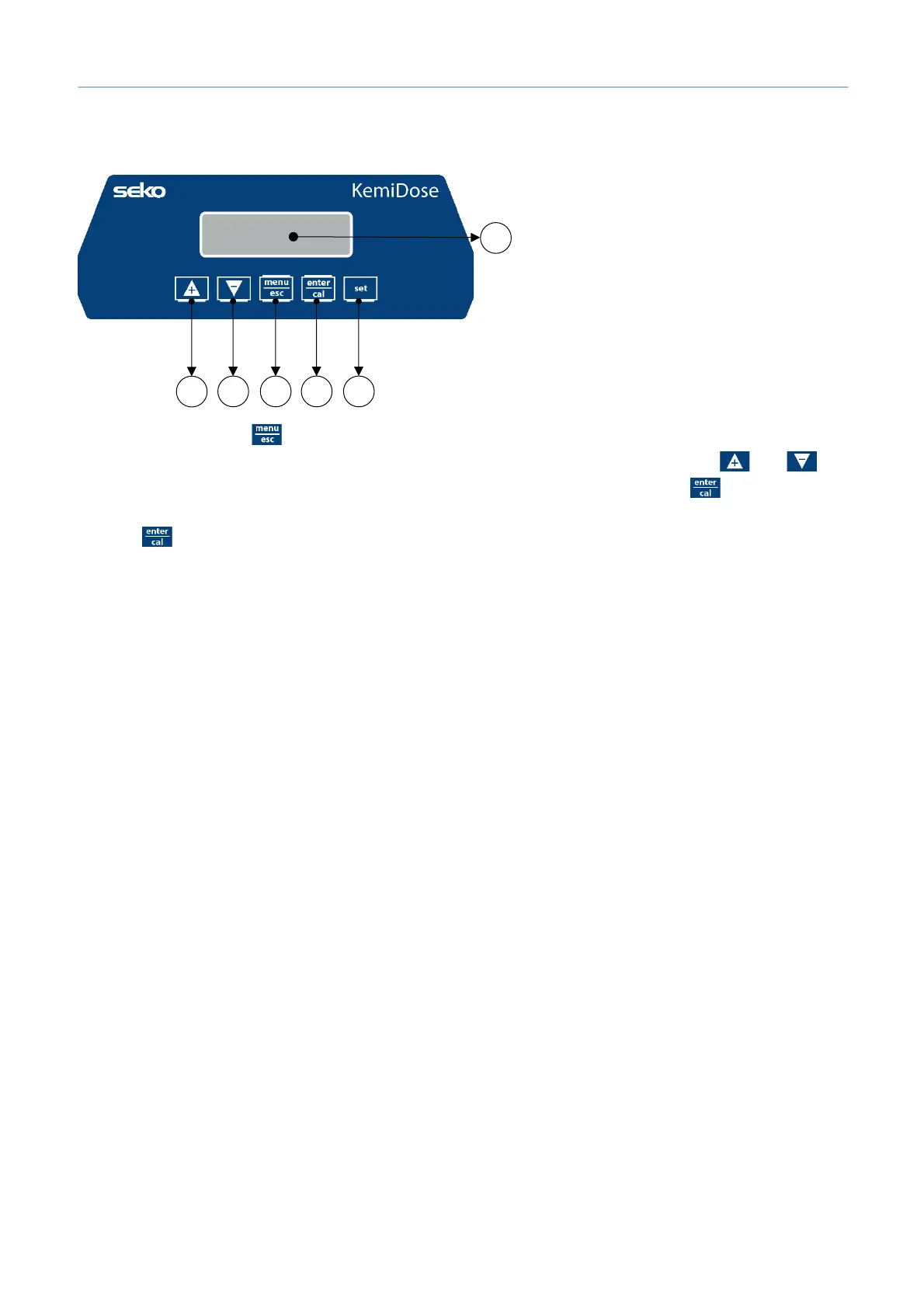
1) Button to increase the value
2) Button to decrease the value
3) Button Menu/Esc
4) Button Cal/OK
5) Button to set the setpoint
6) Digital display


 To Next Page